Google Business Profile for Restaurants: The Complete 2026 Guide
Your Google Business Profile is the first page most guests ever see — it decides whether they find you, believe you and book you. This guide walks you through claiming, verifying, completing and optimising your restaurant's profile in 2026, from primary categories to review strategy, with Nordic specifics throughout.
Key takeaways
- A complete Google Business Profile gets several times more clicks than an incomplete one — and it is free. Setup takes an afternoon; maintenance takes under an hour a month.
- Your primary category is the strongest relevance signal: pick the most specific cuisine category that matches how guests describe you, not how you describe yourself.
- Review volume and consistency beat a perfect rating — a practical target is 40+ reviews at 4.2 stars or higher, with 2–3 fresh reviews per week.
- Photos matter enormously: listings with 100+ photos get dramatically more calls and direction requests than listings with few or none.
- Nordic specifics — accurate holiday hours, multilingual information and ordering links — separate profiles that convert from profiles that just exist.
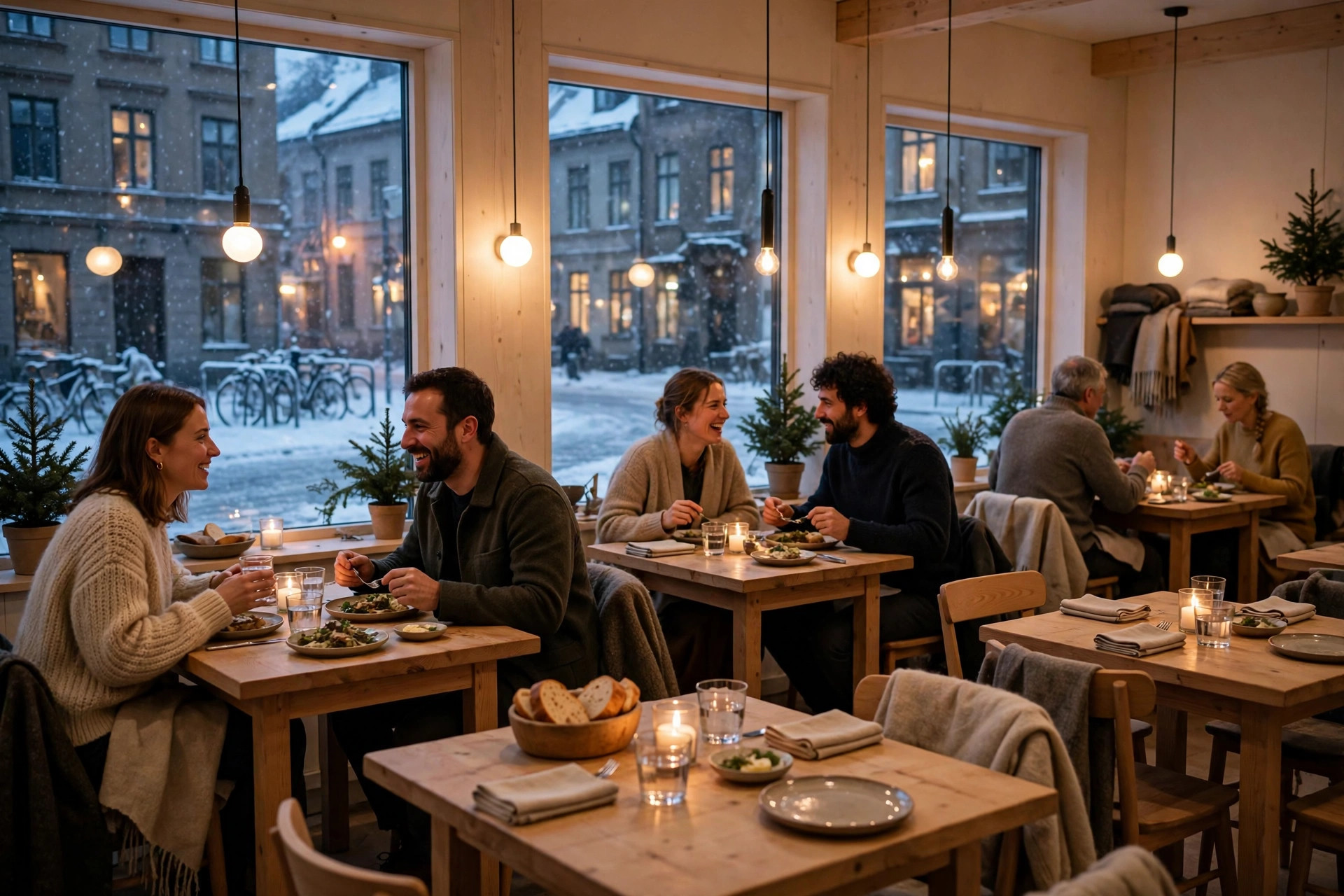
When someone searches "restaurant near me" on a Friday evening in Helsinki, Stockholm or Oslo, they do not land on your website first. They see a map with three restaurants, star ratings, a few photos and a phone number. That little panel — the Google Business Profile, formerly Google My Business — makes the shortlist before you get a say in it. Industry research suggests a strong majority of diners discover restaurants through Google, and complete profiles attract several times the clicks of incomplete ones. Yet local SEO analyses consistently find that over half of local businesses have an unclaimed or unoptimised profile. That gap is your opportunity.
This guide covers everything a restaurant owner needs: claiming and verifying the listing, filling every field that matters, understanding how the local pack ranks you, building a review engine, publishing menus and photos that convert, and the Nordic details — languages, holiday hours, lunch culture, delivery platforms — that global guides never mention. By the end you will have a concrete checklist and a maintenance rhythm you can actually keep up.
Why your Google Business Profile is your most important marketing asset
Think of your Business Profile as a second homepage — one that Google builds for you and puts in front of hungry people at exactly the moment they decide where to eat. Unlike your website, which guests find only if they already know your name, the profile appears in "near me" searches, cuisine searches and Google Maps itself. It is the only marketing channel that is free, that guests already trust, and that sits between a search query and a booked table.
The numbers behind that claim come from several industry studies of local search. Complete profiles consistently earn far more clicks than incomplete ones — one widely cited analysis puts the gap at roughly seven times. Businesses with more than a hundred photos receive several times more calls than those with a handful, and listings with photos get roughly 40% more direction requests than listings without. Treat those figures as direction, not gospel — they vary by market — but the direction is unambiguous: Google rewards profiles that look alive, and customers do too.
Your Google Business Profile is not a directory entry. It is the first page of your menu that guests read.
There is also a cost argument. An unoptimised profile means you are competing for "pizza Helsinki" with one hand tied behind your back, while the competitor two streets over is collecting calls because they bothered to add opening hours and forty photos. Fixing that costs nothing but an afternoon. No other marketing task offers that return on an afternoon's work.
Finally, the profile is where your reviews live. For most independent restaurants it will carry more reviews than every other platform combined — and those stars show up directly in the map results. A strong profile does not replace your website; it feeds it. The profile creates the click, and the website converts it. Make sure the two are connected: your profile's website link should point at your own domain, not a third-party ordering platform, so the traffic stays yours.
Claiming and verifying your restaurant profile
If Google already shows a listing for your restaurant — and it probably does, since Google creates listings from public data — your first move is to claim it. On a computer, open Google Maps, search for your restaurant by name and city, open the listing and click Claim this business, then Manage now. In the Maps mobile app the path is the same via the About tab. If no listing exists at all, create one at business.google.com/add: enter your name, address and category exactly as customers know them.
Verification: proving the restaurant is yours
Claiming is quick; verification takes longer, and it is mandatory. Verification confirms the business is yours to manage, and your profile only starts influencing local rankings once it is done. Google offers different verification methods depending on the business — typically a postcard mailed to your address with a code, a phone call, or a video recording in which you show your signage, kitchen and dining room. Video verification has become common for restaurants, and it is worth preparing for: have your signage visible, your menu to hand and proof of your address ready before you start the recording.
Two special situations
- The profile is already verified by someone else. This happens when a former manager, a franchisor or even a fan set it up. Do not create a second listing — request ownership of the existing one instead. Duplicates split your reviews and confuse Google.
- Multiple listings for the same location. Use Google's duplicate-reporting process to identify the real one and merge them. Only one verified listing should exist per location.
A note on eligibility: Google's guidelines require profiles to reflect real, eligible businesses. Delivery-only ghost kitchens, food trucks and catering services follow separate rules — ghost kitchens typically operate as service-area businesses without a publicly displayed address, and food trucks have location-specific conditions. Check eligibility before creating a profile or displaying an address, because an ineligible listing can be suspended without warning.
Before you start
Have these ready: your exact business name as it appears on your signage, your full street address, a local phone number (not a call-tracking number — NAP consistency matters), your website URL, your cuisine type, and your regular opening hours including lunch. Verification goes much faster when the details match reality.
The complete profile checklist for 2026
A half-finished profile is barely better than none — Google's own documentation says completeness directly improves your chances of appearing in local results. Restaurants also get fields that most other business types do not. Work through every item below; nothing here is optional if you want the profile to pull its weight.
Name, address, phone — the NAP foundation
Your business name must match what is on your signage and business registration. Adding keywords to the name — "Mario's Italian Restaurant & Pizza" — violates Google's guidelines and risks suspension, even when competitors get away with it. Your address and phone number must be byte-for-byte identical everywhere online: your profile, your website, your delivery platform listings. Even "St." versus "Street" is enough to make Google hesitate. Use a local number on the profile and keep call tracking on your website instead.
Categories and description
Choose one primary category that matches how guests describe you — "Sushi Restaurant", "Neapolitan Pizzeria", "Vegetarian Restaurant" — and stack relevant secondary categories for additional services such as "Takeout Restaurant" or "Delivery Restaurant". You can add up to nine secondary categories. The primary category carries the strongest ranking signal, so be specific. (There is a full treatment of this in our companion guide — Google Business Profile Categories: Choosing the Right Ones.)
The business description gives you 750 characters. Write it the way you would want an AI assistant to quote it: specific, factual and complete. Include your cuisine type, your neighbourhood or district, two or three signature dishes and what makes the experience distinct. Avoid vague marketing prose — it wastes characters that concrete, quotable facts would fill better.
Hours, special hours and service options
Enter your regular hours, then set special hours for every holiday and closure before they happen — Christmas, Easter, Midsummer, New Year. Inaccurate hours are one of the fastest ways to earn a one-star review: nothing poisons a guest like travelling to a closed restaurant. Mark dining attributes accurately: dine-in, takeout, delivery, outdoor seating, reservations accepted, wheelchair accessibility. These attributes double as Maps search filters, so an accessible entrance you never mention makes you invisible to every guest filtering for it.
Website, menu and ordering links
Your website URL should point at your own domain — never at a delivery aggregator. Traffic you send to a third-party platform is traffic you rent; traffic to your own site is traffic you own. Add a menu link that points directly at your website's menu page (not your homepage), and add ordering links for the channels you actually use. In the Nordics that usually means Wolt and Foodora, or your own online ordering system if you have one. If you run your site on a proper platform — a PowerfulWebsite site, for example — the menu page URL never changes, so the link stays valid for years.
Link the profile to your own domain, not to an aggregator. Every click you send to a delivery platform is a customer you paid to acquire and then gave away.
Opening date and photos
Set your opening date — older businesses carry slightly more trust in local search, and the field costs nothing to fill. Then upload photos in volume: exteriors (3+), interiors (5–10), dish shots (20+), and team photos if you are comfortable. Aim for 50+ photos as a minimum and 100+ as the benchmark; keep adding fresh ones monthly. Smartphone photos are fine if the light is good and the food is real — guests trust honest phone photos more than glossy stock imagery anyway.
How the local pack actually works
The local pack — those three map results with star ratings above the organic listings — is where most "restaurant near me" searches resolve. Google ranks the pack on three factors: relevance, distance and prominence. Distance is fixed; you cannot move your restaurant closer to the searcher. That leaves you two levers, and they are both improvable.
Relevance: does Google understand what you are?
Relevance comes from your primary category, your description, your menu items and the words on your website. A profile categorised as "Italian Restaurant" with a description mentioning handmade pasta will surface for pasta searches; a profile categorised as "Restaurant" with a two-sentence description will not. This is why category selection is the single highest-leverage edit on the whole profile — it determines which searches you are even eligible to appear in.
Prominence: how well-known are you?
Prominence is your reputation across the web: review volume and ratings, citations on other directories, links to your site, and how active your profile looks. You improve it through consistent reviews, accurate citations (Yelp, TripAdvisor, Apple Maps, Bing Places) and regular posts. Nothing about prominence is instant — it compounds. A profile that gains two or three reviews a week for a year becomes very hard to dislodge.
The local pack vs. the local finder
The three results in the pack are just the beginning. Tapping "view all" opens the local finder with dozens of ranked results — and the same three factors order that list too. Optimising for the pack automatically improves your position deeper in the finder, which is where the second wave of guests comes from.
One practical consequence: you cannot outspend a competitor into the pack. Ranking there is driven by effort, not budget. That makes the local pack the highest-return marketing channel available to most independent restaurants — and the one most often neglected in favour of paid channels that cost money and produce less.
Reviews: the engine of your ranking
Reviews feed prominence directly, they shape the star rating guests see in the pack, and they are the social proof that converts a glance into a booking. Industry experience says review volume matters more than a flawless rating: a restaurant with 150 reviews at 4.3 stars will generally outrank one with 20 reviews at 4.8. A practical target is 40+ reviews at 4.2 stars or higher — enough volume to be credible, enough rating to be attractive.
Getting reviews without begging or buying
Never buy reviews and never offer incentives for them — both violate Google's policies and the fakes are easier to spot than people think. What works is making the ask effortless and timely. The highest-converting moment is right after a great meal, so build the ask into the flow: a small card with the bill carrying a QR code to your review link, a line on the receipt, or a brief mention from the server for tables that clearly enjoyed themselves. Keep the friction low — every extra step halves the conversion.
Consistency beats campaigns. Two or three reviews a week, every week, beats twenty reviews in one burst followed by six months of silence. Fresh reviews signal to Google that the business is actively serving happy customers right now, and they keep your average rating current as older reviews age out of guests' attention.
Replying: the part most restaurants skip
Reply to every review — positive and negative — within 24 to 48 hours. Thank happy guests by name and mention something specific from their review; it shows future readers that real humans run the place. For negative reviews, stay calm, acknowledge the specific complaint, apologise without grovelling, and move the conversation offline: "We're sorry about the wait on Saturday — please write to us at [email] so we can make this right." Never argue, never blame, and never reveal personal details. A well-handled one-star reply converts more readers than a dozen five-star reviews, because every guest checks how you treat people when things go wrong.
Nobody expects a perfect 5.0. Guests expect a restaurant that listens — and they judge that from your replies, not your rating.
Watch for review policy issues too. Google removes reviews that look fake, incentivised or off-topic, and it can suspend a profile that accumulates suspicious patterns. If a competitor or a bad-faith reviewer posts something false, flag it through the review management tools rather than engaging publicly — and document the facts in case you need to appeal.
Menus, photos and posts — content that converts
Once the profile is claimed and complete, it needs content that turns viewers into visitors. Three formats matter: your menu, your photos and your posts. Each has a rhythm, and each rewards consistency over intensity.
Your menu on Google
You have three options: type individual dishes into Google's menu editor (organised in sections, with descriptions and prices), link to your website's menu page, or upload a menu photo or PDF. The editor puts dishes directly on the listing, which is powerful for dish-level searches. But it is also another place to maintain — if your menu changes seasonally, you will be updating two menus forever. For most restaurants the cleanest setup is a menu link to your own website's menu page: it stays current whenever the site does, and it pulls visitors onto your domain where the booking button lives. That is exactly why a proper digital menu done right matters — Google will happily point guests at it.
Photos: quantity and quality
Photos are the visual proof behind your rating. Guests decide in seconds whether a place looks like somewhere they would enjoy, and they decide from your photos — or worse, from other people's photos, if you have none. Upload in volume and keep the mix real: the room, the dishes, the team, the terrace in summer. Refresh monthly; a profile whose newest photo is three years old looks closed even when it is not.
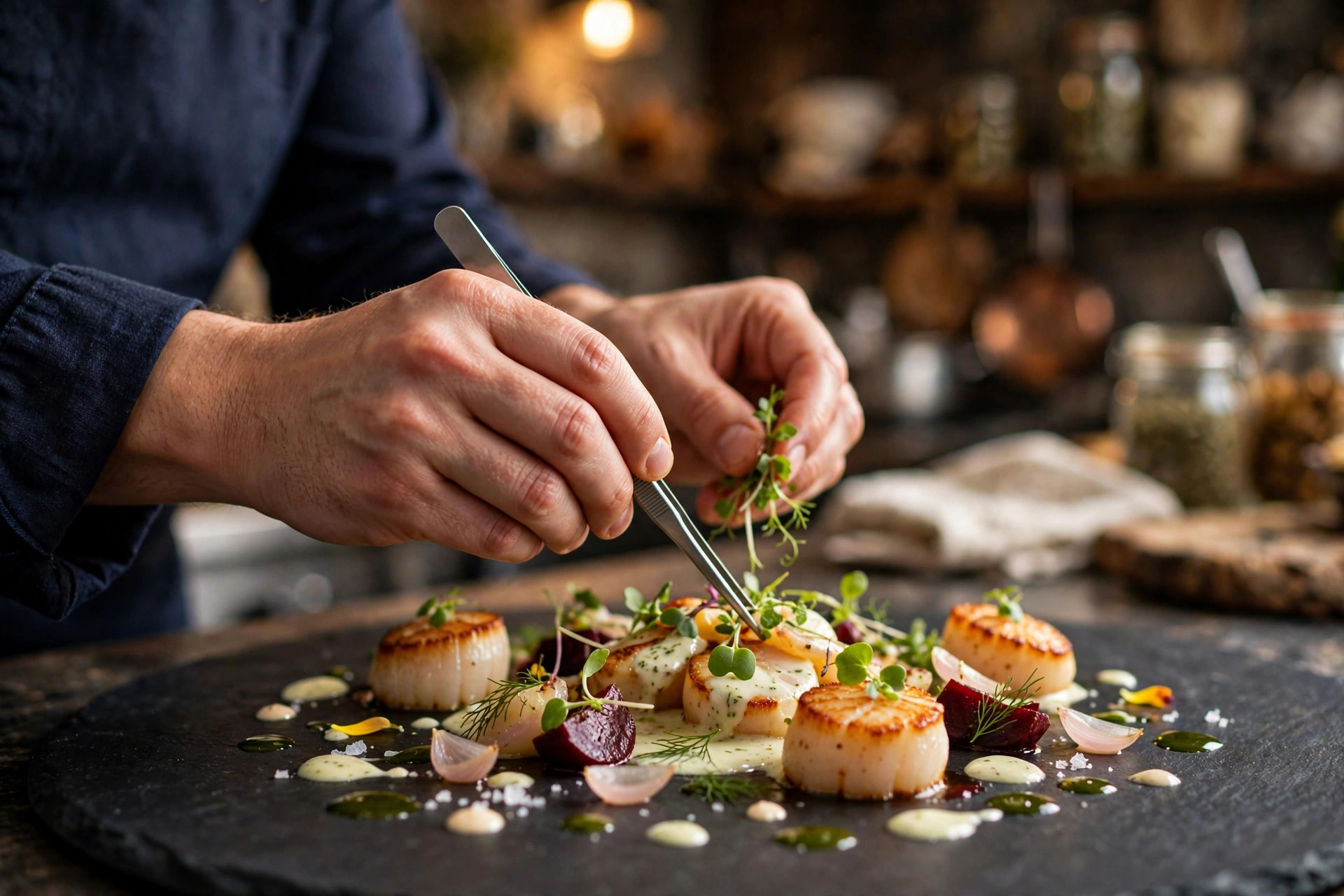
Encourage guest photos too. Customer-uploaded images carry a different credibility — guests trust them precisely because you did not choose them — and they keep the gallery fresh between your own uploads. If a guest posts a great shot, thank them in a reply; it costs nothing and often earns you a loyal regular.
Google Posts and the Q&A section
Google Posts are short updates — a new dish, a wine dinner, a seasonal menu, extended summer hours — that appear on your listing. Post at least weekly during busy periods; an active posting rhythm signals to Google that the business is engaged, and it gives regulars a reason to keep checking. Keep posts short, visual and time-bound: "Crayfish season starts Friday — book your table" beats a generic brand statement.
Do not neglect the Questions & Answers section. Anyone can ask a question on your listing, and anyone can answer it — including competitors and well-meaning strangers who get it wrong. Monitor Q&A and answer promptly and accurately yourself: "Do you take walk-ins?" "Is the terrace dog-friendly?" Seed the section with the questions you hear every week; answering your own real questions is legitimate and it stops wrong answers from filling the vacuum.
The Nordic playbook: languages, seasons and ordering links
Global guides get you 80% of the way. The remaining 20% is local — and in the Nordics, the local details are where profiles quietly win or lose guests.
Languages and names
In Finland, Sweden and Norway, guests search in the local language and in English — tourists search almost exclusively in English. Make sure your profile works for both: the business name should match your signage exactly (do not translate it), but your description should include the terms guests actually search for in both languages. A Helsinki restaurant benefits from mentioning "lounas" and "lunch"; a Stockholm one from "lunch" and "middag". If your menu is bilingual, say so in the description — international guests filter for it mentally even when Google does not.
Holiday and seasonal hours
Nordic calendars have closures that surprise algorithms trained on other markets: Midsummer weekend, Christmas Eve through Boxing Day, Easter Thursday to Monday, May Day (vappu/Valborg) and Norway's Constitution Day on 17 May. Set special hours for every one of them before they arrive, and update summer hours when terraces open. Wrong hours during a holiday week can produce a cluster of one-star reviews in days — the most expensive kind of profile damage, because it is entirely preventable.
Ordering links: Wolt and Foodora, not DoorDash
American guides tell you to add DoorDash and Uber Eats. In the Nordics the relevant platforms are Wolt and Foodora. Add ordering links only for channels you actually fulfil well — a guest who orders through a link on your profile and gets a bad experience blames you, not the platform. And keep your own website as the primary website link regardless; aggregator links are fine as ordering options, but your domain is where the brand, the menu and the booking flow live. If you are rethinking that flow, our guide to online booking vs. phone in 2026 lays out what actually converts.
Lunch culture is a search category of its own
In all three Nordic countries, lunch is a daily habit, not an occasion — office workers search "lunch near me" every weekday around 11:00. If you serve lunch, say so explicitly: in the description, in posts during the week, and in your attributes. A lunch menu link separate from the dinner menu is worth the effort, because the lunchtime searcher is deciding in minutes, and the restaurant whose profile answers "what's for lunch today" wins that decision.
At 11:07 on a Tuesday, "lunch near me" is the most valuable search in the Nordics. Your profile should answer it before your website loads.
Common mistakes that sink restaurant profiles
Most profile damage is self-inflicted and fixable. Here are the mistakes we see most often, what each one costs, and the fix.
| Mistake | What it costs you | The fix |
|---|---|---|
| Keyword-stuffed business name ("Best Pizza Helsinki Cheap") | Suspension risk; guests distrust it | Use your real signage name, nothing more |
| Wrong or generic primary category | Invisible in the searches that matter | Pick the most specific cuisine category — see our categories guide |
| Hours never updated for holidays | One-star reviews from guests who found you closed | Set special hours for every holiday, in advance |
| NAP inconsistent across directories | Google distrusts your data; rankings sag | Make name, address and phone identical everywhere |
| Website link points to a delivery aggregator | You rent traffic instead of owning it | Link your own domain; keep aggregators as ordering links |
| Q&A left unmonitored | Strangers answer for you — sometimes wrongly | Answer promptly; seed it with your real FAQs |
| Bought or incentivised reviews | Removal, or profile suspension in serious cases | Earn reviews at the table, one genuine review at a time |
Two of these deserve emphasis because they are silent killers. The first is the duplicate listing: a second, half-maintained profile for the same restaurant splits your reviews and your ranking power, and guests who land on the wrong one see stale hours. Audit for duplicates once a quarter. The second is the unclaimed profile — still common even in 2026. If you have never claimed yours, someone else's photos, someone else's answers and Google's guesses are representing your restaurant right now. Claiming it is the single highest-leverage hour you will spend on marketing this year.
Measuring what pays off
Optimisation without measurement is decoration. Google Business Profile includes built-in Insights: how many people found you via Search versus Maps, how many called, requested directions, visited your website or booked. Check these monthly and watch the trend, not the absolute numbers — a rising curve on direction requests after you added fifty photos is the profile telling you what worked.
Attribute the traffic properly
Add UTM parameters to the website URL on your profile (for example ?utm_source=google&utm_medium=gbp) so your analytics can separate profile traffic from everything else. Then you can see what profile visitors actually do on your site — do they open the menu, do they reach the booking page? If profile clicks are high but bookings are low, the problem is not the profile; it is the website it points to. A fast, mobile-friendly site with the menu one tap away closes that gap — which is exactly what a PowerfulWebsite site is built to do, with the build free and plans from €59/mo.
The maintenance rhythm
Profiles decay. Menus change, hours shift, staff turnover breaks the review-asking habit. Put the profile on a calendar:
- Weekly: one Google Post; reply to new reviews within 48 hours; glance at Q&A.
- Monthly: add fresh photos; check Insights; confirm hours still match reality.
- Quarterly: audit for duplicate listings; review categories and attributes; check NAP consistency across key directories.
- Before every holiday: set special hours. No exceptions.
That is roughly 30–60 minutes a month for a channel that sits between a hungry searcher and your dining room. There is no cheaper marketing in the restaurant business.
Frequently asked questions
Is Google Business Profile free for restaurants?
Yes. Google Business Profile is completely free — claiming your listing, verifying it, adding photos, menus, posts and replying to reviews costs nothing. The investment is time: roughly an afternoon to set up properly and 30–60 minutes a month to keep it current. Paid local-SEO tools and agencies exist, but none of them can buy a better position in the local pack — ranking there is driven by relevance, distance and prominence, not ad spend.
How do I claim my restaurant's Google Business Profile?
Open Google Maps on a computer, search for your restaurant by name and city, select the listing and click "Claim this business", then "Manage now". If no listing exists yet, create one at business.google.com/add — enter your name, address and category exactly as customers know them. You will then complete a verification step: typically a postcard to your address, a phone call, or a video recording showing your restaurant. The profile only starts influencing local rankings once verification is complete.
How do I get my restaurant into the Google local pack?
There are three ranking factors: relevance, distance and prominence. Distance is fixed — you cannot move your restaurant — but you control the other two. Relevance comes from an accurate, complete profile with the right primary category and a detailed description. Prominence comes from review volume and ratings, photos, citations and activity such as posts. In practice, the strongest lever most restaurants can pull is their primary category plus a steady stream of genuine reviews — review consistency and volume matter more than a perfect rating.
How many reviews does a restaurant need to rank on Google?
There is no official threshold, but a practical target is 40+ reviews at a rating of 4.2 stars or higher. Review volume matters more than perfection: a restaurant with 150 reviews at 4.3 will generally outrank one with 20 reviews at 4.8. What moves the needle most is consistency — 2–3 new reviews per week beats 20 reviews in one burst followed by silence, because freshness signals to Google that the business is actively serving happy customers.
Can I add my menu to my Google Business Profile?
Yes, three ways: you can type individual dishes into the menu editor (with sections, descriptions and prices), add a menu link pointing to your website's menu page, or upload a menu photo or PDF. For most restaurants the cleanest option is a menu link to your own website's menu page — it stays current whenever your site does, keeps visitors on your domain, and works well when the menu changes often or has many customisation options. The menu editor is best when you want dishes to appear directly on the Google listing itself.
What happens to my profile if my restaurant moves or changes its name?
Update the profile first, then fix everything else. Edit the address or name inside your Business Profile, re-verify if Google asks you to, and only then chase down your website, menus, directory listings and social profiles so they match exactly. Even small inconsistencies — "Street" versus "St.", or the old phone number lingering on a delivery platform — make Google hesitate about which information is correct, and that hesitation can suppress your local ranking for weeks.
Want a website that turns profile clicks into table bookings?
Your Google Business Profile brings the guests — your website closes the deal. PowerfulWebsite builds your restaurant's website for free; you only pay from €59/mo, with the menu, booking flow and local SEO handled. See what your site could look like.
See the packages