Google Posts for Restaurants: How to Use Them
Google Posts are free mini-announcements that appear directly in your restaurant's Google listing — in search results and on Google Maps. They come in four types (What's new, Offer, Event, Product), most expire after 7 days, and the best routine is one quality post per week: a special, an event, or a seasonal menu launch, each with a strong photo and a clear call to action.
Key takeaways
- Google Posts are free announcements inside your Google Business Profile — visible where customers search, not buried in a social feed.
- Use all four post types: What's new (weekly updates), Offer (promotions with expiry dates), Event (concerts, tastings, holiday menus), and Product (menu items that don't expire).
- Standard posts expire after 7 days, so one quality post per week is the minimum effective rhythm.
- Every post needs a great photo and a clear call to action — "Book a table" beats "Learn more" almost every time.
- Posts are a conversion tool, not a magic ranking trick: they win the click, while categories, reviews and relevance win the local 3-pack.
When someone searches for your restaurant on Google, the first thing they see is your listing: the map pin, opening hours, photos, reviews — and, if you use them, your latest Google Posts. A Post is a short announcement with a photo and a button, sitting right inside that listing. It is free, it takes minutes to create, and it appears exactly where hungry customers make their decision.
Most restaurant owners have heard of Google Posts but never published one. In this guide you'll learn the four post types and when to use each, what kind of content actually drives bookings for restaurants, how often to post, and the mistakes that waste the effort. This is written for busy owners: every section ends with something you can do this week, in about 15 minutes.
What Google Posts are (and the 4 types)
Think of a Google Post as a cross between a social media update and a classified ad. It appears on your Business Profile in Google Search and Google Maps — in the "Updates" or "What's happening" section of your listing, and sometimes highlighted near the top of your Knowledge Panel. Unlike an Instagram post, it shows up at the exact moment someone is looking at your business, not while they're scrolling past cat videos.
There are four post types. Choosing the right one matters, because each behaves differently:
| Post type | Use it for | How long it stays prominent | Restaurant example |
|---|---|---|---|
| What's new | General updates, news, new dishes, seasonal changes | Expires after 7 days | "Autumn menu is here — 6 new dishes" |
| Offer | Promotions with a start and end date, optional redemption code | Until the offer's expiry date | "2-for-1 pizzas, Tue–Thu this month" |
| Event | Something happening at a specific date and time | Until the event's end date | "Live jazz night, Friday 20:00" |
| Product | Showcasing a specific item with photo, description and price | Does not expire — lives in the Products section | "Signature dish: Arctic char, €32" |
What's new posts: your weekly heartbeat
What's new is the workhorse. Use it for the steady stream of small announcements that keep your profile looking alive: a new dessert on the menu, a chef's special this weekend, a change in opening hours for a holiday, a behind-the-scenes photo of the kitchen prepping for Saturday service. Because these expire after 7 days, they are the reason the weekly rhythm exists.
Offer posts: promotions with a deadline
Offer posts are built for promotions. You set a start and end date, and Google can display a special badge with your post in search results. The expiry date is your friend: a time-limited offer ("this week only") converts better than a permanent discount, and the post stays visible for the whole campaign without you reposting it. You can optionally add a redemption code or terms — useful if you want to track how many guests actually used the offer.
Event posts: fill the room on specific nights
Event posts are ideal for anything with a date: tasting menus, wine dinners, live music, quiz nights, Christmas and New Year seatings, Mother's Day brunch. The post remains visible until the event ends, and Google shows the date prominently. For restaurants, events are the highest-leverage post type — a single well-promoted event can fill a slow Tuesday.
Product posts: a mini menu that never expires
Product posts are the most underused type for restaurants. Each post showcases one item with a photo, a description and a price — and unlike the others, it does not expire. Add your signature dishes, your lunch menu items, or your most-photographed dessert, and they sit in your profile's Products section permanently. Think of it as a curated "greatest hits" menu inside your Google listing, always visible to people comparing you with competitors.
What restaurants should post
The golden rule: post things that make a decision easier for someone who is choosing where to eat tonight. Vague inspiration ("We love autumn!") wastes the space. Concrete information with a photo and a button drives action. Here is what works, by post type:
Post ideas that get bookings
- New menu launches and seasonal changes. "Our autumn menu starts Thursday — 6 new dishes built around mushrooms and root vegetables." Photo of the best-looking plate. Button: View menu (linking to your menu page).
- Weekly or daily specials. "Friday: whole grilled sea bass for two, €49." Regulars start checking your profile like a noticeboard.
- Events and entertainment. Jazz nights, wine tastings, sports screenings, holiday seatings — anything with a date deserves an Event post.
- Offers with a deadline. Midweek offers to fill slow nights work best: "Tuesday–Thursday: 20% off the tasting menu."
- Social proof moments. A milestone ("1,000 five-star reviews — thank you!"), an award mention, a full house photo on Saturday night. Genuine moments only — never invent reviews or awards you haven't earned.
- Practical updates. Holiday hours, terrace season opening, a new lunch serving time. Boring? Maybe. But it's the post that stops someone arriving to a closed door.
What not to post
Skip stock photos — customers can smell them and they tell a searcher nothing about your food. Skip text-heavy graphics and anything with phone numbers or prices baked into the image; they look dated and Google may reject them. And skip anything that belongs on a social feed but not in a business listing: memes, political commentary, and personal updates. Your Google listing is your digital shopfront — post like it's the window display.
The photo rule
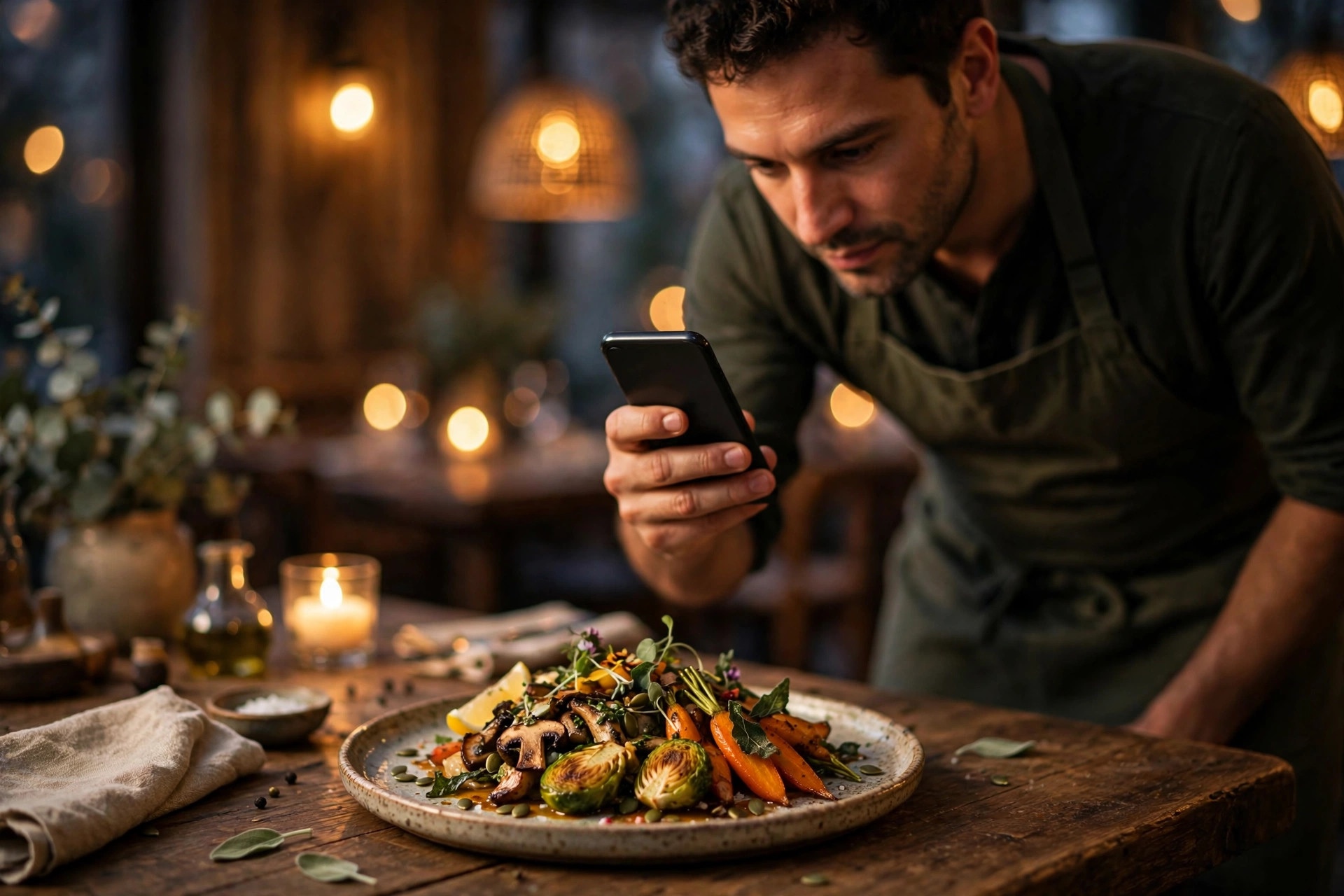
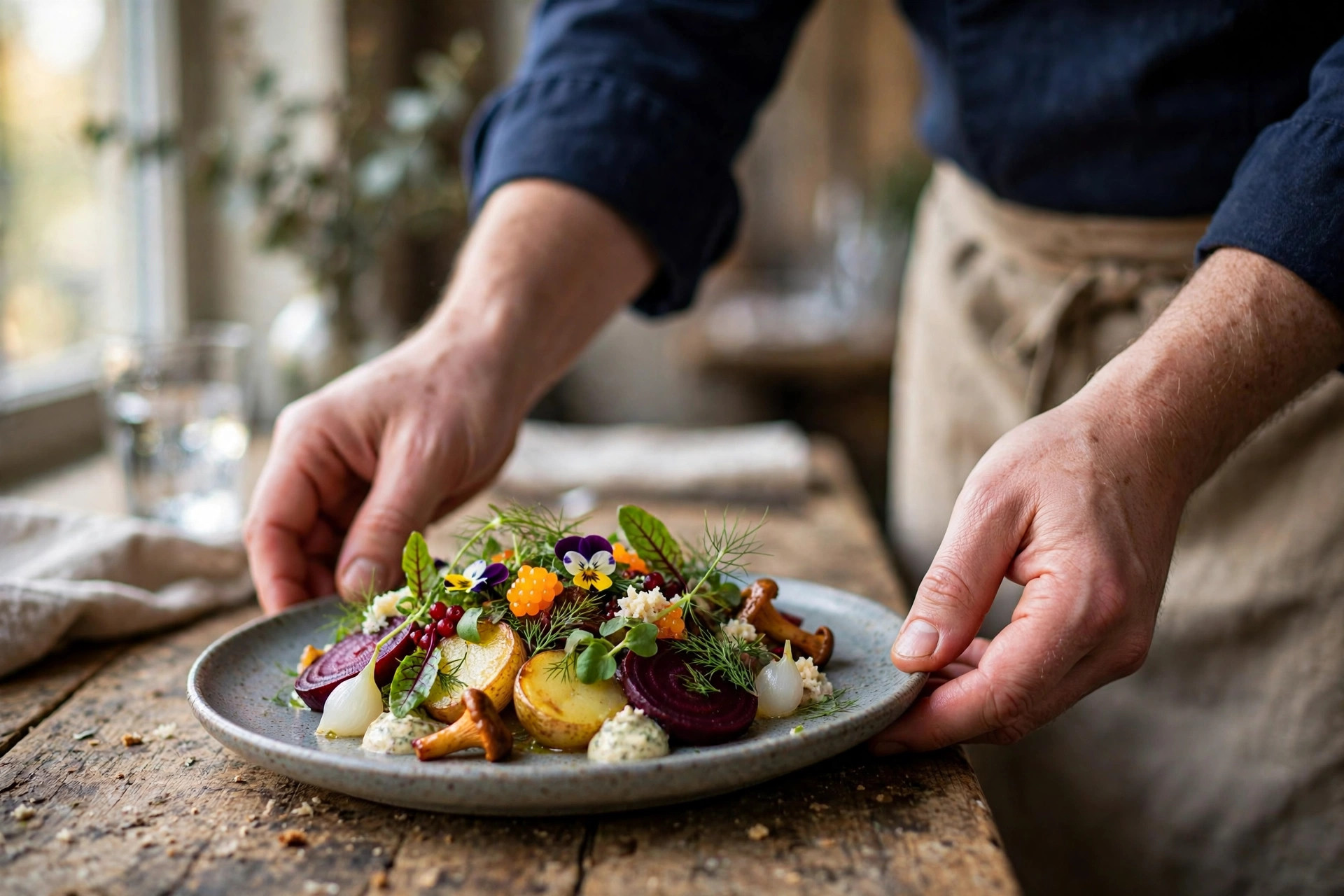
Every post needs a photo, and the photo does most of the work. Use real photos of your own food, your own dining room, your own staff. A smartphone photo taken in natural daylight near a window will outperform a stock image every time. Bright, sharp, and appetising — that's the whole standard.
How to write a post that gets clicks
A Google Post is small — a title, up to 1,500 characters of text (but only the first ~100 show before "more"), a photo, and a call-to-action button. Small doesn't mean thoughtless. Here's the anatomy of a post that converts:
1. Lead with the headline, not your restaurant name
Google already shows your name above the post. Your title is precious space: "Autumn menu launches Thursday" beats "Welcome to Restaurant Aurora". Put the news, the dish, or the offer in the title — that's what makes a searcher stop.
2. The first two sentences do all the work
Most people never expand a post. Write so the decision is made in two sentences: what it is, when it applies, and what to do next. "Six new autumn dishes from Thursday. Book Friday or Saturday to be among the first to taste them." Then the button does the rest.
3. Choose the right call-to-action button
Every post should have a button, and the button should match the post's job. For restaurants, the winners are:
- Book — for events, specials and anything where a table is the goal. Point it at your booking page, not your homepage.
- Order online — for takeaway and delivery offers.
- Learn more — for menu launches and news, linking to the relevant page (the new menu, the event details).
"Call now" has its place for same-day offers ("two tables left for tonight"), but for most posts a booking link converts better because it removes the friction of a phone call. If your website's booking flow is buried three clicks deep, fix that first — a great post pointing at a confusing page just wastes the click. This is exactly what a well-structured restaurant site solves: if you'd like yours to do the heavy lifting, PowerfulWebsite builds restaurant websites where the menu and booking button are always one tap away.
4. Keep it short and specific
Aim for 100–300 characters of text. Include the specifics a guest needs: dates, prices (as real numbers — "€49 for two" is fine; don't invent prices), and the one action to take. Write the way you'd tell a regular at the bar, not the way you'd write a press release.
How often to post (the 7-day rule)
Here's the mechanic that drives everything: standard "What's new" posts expire after 7 days. That single fact sets your minimum cadence. Post once a week, and there's always a fresh announcement in your listing. Post once a month, and your listing sits empty three weeks out of four — which tells both Google and your customers that nothing is happening at your restaurant.
The minimum: one post per week
Weekly is the sweet spot for most independent restaurants. It's frequent enough that the listing always looks current, and light enough that quality stays high. Pick a fixed slot — many owners do Monday morning while reviewing the week ahead, or Sunday evening with the coming week's specials. Event and Offer posts don't expire in 7 days, so they don't count toward the weekly rhythm; think of the weekly What's-new post as the heartbeat, with events and offers layered on top.
When more makes sense
Posting 2–3 times a week works if you genuinely have the news: a busy restaurant running a Friday special, a Saturday event, and a midweek offer can post each one separately. But volume never beats relevance. Three thin posts in a week ("Happy Monday!") will do less for you than one strong one ("This Friday only: oyster night, €2 each from 17:00"). Quality and relevance matter more than quantity — that's the consistent advice from local search practitioners, and it matches how customers actually behave.
Google Posts vs Instagram and Facebook
Owners often ask: if I'm already posting on Instagram, do I need Google Posts too? Yes — because they do different jobs. Instagram builds your brand over time with followers who chose to follow you. Google Posts reach people who are actively deciding where to eat right now. The comparison makes the difference clear:
| Google Posts | Instagram / Facebook | |
|---|---|---|
| Audience | People searching for you or for restaurants near you | Your followers (and whoever the algorithm shows) |
| Moment | The decision moment — "where should we eat tonight?" | Idle scrolling — entertainment first |
| Cost | Free | Free organically; reach usually needs paid promotion |
| Lifespan | 7 days (What's new); longer for Events and Offers | Hours in the feed, unless boosted |
| Best for | Converting searchers into bookings | Building a brand and a regular following |
The smart move is to repurpose, not double your workload. That Friday special photo you posted on Instagram? It takes two extra minutes to publish the same photo as a Google Post with a "Book" button. Same content, but now it works at the decision moment instead of the scrolling moment. You don't need a separate content strategy for Google — you need a 15-minute habit of copying your best social content into your listing.
Measuring what your posts achieve
Google Business Profile includes basic performance insights: how many people saw your profile, and what actions they took — website clicks, calls, direction requests, bookings. Posts show up in this picture indirectly: you won't get a per-post click report in the standard dashboard, but you can track what matters with two simple methods.
Track the links
Add UTM parameters to the links in your posts (for example, ?utm_source=google&utm_medium=gbp_post&utm_campaign=oyster-night). Then your website analytics show exactly which bookings came from which post. This takes 30 seconds per post and turns guesswork into data. Our full guide to Google Business Profile for restaurants covers the profile setup this builds on.
Watch the patterns, not the day-to-day
Compare weeks with posts against weeks without. Restaurants that post consistently typically see more profile actions over a quarter — more direction requests, more menu views, more booking clicks. Don't judge a single post; judge the habit after two months. And keep your other profile elements sharp in parallel — a photo strategy that gets clicks multiplies what your posts can do.
7 mistakes restaurants make with Google Posts
- Never posting at all. The most common mistake. An empty Updates section is a missed opportunity sitting in your most-visited digital property.
- Posting once and stopping. One post from three months ago is worse than none — it advertises that you started and gave up. If you can't commit to weekly, set Offer and Event posts with long dates instead.
- Stock photos. Generic food photography tells a searcher nothing about your restaurant and erodes trust. Use your own dishes, your own room, your own people.
- No call to action. A post without a button is a dead end. Every post should end in one tap: book, order, or view the menu.
- Burying the news. "Welcome to our restaurant, we've been serving since 1998..." — nobody reads it. First line: the news. Everything else: optional.
- Linking to the homepage. A post about the autumn menu should link to the autumn menu page, not the front page. One extra click loses a meaningful share of mobile users.
- Letting hours and details go stale. Posts promote; the profile convinces. If your opening hours on Google are wrong, the best post in the world just sends people to a closed door.
Your 15-minute weekly routine
Here's the whole system, distilled. Once a week — same day, same time — do this:
- Pick one thing worth announcing (2 min): the week's special, an upcoming event, a new dish, a holiday-hours note.
- Take or pick one strong photo (5 min): the dish in natural daylight, the room set for the event. Real, bright, appetising.
- Write two sentences and a headline (3 min): the news first, the details second, one action.
- Add the right button and link (2 min): "Book" → your booking page. "Learn more" → the specific menu or event page.
- Publish, and note next week's idea (3 min): jotting down next week's topic now means you never start from a blank page.
That's it. Fifteen minutes a week, and your Google listing — the page more potential guests see than your website — always shows a living, active restaurant. Pair it with a website that converts the click, and you've closed the loop from search to seated table. If your current site makes that loop harder than it should be, PowerfulWebsite builds restaurant websites with the menu, hours and booking button exactly where a hungry searcher expects them — from €59/mo, with the build itself free.
One photo shoot, a month of posts
The biggest reason restaurants stop posting is running out of photos. Solve it with a single 30-minute shoot: once a month, photograph five dishes, the dining room set for service, and one team or behind-the-scenes moment. That's seven usable images — enough for a month of weekly posts with a spare. Shoot near a window in daylight, wipe the lens, and take each dish from two angles; you'll be surprised how far seven good photos stretch.
Then build a simple content bank. Keep a running note on your phone — specials you're planning, events on the calendar, seasonal ingredients arriving, a dish guests keep photographing. When Monday's posting slot arrives, you pick from the bank instead of staring at a blank screen. Restaurants that batch like this post consistently for months; restaurants that improvise each week quit by February. The post itself still takes 15 minutes — the shoot just removes the only hard part.
One more tip: reuse customer photos (with permission). A guest's great shot of your signature dish, reposted as a Google Post with a thank-you, is authentic social proof you didn't have to stage. Ask at the table — "Mind if we share this on our Google page?" — and most happy guests say yes.
Frequently asked questions
Do Google Posts expire?
Yes. Standard "What's new" posts expire after 7 days — they stop appearing prominently in your Google listing, though they remain archived in your profile. Event posts stay live until the event's end date, and Offer posts stay visible until the offer's expiry date. This is why a weekly posting rhythm matters.
Are Google Posts free for restaurants?
Yes, completely free. There is no paid tier for Google Posts. You need a claimed and verified Google Business Profile, and posting costs nothing beyond a few minutes of your time.
How often should a restaurant post on Google Business Profile?
At least once a week. Because standard posts expire after 7 days, weekly posting keeps a fresh post visible in your listing at all times. Busy restaurants posting 2–3 times a week — a special, an event, an offer — get the most out of it, as long as quality stays high.
Do Google Posts improve your ranking in the local 3-pack?
Google has never confirmed Posts as a direct ranking factor, but they strengthen the signals around it: an active, complete profile, fresh content, and more user engagement (clicks, calls, direction requests). Treat Posts as a conversion tool on an already strong listing — they win the click, while categories, reviews and relevance win the ranking.
Can I schedule Google Posts in advance?
Google's own dashboard does not offer recurring or repeating scheduled posts — each post must be published individually. Some third-party social media management tools support scheduling and recurring queues for Google Business Profile posts, which is useful if you want to automate a weekly rhythm.
Want a website that fills your tables?
PowerfulWebsite builds your restaurant's website for free — you only pay a monthly subscription from €59/mo. Everything included: domain, hosting, maintenance and updates.
See the plans