Local Advertising for Restaurants: Radius, Areas and Times
Effective local restaurant advertising comes down to three settings: a tight radius matched to real travel behaviour, neighbourhood-level area selection, and ad schedules aligned with when people actually decide where to eat. Get these three right and a modest €300–€500 monthly budget can consistently fill tables; get them wrong and even a large budget leaks into towns your customers will never drive from.
Key takeaways
- Size your radius by travel behaviour, not by guess: 2–3 km in a dense city centre, 5–8 km in suburbs, 15–25 km in small towns or rural areas.
- Meta ads and Google Ads do different jobs — Meta creates demand with visuals, Google captures people already searching. Run both if your budget allows.
- Target neighbourhoods and postcodes, not whole regions — and use exclusion zones to cut areas that will never convert.
- Schedule ads around dining decisions: lunch ads 10:00–12:00, dinner ads 16:00–18:00, weekend campaigns starting Thursday.
- Measure cost per booking or order, never impressions — and start with at least €300–€500/month per channel so the algorithm can learn.
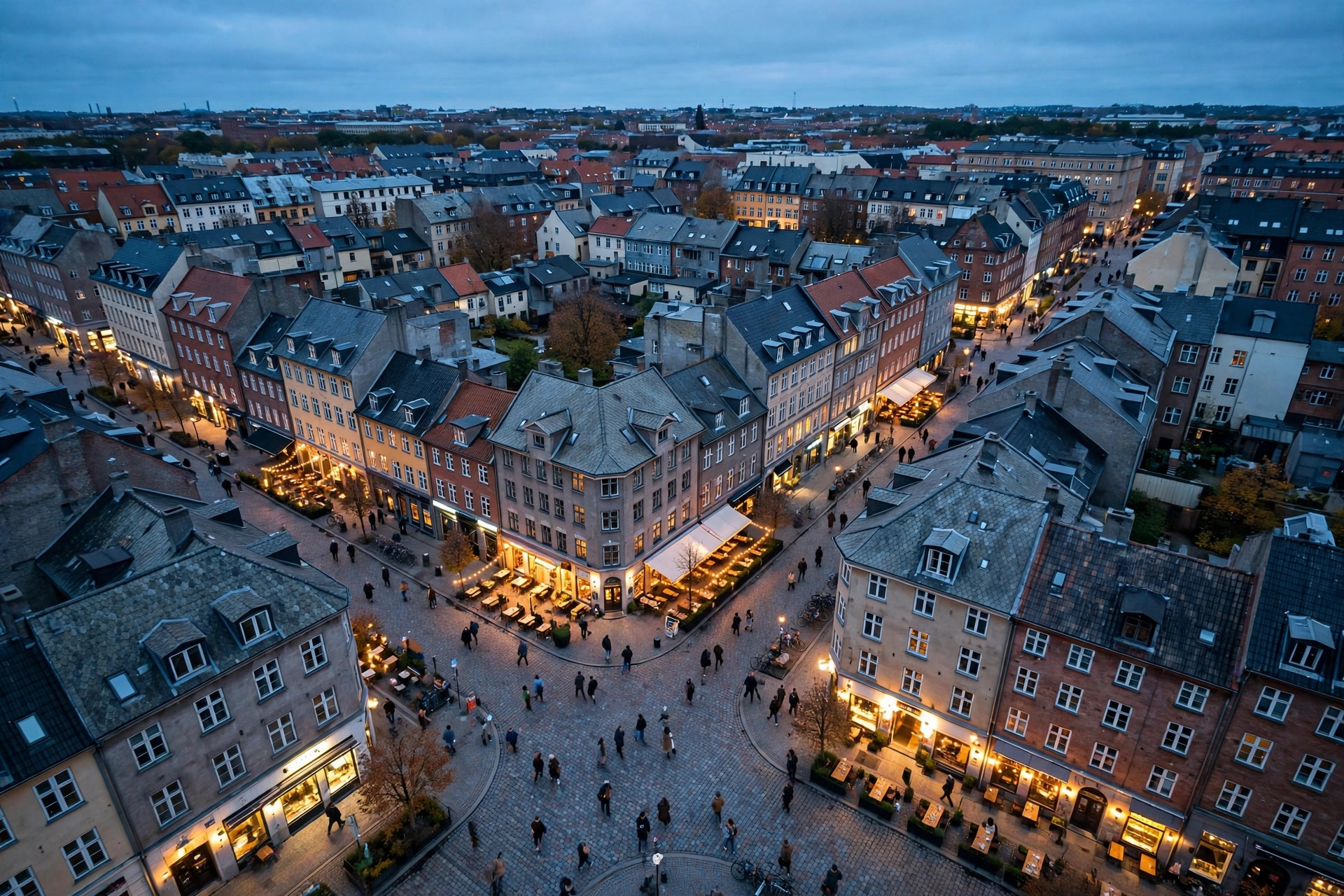
Most restaurant advertising fails for the same boring reason: it shows the ad to the wrong people, in the wrong place, at the wrong time. A pizza place in a suburb buys a 30 km radius and pays for clicks from commuters who live two towns away. A fine-dining restaurant runs the same ad copy at 02:00 as at 18:00. A lunch café advertises on Sunday evening. None of this is a creative problem — the food photos might be gorgeous. It is a targeting problem, and targeting is entirely fixable. This guide walks through the three levers every local restaurant controls — radius, areas and times — on the two platforms that matter (Meta and Google), with concrete settings for city, suburban and rural restaurants in the Nordics. If you want the broader budgeting context first, read our guide to restaurant ad budgets; if you are still choosing platforms, start with our Meta ads targeting guide for restaurants and our beginner's guide to Google Ads for restaurants.
Why local advertising is different for restaurants
A restaurant is not an online shop with a delivery network. Every euro of ad spend is worth something only if the person who sees it can realistically walk, drive or order from you — this week. That single fact changes every targeting decision. National brands buy reach; you buy proximity. An e-commerce store can tolerate a weak audience because the funnel is wide and shipping is national. A restaurant cannot: your market is a circle around your front door, and outside that circle your ads are charity.
This is why the standard advice from marketing agencies often misfires for restaurants. Agencies love lookalike audiences, interest stacks and broad targeting because those tactics scale across clients. For a single-location restaurant, they mostly scale the waste. The highest-leverage question is not "who is interested in Italian food" — everyone is — but "who is within a distance they will actually travel, at a moment when they are deciding where to eat?" Location and timing are your targeting. Everything else is refinement.
There is a second, practical reason locality dominates: measurement. A restaurant can count bookings, covers and delivery orders per day. That makes local advertising unusually testable. Run a 3 km radius this week and a 10 km radius next week, keep the creative identical, and the booking data will tell you which circle contains your customers. Few small businesses get feedback this clean — use it.
How far will your customers actually travel?
Before touching any ad platform, answer one question honestly: how far do your current customers travel? Look at your booking system, your delivery zones and — simplest of all — ask at the till for a week. The answer sets your radius, and the radius sets everything else.
City centre restaurants
In a dense Nordic city centre — central Helsinki, Stockholm's Södermalm, Oslo's Grünerløkka — people rarely cross town for dinner on a weeknight. Your realistic catchment is about 2–3 km: the neighbourhood, the adjacent blocks, the tram lines that pass your door. A wider radius here mostly buys you commuters who eat near their office at lunch and near their home at dinner — neither of which is you on a Tuesday evening. Keep lunch campaigns tight (1–2 km around offices), dinner campaigns a little wider.
Suburban restaurants
In the suburbs, people drive — but they drive to the closest thing that looks good. A 5–8 km radius typically covers the realistic catchment, roughly matching how far someone will drive for a casual dinner. If you offer delivery, let the delivery zone draw the circle: there is no point paying for impressions from households the rider cannot reach in 30 minutes.
Small towns and rural areas
Small-town customers are used to driving, and there may be no competing restaurant for 20 km. Here a 15–25 km radius is realistic — but watch the audience size. If your circle contains 4,000 people, your ads will show to the same faces constantly, so frequency caps and creative rotation matter more than radius precision. The mistake is not the wide circle; the mistake is a wide circle with one tired creative running for six weeks.
The radius rule of thumb
Start with 2–3 km (dense city), 5–8 km (suburbs) or 15–25 km (small town/rural). Then check one number after a week: if your frequency is under 1.5 and bookings are flat, the radius is too wide — shrink it. If frequency is above 6 and bookings are growing, you have room to widen or refresh creative. Radius is a hypothesis you test, not a setting you guess once.
Meta ads: location settings that matter
Meta Ads Manager gives you three location options — drop a pin with a radius, pick postcodes, or pick towns — and a handful of settings most restaurant advertisers never touch. Those ignored settings are where the money goes.
Drop a pin, then choose "people living in this location"
The single most important Meta setting for restaurants is the location type dropdown. "Everyone in this location" includes tourists, business travellers and people passing through — fine for a souvenir shop, wasteful for a neighbourhood restaurant that lives on regulars. "People living in this location" restricts delivery to residents. The exception: if you are in a tourist-heavy area and your concept genuinely serves visitors, run a second, smaller ad set for "people recently in this location" with tourist-oriented creative — separate budget, separate measurement.
Minimum radii and the density trap
Meta enforces minimum radius sizes that vary by country and density. In practice this means a tiny village restaurant cannot always target a 2 km circle even if that is the honest catchment. The workaround is postcode targeting or accepting the minimum circle and compensating with tighter age and interest signals — the rare case where narrowing helps. Also remember Meta does not draw perfect circles: it weights population density, road networks and natural boundaries. A 5 km radius in central Stockholm reaches vastly more people than the same radius in rural Lapland, so always sanity-check the estimated audience size before launching.
Layer areas, not interests
By 2026, most interest and demographic settings in Meta act as suggestions to the algorithm rather than hard filters — Meta's own documentation and most practitioner tests agree that over-narrowing interest stacks raises costs without improving results. For restaurants the winning formula is broad-within-tight-geography: one tight radius, broad demographics, and strong creative that does the filtering. One or two light signals at most — cuisine type, local food pages — and let the photos of your food decide who responds. If you have not read it yet, our Meta ads targeting guide goes deeper on audiences, Advantage+ and creative-led targeting.
Google Ads: capturing demand near you
Google Ads and Meta ads are complements, not substitutes. Google captures existing demand — someone searching "sushi near me", "best brunch Kallio", "book table Bergen". Meta creates demand — your truffle pasta video appearing in a local's feed at 17:30. A useful shorthand: Google harvests, Meta sows. Here is how to set up the harvesting side.
Search campaigns with location targeting
For the search campaign itself, use the same radius logic as Meta — presence-based targeting ("people in or regularly in your targeted locations"), not "people interested in". Bid on high-intent local keywords: "[cuisine] [neighbourhood]", "restaurant near me", "book table [town]". These keywords are cheap in the Nordics compared to legal or finance niches — typically €0.50–€2 per click for restaurant terms — which is why a small budget goes far. Our restaurant advertising keyword research guide shows how to build the keyword list.
Location assets and the map pack
Connect your Google Business Profile as a location asset so your ads can show your address, distance and opening hours. This matters more than most advertisers realise: a search ad that says "0.4 km away · open until 23:00" converts dramatically better than a bare text ad, because it answers the only two questions a hungry searcher has — how far, and is it open. Keep the profile's hours accurate, especially around holidays; wrong hours in an ad are worse than no ad.
Performance Max with a local leash
Google's Performance Max campaigns can work for restaurants, but left alone they will spend your budget across YouTube, Discover and Display to audiences far beyond your circle. If you run PMax, set location targeting to your radius, add location assets, and exclude the placements you cannot measure. Many small restaurants do better with a simple, tightly controlled Search campaign than with a clever automated one that ignores geography.
Areas, postcodes and exclusion zones
Radius is a circle; your market is not. Rivers, motorways, municipal borders and simple habit split your circle into areas that convert and areas that never will. The fix is postcode and neighbourhood targeting with exclusions.
When to split ad sets by area
Run separate ad sets when areas genuinely behave differently: the business district (lunch, weekdays), the residential neighbourhood (dinner, weekends), the student area (price-sensitive, late). Each gets its own creative and its own schedule. A single ad set averaging them together will optimise toward whichever area is cheapest to reach — usually not the one with the highest-spending customers.
Tourist zones deserve the same treatment. A restaurant near a cruise terminal, an old town or a ski resort should run a dedicated visitor ad set — "people recently in this location", creative showing the experience, maybe English copy even in a Finnish town — with its own budget that scales with the season and switches off in the dead months.
Exclusion zones: the cheapest optimisation you will ever make
Both Meta and Google let you exclude areas inside your radius. Use exclusions aggressively: the industrial estate across the motorway, the neighbouring town whose residents have their own restaurant strip, the postcode where your delivery partner does not operate. Every excluded area is budget returned to areas that can actually convert. Review exclusions quarterly — new housing developments and new roads change the map.
Dayparting: the times that actually pay
Ad scheduling — dayparting — is the third lever, and the most neglected. People do not decide where to eat at random times. They decide in predictable windows, and advertising outside those windows is paying for attention that cannot convert.
The decision windows
- Lunch: the decision happens 10:00–12:00, often at the desk. Ads running at 09:00 catch the planners; ads at 14:00 catch nobody. Target office postcodes, keep the message about speed and price.
- Dinner: the decision happens 16:00–18:30, increasingly on the commute home. This is the highest-value window for most restaurants — your food should be in the feed while people are still deciding.
- Weekend: weekend dining is decided Thursday evening through Saturday morning. Start weekend campaigns on Thursday; by Sunday evening the decision is made and your budget should be too.
- Late night: only relevant for bars, late kitchens and delivery. If your kitchen closes at 22:00, there is no reason your ads run at 23:30.
Weather and event triggers
Nordic weather moves dining behaviour more than any demographic. The first warm Friday of May fills terraces; a rainy Saturday fills delivery apps. You cannot automate weather bidding on a small budget, but you can keep two ad sets ready: a "terrace weather" set and a "comfort food / delivery" set, and switch manually when the forecast flips. The same applies to local events — festivals, matches, graduations. A restaurant near the venue should have event-week creative ready; the search volume spike is real and brief.
A sample week: radius, areas and times together
Here is how the three levers combine for a typical suburban restaurant — dine-in plus delivery, one location, roughly €400/month total ad spend. Adapt the numbers to your own catchment, but keep the structure.
| Ad set | Radius / area | Schedule | Share of budget | Goal |
|---|---|---|---|---|
| Lunch — offices | 2 km around business district | Mon–Fri 09:00–12:00 | 20% | Weekday lunch covers |
| Dinner — locals | 6 km, residents only | Daily 16:00–19:00 | 40% | Evening bookings |
| Weekend push | 8 km, residents only | Thu–Sat 12:00–18:00 | 25% | Weekend tables |
| Google Search capture | 8 km presence | Daily 10:00–21:00 | 15% | High-intent searches |
Note what is missing: no overnight spend, no Sunday-evening dinner ads, no 20 km radius, no tourist targeting in February. The budget is small but every euro is inside a decision window, inside a realistic travel distance. Scale this pattern up by adding budget to the winning ad set — never by widening the radius first.
Nordic cost benchmarks (estimates, 2026)
Use these to sanity-check your own numbers; actual costs vary by city and season. Meta CPM for restaurant audiences in the Nordics typically runs €5–€12; restaurant CPCs €0.40–€1.20 on Meta and €0.50–€2.00 on Google Search. A healthy target for a local campaign is a cost per booking or per delivery order under one-third of the average order margin — if your margin per cover is €15, paying more than €5 per acquired booking means the targeting needs work, not the creative.
Measuring and fixing your targeting
Targeting is a hypothesis, and hypotheses need data. The metrics that matter are all downstream of the ad: cost per booking, cost per order, cost per store visit. Impressions, reach and clicks are diagnostic inputs, not results. Set up conversion tracking before you spend the first euro — Meta Pixel or Conversions API on your booking confirmation page, Google Ads conversion tracking on the same page, and UTM parameters on every ad link so your analytics can attribute properly.
The weekly targeting check
- Geography report: in Google Ads, check where clicks actually came from (user location report, not the targeted location). In Meta, break down results by region. Cut the postcodes that spend without converting.
- Frequency: below 1.5 with flat results means the audience is too big — shrink the radius. Above 6 with declining results means creative fatigue — rotate creative before touching the radius.
- Time-of-day report: find the hours that convert and the hours that only click. Shift budget toward converting hours; consider switching the dead hours off entirely.
- Booking-source question: ask new guests how they found you, for one week per quarter. It is low-tech, and it catches what pixels miss — like the guest who saw the ad, told a friend, and the friend booked.
When to change what
Change one lever at a time. If bookings are flat and frequency is low, shrink the radius first. If the radius is already tight but clicks come at the wrong hours, fix the schedule. If geography and timing look right but nobody converts, the problem is the landing page or the offer — not the targeting. Our guide to landing pages for restaurant ads covers that side, and ad copy that brings table bookings covers the creative.
Mistakes that burn local ad budgets
These are the patterns we see most often when auditing small restaurant ad accounts. Each is a five-minute fix.
- The whole-city radius. Targeting the entire metropolitan area "to see what works" just teaches the algorithm that cheap, far-away clicks are what you want. Start tight; widen only with evidence.
- Tourists in the resident campaign. "Everyone in this location" mixes holidaymakers with regulars. Split them or pick residents — the economics of a one-time visitor and a weekly regular are completely different.
- Always-on scheduling. Running ads 24/7 because "someone might see them" spends roughly a third of the budget in hours when nobody books. Daypart.
- The delivery-zone mismatch. Advertising delivery to postcodes the kitchen cannot reach. Match the radius to the zone, exactly.
- Measuring the wrong thing. Optimising for link clicks or engagement instead of bookings trains the platform to find clickers, not diners. Optimise for the conversion that pays the rent.
- One creative for six months. In a small radius the same people see your ad repeatedly. Rotate the hero dish monthly; fatigue shows up as rising cost per result long before anyone complains.
Frequently asked questions
What radius should a restaurant set on Meta ads?
Match the radius to how far people realistically travel to you: roughly 2–3 km in a dense city centre, 5–8 km in the suburbs, and 15–25 km in a small town or rural area. If you deliver, match the radius to your delivery zone. A radius that is too wide is the single most common cause of wasted restaurant ad spend.
How much should a restaurant spend on local advertising?
Industry benchmarks put total restaurant marketing at 3–6% of revenue, with new or growing restaurants sometimes higher. For a single paid channel, start with €300–€500 per month so the platform's algorithm has enough data to learn, then scale only the campaigns you can tie to bookings or orders.
Is Google Ads or Meta ads better for local restaurants?
They do different jobs. Google Ads captures people who are already searching for a restaurant, a cuisine or a menu — high intent. Meta ads (Facebook and Instagram) create demand by putting your food in front of locals who were not searching — visual and good for awareness, offers and events. Most local restaurants do best running both: Meta for awareness, Google for capturing intent.
How do I know if my ad radius is too wide?
Watch cost per store visit or cost per booking, not impressions. If your reach is enormous but bookings barely move, or your frequency stays under 1.5 while the radius covers three towns, you are paying to reach people who will never visit. Shrink the circle, give it a week, and compare.
Should I advertise in postcodes outside my delivery zone?
No. Paying for impressions from people you cannot serve is pure waste — for delivery especially, match the ad radius to the delivery zone exactly. Dine-in restaurants can stretch a little further on weekends when people travel further, but never beyond realistic travel behaviour.
Once your targeting is tight, the next constraint is usually the landing page your ads point to — a slow or confusing page wastes even perfectly targeted clicks. PowerfulWebsite builds restaurant websites free; you only pay from €59/mo, with everything included: domain, hosting, maintenance and updates. Fast, mobile-first pages built to turn ad clicks into bookings.
Want a website that turns ad clicks into table bookings?
PowerfulWebsite builds your restaurant's website free — you only pay from €59/mo. Everything included: domain, hosting, maintenance and updates. Fast, mobile-first pages built to convert paid traffic into reservations.
See the plans