Multilingual Menus: Serving Locals and Tourists
A multilingual restaurant menu wins you tourists by removing the one thing that makes them walk past your door: uncertainty about what they would be ordering. Start with your local language plus English, add the two or three languages your actual visitor groups speak, and never ship a machine-translated menu without a native speaker reviewing the dish names. On your website, multilingual is one edit per language — not a reprint per language.
Key takeaways
- Tourists decide where to eat on Google Maps before they arrive — a readable menu in their language turns hesitation into a booking.
- Cover your local language + English first, then the languages of the nationalities that actually visit you (in the Nordics, typically German next).
- Machine translation as the final version produces funny and sometimes dangerous results — always have a native speaker review dish names and allergens.
- Digital menus on your own website make multilingual affordable: translate once in the editor, no reprint cost per language.
- Allergen information must be accurate in every language version — a mistranslated allergen warning is a safety risk, not just an embarrassment.
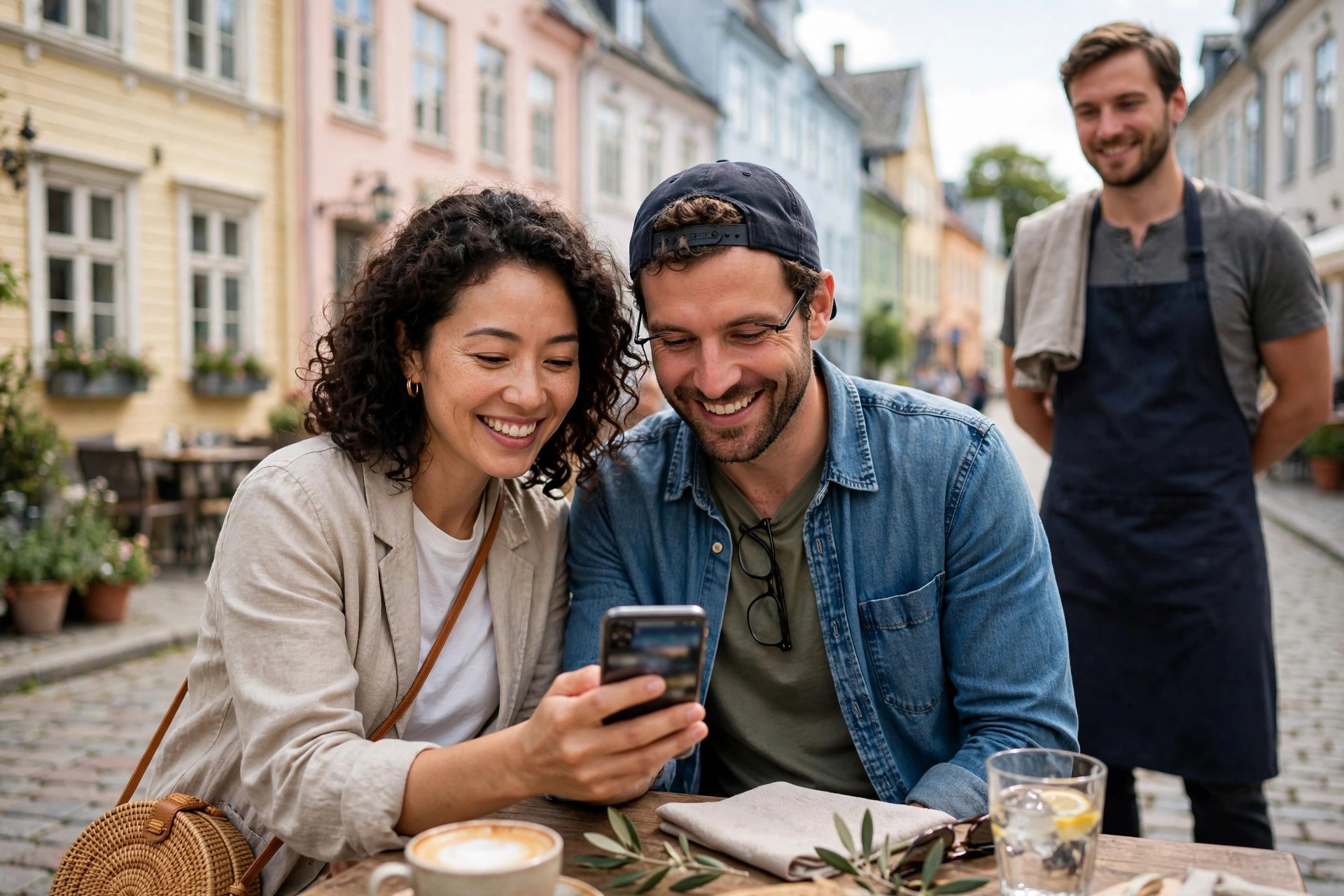
If you run a restaurant anywhere tourists go — Helsinki city centre, Stockholm's Gamla Stan, Bergen's harbour, Copenhagen's Nyhavn — your menu is bilingual whether you planned it or not. Guests who do not read Finnish, Swedish or Norwegian will still try to read it, with a phone camera translator hovering over the page, and what they find decides whether they sit down or keep walking. The restaurants that win the tourist trade are not necessarily the best ones. They are the readable ones.
This guide covers the multilingual restaurant menu properly: which languages are actually worth your effort, what machine translation does to dish names, what good translation looks like, what it costs, how digital menus change the economics, and how to keep every version in sync when the menu changes. It is written for Nordic owners who serve both locals and visitors — and want both to order with confidence.
Why your menu is the first thing tourists read
Put yourself in the tourist's shoes. You are in a city you do not know, it is 19:00, you are hungry, and every doorway looks the same. You have three filters: the photos on Google Maps, the reviews, and the menu. The menu is the one that answers the only question that matters — will I be able to order something I actually want to eat? A menu the guest cannot read at all leaves that question open, and an open question sends them to the next door.
This is why multilingual menus matter more than most owners assume. Language access is not a courtesy detail; it is part of the buying decision. Travel-industry research on "translation tourism" keeps reaching the same conclusion: destinations and businesses that balance accessibility with local identity win, because travellers choose places where they feel they can navigate confidently. For a restaurant, the single highest-leverage piece of language access is the menu.
There is a second, less obvious effect. A menu in the guest's language raises the average order. Guests who understand the menu order starters, desserts and the wine they actually wanted instead of defaulting to the safest-sounding main. Nobody orders a second course from a menu they half-understood. The multilingual menu does not just fill tables — it fills them with guests who spend more.
Which languages should your menu have?
Your local language plus English is the baseline — non-negotiable in any Nordic tourist location. After that, stop guessing and look at who actually visits you. Ask your staff, check your booking platform's guest origins, and look at national tourism statistics for your city. The pattern across the Nordics is remarkably consistent:
- German — the largest or near-largest visitor nationality in Finland, Sweden, Norway and Denmark, year after year. If you add one language beyond English, make it German.
- French and Spanish — strong summer and city-break flows, especially in the capitals and cruise ports.
- Chinese and Japanese — significant in the capitals and Lapland's winter tourism; worth it where Asian tour groups are a real share of your guests.
- Neighbouring Nordic languages — Swedes visit Finland, Finns visit Sweden, everyone visits Copenhagen. The languages are close enough that locals manage, but a translated menu still removes friction for the casual visitor.
The key principle: there is no point translating into 25 languages. Translate into the two or three that cover the nationalities who actually walk through your door, and do those properly. A perfect German menu beats a shaky menu in eight languages — guests can tell the difference, and they judge your food by the care they see on the page.
One more consideration: do not drop your local language from the tourist versions. A Finnish menu with English alongside it signals authenticity to the international guest and keeps locals comfortable. The goal is a menu that serves locals and tourists side by side, not a separate "tourist menu" — which, incidentally, is exactly what makes visitors suspect the prices are different.
The classic mistakes of machine-translated menus
Every Nordic city has its gallery of machine-translated menu disasters, and professional translators trade them like collectors' items. An Amsterdam pizzeria once advertised "pizza with little hairdressers" — the Dutch kappertjes (capers) read as a diminutive of kappers (hairdressers). A Spanish restaurant rendered criadillas a la romana (breaded sweetbreads) as "Roman's battered balls". One traveller in Berlin, ordering by price from a German menu, confidently requested the Mehrwertsteuer — value added tax.
Funny, yes — but notice what these stories have in common: the guest could not trust the menu, so they ordered defensively or not at all. And the machine errors fall into patterns you can watch for:
Literal dish names that mean nothing
Machine translation converts words, not dishes. A name like "poronkäristys" becomes something technically English but culinarily meaningless, when what the guest needs is "sautéed reindeer with mashed potatoes and lingonberries". The description is the translation that matters.
False friends and missing context
Food vocabulary is full of words whose meaning depends on context. German Schinken can be raw or cooked ham — a distinction that matters a great deal if you are about to eat it. A machine picks one; a knowledgeable reviewer picks the right one.
Allergens and dietary information
This is where a funny mistake becomes a dangerous one. A mistranslated ingredient in a description is embarrassing; a mistranslated allergen warning is a safety incident. Machine output must never be the final word on anything a guest with an allergy relies on.
Tone and appetite appeal
Good menus sell. A literal translation of a poetic Finnish description often lands flat or strange in English, and a flat description sells fewer desserts. Translation for menus is copywriting as much as language work.
What good menu translation actually looks like
The goal is not a word-for-word mirror of the local menu. It is a menu that makes a foreign guest feel the same confidence a local feels. That means adaptation, not just translation:
- Translate the dish, not the name. Keep evocative local names where they add charm ("Lohikeitto"), but always add a plain description in the guest's language: "creamy salmon soup with dill and potatoes". The name is branding; the description is information.
- Explain the unfamiliar. Nordic ingredients that locals take for granted — cloudberries, vendace, mämmi — need one extra clause for a foreign guest. "Vendace (small lake fish), fried crisp with dill potatoes" turns a mystery into an order.
- Keep prices, portions and structure identical. The translated menu must be the same menu. Same items, same prices, same order — anything else breeds suspicion.
- Use consistent terminology. If "starter" is "alkuruoka" in Finnish, it should be "Vorspeise" everywhere in the German version, not "Starter" on page one and "Appetizer" on page two. Consistency is what makes a menu feel professional.
- Localise the practical details. Opening hours format, the service-charge note, the card-payment note, the "water is free" note that surprises so many visitors to the Nordics — these small localisations prevent the most common tourist questions.
If you hire help, hire someone who knows food, not just the language pair. A bilingual culinary student or a food-loving native speaker will outperform a generic translator on a menu every time — and they cost less than a translation agency for a short document. The pattern that works best for most restaurants is: machine draft first, then a native-speaking food person reviews and rewrites the dish names and descriptions.
Three ways to get a multilingual menu
There are three realistic paths, and the right one depends on your budget, your menu's complexity, and how often it changes. Most restaurants end up combining them.
| Approach | Typical cost (estimates) | Quality | Best for |
|---|---|---|---|
| Machine translation + native-speaker review | €50–€150 per language (reviewer's time) | Good — natural dish descriptions | Most independent restaurants; menus that change seasonally |
| Professional translator | €100–€300 per language for a standard menu | Excellent — consistent, polished | Fine dining; complex menus; printed menus with long shelf life |
| Bilingual staff member | A dinner and genuine thanks | Variable — great if they know food writing | Simple menus; a first version to test demand |
A note on the costs: these are rough estimates for a typical one-to-two-page restaurant menu, and they vary by provider, language pair and how poetic your descriptions are. What dominates the real cost is not the translation itself — it is the layout. Every printed language version needs design work, proofing and a print run. That is where digital menus change the maths entirely, as the next section explains.
Whatever path you choose, avoid the two classic traps. First, do not let the translation be done by whoever happens to be on shift and "speaks some German" — unless they can also write appetising German. Second, do not translate once and forget it. A translation has the same shelf life as the menu it mirrors, which brings us to the ongoing-work question every multilingual menu faces.
How digital menus make multilingual cheap
Printed multilingual menus are expensive because every language is a separate document: separate layout, separate proofing, separate print run. Add German and you roughly double the print cost of every reprint. Add French and you triple it. For a restaurant that updates its menu seasonally, the translation cost multiplies with every change — which is why so many printed "English menus" are three seasons out of date.
A digital menu on your own website collapses this cost. You translate the text once, in the website editor, and every language lives on the same page behind a language switcher. Updating the menu means editing the text in each language — minutes of work, no designer, no printer, no per-language reprint bill. The QR code on the table points at the page, so every scan gets the current version in the guest's language automatically.
This is also where your website's broader language setup matters. If your site already serves visitors in several languages — and Nordic restaurant sites increasingly do — the menu should follow the same structure, not sit apart as a lonely PDF. Our guide to bilingual restaurant websites covers the site-level approach; the principle is the same: one site, several languages, one update workflow. And the economics are straightforward: a website plan that includes a menu page you can edit yourself (from €59/month, VAT-inclusive, with PowerfulWebsite) replaces the recurring design-and-print cost of every language version.
The pragmatic split most Nordic restaurants use
Print one beautiful menu in your local language — it carries the brand and the tactile experience. Put every other language on the website behind the table QR code, where updates are free and instant. Guests who want English or German scan; locals browse the booklet. Nobody feels like a second-class guest, and you never pay for a German reprint again. (Our QR code menu guide covers the setup.)
Allergens and legal information in every language
Under the EU Food Information to Consumers Regulation, the 14 listed allergens must be declared for every dish — and the declaration has to be accurate and available before the guest orders. That duty does not shrink when the guest reads a different language. In practice, a tourist cannot act on allergen information they cannot read, so a translated menu without translated allergen information is half a menu.
- Mark allergens consistently across languages. Use the same numbering or symbols in every version, so a server can point at item 7 in the Finnish menu and the German-speaking guest finds the same marker in theirs.
- Translate the allergen names, not just the dishes. "Contains: milk, egg, mustard" must be correct German, French and English — this is the one part of the menu where literal accuracy beats elegant copy.
- Keep the master list in one place. Allergen data belongs in your master menu document alongside the translations, so a recipe change updates every language at once. See our allergen labelling guide for the full EU rules.
- Train staff on the cross-language markers. A server who can say "number 4 means gluten — look for the 4" in English bridges every language gap at the table.
The same discipline applies to the other legal bits tourists actually read: whether service charge is included, whether tap water is free, and what the card-payment policy is. These three lines prevent more tourist confusion than any other text on the menu.
Prices, currencies and VAT for international guests
Nordic menu prices include VAT by law — the price on the menu is the price the guest pays. This surprises visitors from countries where tax is added at the till, and it is one of the most reassuring things you can state plainly: "all prices include VAT". One sentence, three languages, and a whole category of bill-time confusion disappears.
A few practical points for the international guest:
- Keep one currency. Price in euros (or kronor/kroner for Sweden, Norway and Denmark) and do not show converted prices on the menu — exchange rates move, and a stale conversion is worse than none. Guests' phones convert instantly.
- State the card policy. The Nordics are close to cashless; tourists from cash-heavy countries appreciate knowing cards are preferred or required before they sit down.
- Explain the water. Free tap water is normal in Nordic restaurants and a genuine delight to visitors from places where it is not. Say so on the menu — it is hospitality and marketing in one line.
- Watch the VAT differences if you operate across borders. Restaurant food VAT differs by country (Finland 14%, Sweden 12%, Norway 15% at the time of writing) — relevant if you run venues in more than one Nordic country or compare prices with competitors abroad.
Before they arrive: Google Maps and the tourist journey
Here is the uncomfortable truth: most tourists meet your menu on Google Maps, not at your door. They search "restaurant near me", open your profile, and look for the menu — in their language — before they ever see your beautiful printed booklet. If your Google Business Profile shows no menu, or a menu in a language they cannot read, you lose the booking to the restaurant two doors down whose menu they could understand.
What to do about it:
- Upload your menu to your Google Business Profile in the local language and English at minimum. Google displays food menus directly in search results.
- Make sure your website's menu page is the top result for "[your restaurant] menu". That page should open with a visible language switcher — a tourist who lands on Finnish text with no way to switch leaves in seconds.
- Link the menu from your Google profile to your website. The profile menu is a summary; the website is the full multilingual version. One canonical menu page, linked everywhere.
- Photos do the translating that words cannot. Dish photos on your Google profile and website let any guest, in any language, point at what they want. They are the universal menu language — and they raise click-through on top of it.
This pre-arrival journey is also where reviews do their quiet work. Tourists read reviews from fellow countrymen first, and "the English menu was clear and the staff explained everything" appears in positive reviews with remarkable regularity. A multilingual menu does not just win the table — it wins the review that wins the next ten tables.
Keeping translations in sync when the menu changes
The failure mode of every multilingual menu is drift: the Finnish menu gets the new autumn dishes in September, the English version catches up in November, and the German one still shows the summer menu at Christmas. A translated menu that is out of date is worse than no translated menu, because it actively misleads.
The fix is to make "update all language versions" a formal step in your menu-update sequence — not a separate project for later. Our menu-updating workflow covers the full sequence; the multilingual additions are:
- One master document, all languages side by side. Each dish row holds the local text plus every translation. When a row changes, every language column is visibly stale until updated.
- Translate at the same time, not afterwards. "Afterwards" becomes "never" during a busy season. If you use a reviewer, send them the changed rows the same day the local text is final.
- Digital first, print in batches. Update the website versions immediately; batch the printed reprints. Between prints, the website is the current menu — say so on the printed version ("latest menu always at [your site]").
- Retire, don't abandon. When a seasonal dish leaves the menu, remove it from every language version the same day. A German menu offering a dish the kitchen no longer serves creates the exact confusion you built the translation to prevent.
Done this way, multilingual stops being a project and becomes a habit — a few extra minutes per update, in exchange for every tourist who ever hesitated at your door and then walked in. If you are also putting your drinks list online, apply the same discipline there: wine and cocktail names need the same descriptive translation treatment as food.
Frequently asked questions
Which languages should my restaurant menu be in?
Start with your local language plus English, then add the languages of your biggest visitor groups. In the Nordics that usually means German next, with French, Spanish and Chinese or Japanese worth considering in capital-city and cruise destinations. There is no point in 25 languages — cover the two or three nationalities that actually walk through your door.
Can I use Google Translate for my restaurant menu?
As a first draft, yes — as the final version, no. Machine translation regularly mangles dish names, misses cultural context (like whether 'Schinken' means raw or cooked ham), and can even garble allergen warnings, which is a safety risk. The safe pattern is machine draft plus review by a native speaker who knows food.
How much does professional menu translation cost?
Professional translation of a restaurant menu typically costs on the order of €100–€300 per language for a standard one-to-two-page menu (estimates vary by provider and complexity). A digital menu on your own website cuts the per-language cost sharply, because you translate once in the website editor instead of paying for design work on every reprint.
Do multilingual menus actually bring more tourists?
They remove one of the main reasons tourists walk past your door: uncertainty about what they would be ordering. Tourists decide where to eat largely on Google Maps and review sites before they arrive, and a readable menu in their language — plus visible photos and prices — turns hesitation into a booking. Operators in tourist areas consistently report that clear English menus alone make a measurable difference.
How do I keep my translated menus updated when the menu changes?
Keep one master menu document with every language version side by side, and make 'update all language versions' a formal step in your menu-update sequence. Digital menus on your website are far easier to keep in sync than printed ones, because one edit in the editor updates every language at once. If you still print, batch reprints and accept that the website version is the current one between prints.
Do I need allergen information in every language?
EU rules require allergen information for every dish, and that duty does not shrink just because the guest reads a different language. In practice, a tourist cannot act on allergen information they cannot read. Mark allergens consistently in every language version of your menu — use the same numbering or symbols across versions so staff can point across the table in any language.
Want a menu page that speaks your guests' languages?
PowerfulWebsite builds your restaurant's website for free — you only pay the monthly subscription, from €59/month VAT-inclusive. Every plan includes a fast multilingual menu page you can edit yourself, with allergen notes and a QR code your guests can scan at the table.
See the plans