Online Drinks Menu for Restaurants: Wine, Beer and Cocktails
Putting your drinks list online means giving your wine, beer and cocktail selection its own readable, phone-friendly page on your website — separate from the food menu — so guests can browse, compare prices and arrive already knowing what they want to drink. It costs nothing extra on a normal website plan, takes minutes to update, and quietly sells more bottles, signature cocktails and craft beers every week.
Key takeaways
- Guests increasingly check the drinks list before booking — wine lovers, craft-beer drinkers and cocktail fans choose restaurants partly on what is poured.
- A real web page beats a PDF: readable on phones, found by Google, and updated in minutes when a bottle sells out.
- Structure matters more than length: clear sections, glass/bottle prices, a short line of description per item, and a non-alcoholic section that is treated seriously.
- On an existing website, an online drinks menu costs nothing extra; dedicated platforms run roughly €10–€60/month, and reprinting paper menus typically costs a few hundred euros per run.
- Keep the list factual and prices visible: that satisfies both consumer pricing rules and the strict Nordic alcohol advertising laws.
Most restaurant websites treat the drinks list as an afterthought. The food menu gets a beautiful page, professional photos and loving descriptions — and the wine list is a scanned PDF that opens sideways on a phone. That is backwards. Drinks are where the margins live: a glass of wine that costs you a euro or two to pour sells for eight or twelve, a signature cocktail can carry your best margin of the entire evening, and craft beer drinkers are famously loyal to venues that take their taps seriously. Putting your drinks list online properly is one of the highest-return pages you can add to your site, and this guide shows exactly how to do it.
This is written for restaurant, café and bar owners in the Nordics, but the principles travel anywhere. We will cover what a great online drinks menu includes, how the formats compare (paper, PDF, your own web page, dedicated wine-list platforms, tablets), what each costs, how to write descriptions that sell, QR codes done right, the alcohol rules you need to respect, and how to get your drinks found on Google. Where pricing appears, ranges are labelled as estimates.
Why your drinks list belongs online
Think about how you choose a restaurant yourself. You check the food menu, obviously — but if you care about wine, you also look at the wine list. If you are into craft beer, you want to know what is on tap. If it is a Friday and you are in the mood for cocktails, a place with an interesting-looking drinks page beats one with nothing at all. Your guests do exactly the same, and the ones who care about drinks are often your highest-spending guests.
A drinks list hidden inside the restaurant — only visible once someone is seated — does nothing for the decision that happens at home on the sofa. An online drinks menu works before the visit: it answers the questions people actually search for. "Does this place have natural wine?" "Is there anything interesting on tap?" "Are the cocktails twelve euros or eighteen?" Every one of those questions, answered on your website, is a small nudge toward a booking instead of a competitor.
There is also a quiet revenue effect at the table. Guests who have browsed the drinks list online arrive with a shortlist. The awkward ritual of flagging down the waiter, asking what wines are available, and defaulting to the house red gets shorter. Confident guests order the bottle they already picked, try the signature cocktail they spotted on Instagram, or order a second round because they saw something interesting on the list at the table via the QR code. Pre-decision is the engine of higher beverage revenue.
"Guests who have browsed your drinks list before arriving don't ask 'what do you have?' — they ask 'can I have the second one on your cocktail list?'"
And then there is the operational side. Paper drinks menus go out of date constantly: a vintage changes, a supplier runs out, a beer tap rotates weekly, cocktail prices creep up with ingredient costs. Every change on paper is either a reprint or an embarrassed correction at the table. Online, it is a two-minute edit. Restaurants with rotating taps or seasonal cocktails feel this pain the most — which is exactly why craft beer bars and cocktail bars were the first to move their lists online.
What a great online drinks menu includes
An online drinks menu is not just your paper list pasted onto a web page. Guests reading on a phone need structure, prices and enough description to choose — without a sommelier standing next to them. Here is what a complete drinks page covers.
The wine section
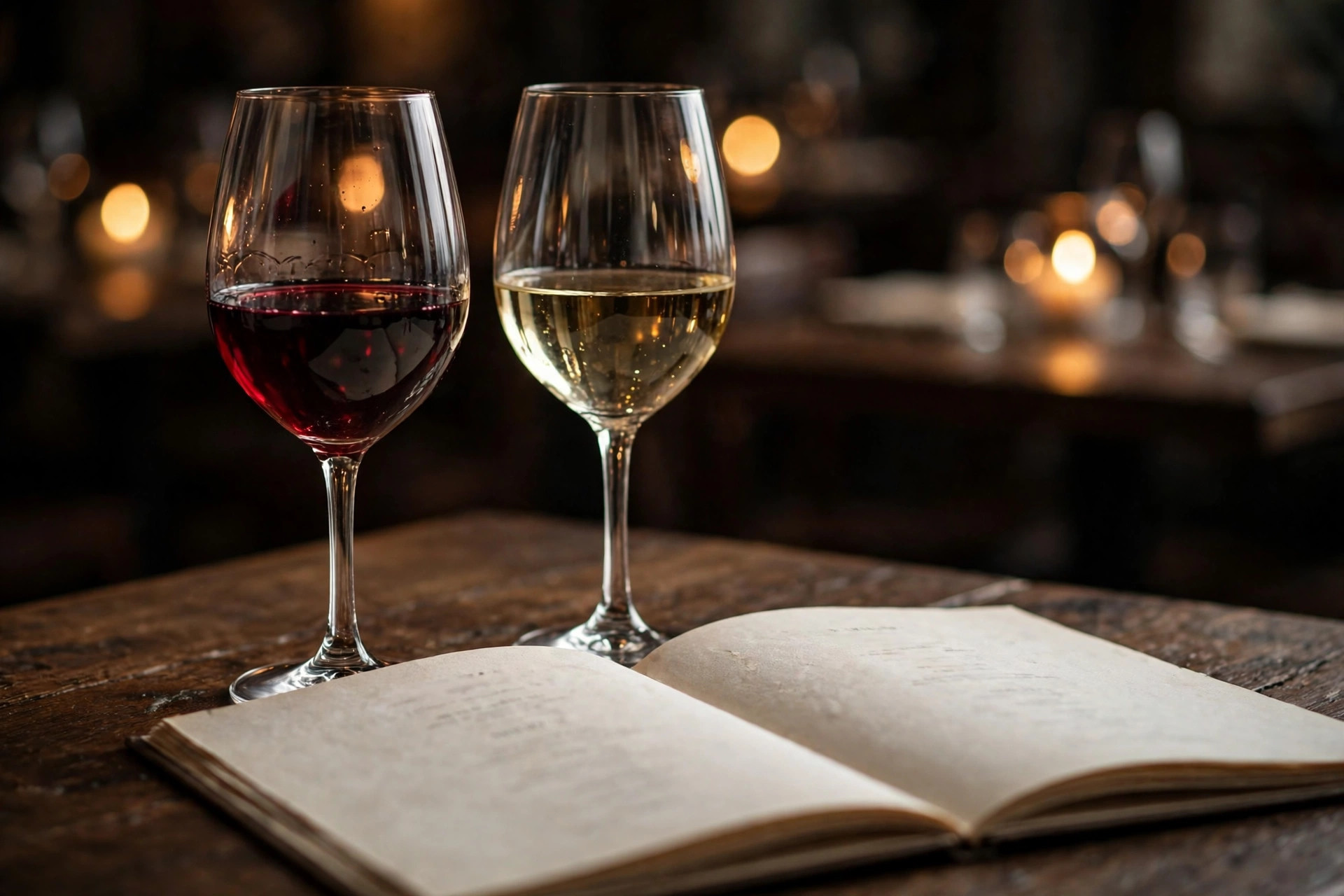
Group by colour first (sparkling, white, rosé, red, dessert), then by style or origin within each group. For every wine, show the producer, the grape or region, the vintage, and both glass and bottle prices. One short descriptive line per wine is the difference between a list and a menu: "crisp, citrus-driven, pairs with the salmon" gives a guest permission to order. For the wines you want to push, add a sommelier-style note — two or three sentences about why it is on the list. Keep the full list honest: nothing kills trust like a page full of wines the cellar no longer has.
The beer section
Beer drinkers want to know what is on tap right now, because taps rotate. If you have rotating taps, say so and date the list — "Updated 7 October" builds more trust than a stale list that is obviously wrong. Show the brewery, the beer name, the style (IPA, lager, sour), the ABV and the price for a standard pour. For craft beer bars, origin and style matter more than price: guests will happily pay a premium for a local microbrewery's limited release, but only if they know it exists.
The cocktail section
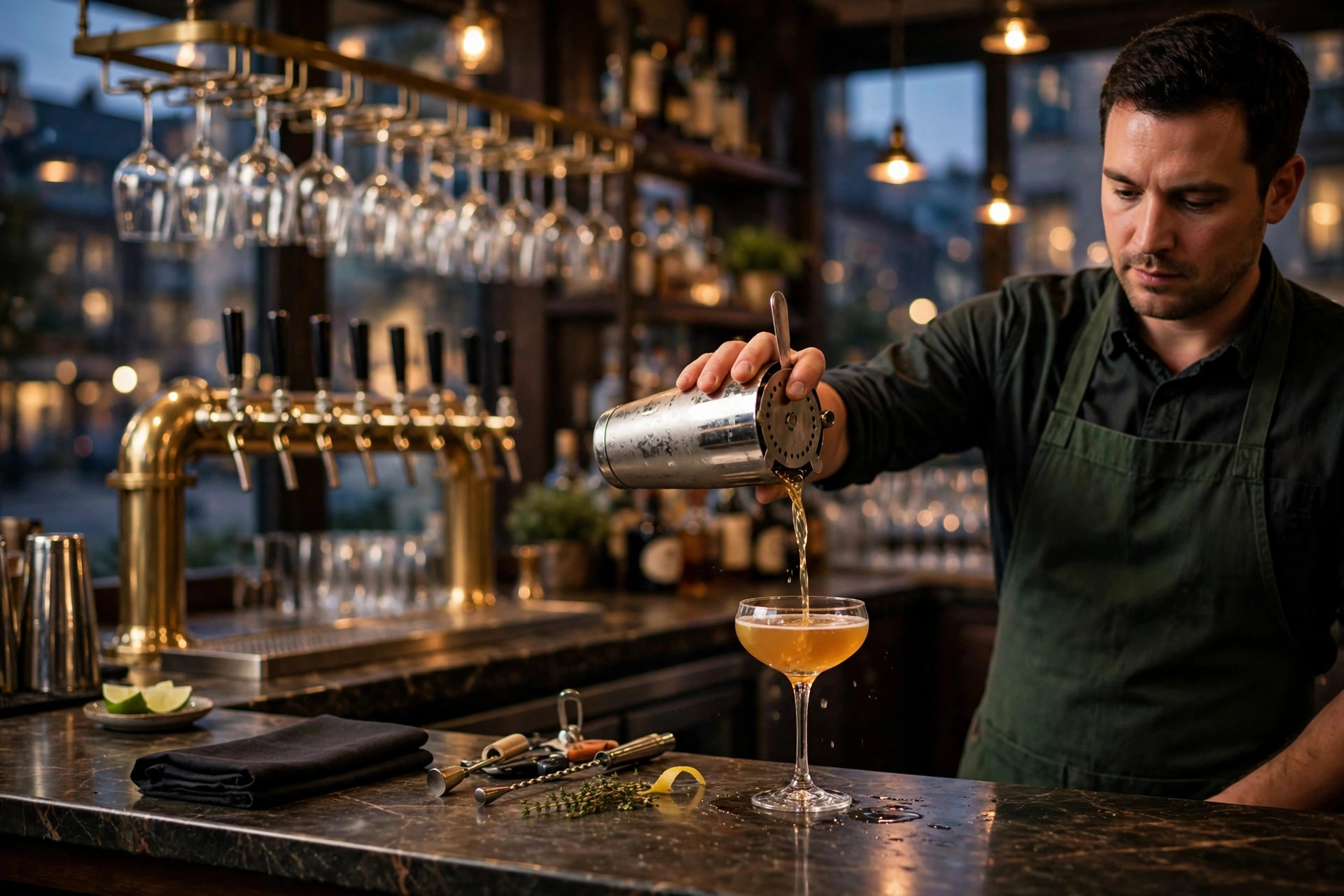
Cocktails are where your drinks menu becomes marketing. Split into house signatures and classics. Signatures get a photo and a real description — the inspiration, the ingredients, the garnish. Classics can be a simple list with prices; people know what a Negroni is. This is also where seasonality pays off: an autumn cocktail with sea buckthorn or a winter glögg-style special gives people a reason to visit now, and a reason to check the drinks page again next season.
The non-alcoholic section
Treat this as a real section, not an apology at the bottom. Low- and no-alcohol drinks are one of the fastest-growing parts of the Nordic drinks market, and guests who are driving, pregnant or simply not drinking still spend money. List mocktails with the same care as cocktails — name, ingredients, price — plus quality alcohol-free beers and wines if you carry them. "Also available: sparkling water" is not a non-alcoholic section.
The minimum viable drinks page
If you are starting from zero, you need surprisingly little: the wine list with glass/bottle prices, the current beer selection, the cocktail list, the non-alcoholic options, and a line saying when the list was last updated. That is one solid web page. Everything else — photos, pairing notes, producer stories — is an upgrade you add over time.
Prices, always
Show prices on everything. In the EU, consumer-facing businesses are expected to display prices clearly, and beyond the legal point, hiding prices is terrible salesmanship. Guests who cannot see the price assume the worst and order the cheapest thing — or nothing. Visible prices let guests budget the evening in their heads, which is how a €45 bottle stops feeling like a gamble and starts feeling like a plan.
Online drinks menu formats, compared
There are five realistic ways to get your drinks list online. Most restaurants only need the first one, but it is worth knowing what the others offer.
1. A drinks page on your own website
This is the default we recommend. The drinks list lives on your domain as a normal page, it is readable on phones, Google indexes it, and you update it like any other page. It costs nothing extra beyond your website plan, and it keeps all the search traffic on your own domain instead of handing it to a third-party platform. If your website is on a plan that includes content updates, this is the cheapest option that actually works well.
2. A PDF on your website
Better than nothing, but the weakest digital option. PDFs are hard to read on phones (pinch-and-zoom on a two-column wine list is miserable), Google barely reads them, they cannot be filtered or searched, and every update means re-exporting and re-uploading. The only thing a PDF does well is preserve a beautiful print layout — which nobody can read on a phone anyway.
3. A dedicated digital wine-list platform
Services like Vivino for Restaurants, ShareVino or similar platforms give you a searchable, filterable wine list with tasting notes, ratings and sometimes ordering integration. They are genuinely nice products for wine-focused restaurants with long lists. The catch: your list lives on their platform and their branding, the monthly fee adds up, and guests may need an app or an account for the full experience.
4. Tablet wine lists in the restaurant
Handing guests a tablet with an interactive wine list — searchable by grape, region, price, with photos and pairing notes — is impressive and genuinely helps sell wine. It is also the most expensive route: hardware for every table, software licences, charging and cleaning, and a plan for when a tablet inevitably meets a glass of red wine. This makes sense for fine dining with a serious wine programme; it is overkill for most neighbourhood restaurants.
5. Paper, photographed for the website
Some restaurants photograph their paper menu and put the images online. Do not do this. It combines the worst of both worlds: unreadable on phones, invisible to Google, and embarrassing when the photo is crooked. If the list exists on paper, it takes an hour to type it into a web page — just do that instead.
| Format | Phone-friendly | Google can read it | Update effort | Typical cost (estimates) |
|---|---|---|---|---|
| Drinks page on your website | Yes | Yes | Minutes | Included in website plan (€59–€239/mo) |
| PDF on your website | Poor | Barely | Re-export + upload | Free, but costs you guests |
| Digital wine-list platform | Yes | Goes to their domain | Minutes (their dashboard) | ~€10–€60/mo estimated |
| Tablet wine lists | Yes (in-house) | No | Minutes (their dashboard) | Hardware + ~€25–€100/mo estimated |
| Printed paper menus | N/A | No | Full reprint | A few hundred euros per print run estimated |
For the vast majority of restaurants, cafés and bars, the right answer is a drinks page on your own website, optionally with a QR code at the table pointing at it. It is the only format that is cheap, searchable, updateable and fully yours. If you want a deeper comparison of menu formats in general, our digital menu guide for restaurants covers the same decision for food menus.
How much an online drinks menu costs in 2026
Let us put real numbers on this, because "it depends" is not an answer. All figures below are estimates based on what restaurants typically pay in the Nordics in 2026.
The honest breakdown
The drinks page on your existing website: €0 extra. If you already have a website on a subscription plan — website plans that include everything run roughly €59–€239 per month — adding a drinks page is a normal content update. Writing the page content is your own time: expect two to four hours to type up and structure a full wine, beer and cocktail list the first time, then minutes per update. This is by far the most common and most sensible route.
No website yet: then the drinks page comes as part of getting the website. A typical small-restaurant website on a subscription model costs €59–€239/month all-in (build, hosting, domain, maintenance, updates). The drinks page is simply one of the pages included. Compare that with a traditional agency build at a few thousand euros upfront plus separate maintenance — the subscription route is why so many small restaurants finally got proper websites in the first place.
Dedicated wine-list platforms: estimated €10–€60 per month depending on list size and features. Worth it if you have 100+ wines and want guest-facing search, filters, ratings and analytics. Not worth it for a 20-bottle list — a web page does the same job for free.
Tablet wine lists: the serious money. Tablets or dedicated devices for the tables, plus software, typically start around €500–€1,500 for a small restaurant's worth of hardware (estimated), with monthly software fees on top. Add breakage, charging stations and the staff time to keep them clean and updated. Justifiable for fine dining where wine is 40% of revenue; hard to justify elsewhere.
Paper reprints: a few hundred euros per print run for quality menus, estimated. This is the hidden cost people forget when they say paper is "free" — it is not free, it is just paid in annoying instalments every time the list changes. A restaurant that updates its drinks list quarterly can easily spend more on reprints in a year than a digital platform costs.
| Approach | Upfront (estimated) | Ongoing (estimated) | Best for |
|---|---|---|---|
| Drinks page on your website | €0 (part of site) | €0 extra | Almost everyone |
| Dedicated wine-list platform | €0–€200 setup | €10–€60/mo | 100+ bottle wine programmes |
| Tablet wine lists | €500–€3,000 hardware | €25–€100/mo software | Fine dining |
| Paper reprints only | €200–€500 per run | Repeats every update | Nobody, honestly |
"The cheapest drinks menu is the one you update. A free web page that changes with your cellar beats a €500 print run that is wrong by February."
Drink descriptions that actually sell more
A list of names and prices is a price list. A list of names, prices and one good sentence per item is a salesperson. The description is what turns "Chablis 2022 — €14/€68" from information into a decision. Here is how to write them for each category.
Wine: describe the experience, not the geography lesson
Guests do not need a lecture on Kimmeridgian limestone. They need to know what it tastes like and whether it goes with their food. A good wine description has three parts: the flavour in plain words ("crisp green apple and citrus"), the body ("light, fresh"), and a pairing hint ("made for the salmon"). Fifteen to twenty words is plenty. Save the producer story for the five or ten bottles you most want to sell — those get a longer note, maybe with a photo of the bottle.
Beer: style first, story second
Beer drinkers scan for style and ABV before anything else. Lead with those, then add one line about what makes it interesting: a local brewery, a limited batch, an unusual ingredient. "West Coast IPA, 6.2% — brewed 40 km away, aggressively hopped, not for the faint of heart" tells a beer fan everything they need in one breath. If your taps rotate, the description is also where you note what is new this week.
Cocktails: sell the idea, not the recipe
Cocktails are theatre, and the description is the playbill. Name the star ingredients, hint at the flavour, and give it personality. "Smoked rosemary, barrel-aged gin, a whisper of honey — our autumn signature" outsells "gin, rosemary syrup, lemon, honey" every time, even though they are the same drink. Do list the main ingredients too (allergies and preferences are real), but lead with the story. And photograph your signatures: a cocktail with a great photo next to it on the drinks page will outsell an identical cocktail without one. This is the single highest-leverage thing on the whole page.
The words that move the needle
A few patterns consistently work across wine, beer and cocktails. Specificity beats vagueness: "single vineyard" beats "quality wine", "dry-hopped with Citra" beats "hoppy". Scarcity works when it is true: "only 12 bottles left of the 2019" or "on tap until the keg runs out" creates gentle urgency. Pairing suggestions raise the average bill: a guest who reads "the perfect match for the mushroom risotto" orders both. And house signatures deserve the spotlight: mark them clearly, give them the photos, and let the staff's recommendations point at them.
QR codes at the table: how to do them right
QR codes had their awkward pandemic phase — laminated sheets, broken links, menus that required an app download. The technology survived because the idea is genuinely good: the guest points their phone at the table and your current drinks list appears. But execution matters enormously. Here is the right way.
Point the QR code at your drinks page, not a PDF
The QR code should open your drinks page on your website — the same page guests find through Google. One URL, one list, always current. Do not point it at a PDF (unreadable on phones), a third-party platform (their branding, their analytics, their problem when it breaks), or a link shortener you might lose access to. Your domain, your page, your control.
Make the QR code itself inviting
A bare QR code on a sticker looks like a parking ticket. Put it on a proper table tent or a small framed card with a line of text: "Browse our wines, beers and cocktails" plus your logo. Print it large enough to scan from across the table — at least 3×3 cm — with good contrast. Test it with three different phones (old Androids are the unforgiving ones) before you print a hundred.
Keep paper as backup, not as the system
Some guests will not scan — older guests, dead batteries, no signal in the basement dining room. Keep a small stack of printed drinks lists at the host stand for them. But the printed list is the backup, not the system of record: the online page is the truth, and the paper copies get refreshed from it. If you want the full playbook, our QR code menu guide covers setup, costs and the mistakes to avoid.
QR code checklist
- Points to your own drinks page URL (never a PDF or a shortener you do not control).
- Printed at least 3×3 cm, high contrast, on a proper table tent with inviting text.
- Tested on old and new phones, in your actual dining room lighting.
- The page it opens is the same page Google finds — one list, always current.
- A few printed copies exist for guests who cannot or will not scan.
Alcohol rules for online drinks menus in the Nordics
This is the section most guides skip, and in the Nordics you cannot skip it. Alcohol advertising is restricted in Finland, Sweden and Norway, and the rules differ by country. The good news: a factual drinks list on your own website is generally treated as product information, not advertising. The bad news: the line between the two is real, and crossing it is expensive. What follows is general guidance, not legal advice — when in doubt, check with your licensing authority.
What is normally fine
Listing what you serve and what it costs — wine names, beer names, cocktail names, prices, short factual descriptions — on your own website is the standard practice across the Nordics and is generally accepted. It is your own channel, it is factual, and guests actively seek it out. The same applies to the physical menu in the restaurant and the QR code that points at it.
What to avoid
Do not turn your drinks page into alcohol advertising. That means no promotional language aimed at increasing alcohol consumption ("ice-cold beers all night!", "2-for-1 shots"), no targeting minors (keep the drinks page behind nothing, but never market it to young audiences), and be careful with anything that looks like a campaign: discounts on alcohol, happy-hour promotions pushed on social media, and influencer content centred on drinking all sit on the wrong side of the line in most Nordic jurisdictions. High-strength products face the strictest rules everywhere — in practice, keep spirits and strong drinks factual and low-key online.
The practical approach
Keep the online drinks list factual and complete, put your marketing energy into the food, the atmosphere and the experience, and let the drinks sell themselves to guests who are already in the door. If you run events like wine tastings, frame them as food-and-culture experiences rather than drinking promotions. And remember that the rules cover your social media and email marketing too, not just the website — a drinks page is fine; a "come get wasted" Instagram story is not.
"In the Nordics, your drinks page should read like a library catalogue, not a party flyer. Factual, complete, and quietly excellent."
Getting your drinks menu found on Google
An online drinks menu that Google cannot find is barely better than a paper one. The good news is that drinks pages are naturally good at search — they are full of specific names and terms that people actually type into Google.
Target the searches drinkers actually make
People search for drinks in remarkably specific ways: "natural wine bar Helsinki", "best negroni in Stockholm", "craft beer pub Bergen menu", "cocktail bar with terrace Oslo". A drinks page that names your wines, your breweries and your signature cocktails can rank for all of these, because most competitors have nothing but a PDF — which Google barely reads. Put your city in the page title and headings naturally ("Our wine list — Restaurant [Name], Helsinki"), and write the content in the language your guests search in.
Make each signature item findable
Your signature cocktail with a proper name is a tiny landing page waiting to happen. When someone searches for that cocktail's name — after a friend recommends it, or after seeing it on Instagram — your drinks page should be the result. This works best when the cocktail has a distinctive name and a photo. The same applies to unusual wines and local brewery collaborations: specificity is a search superpower.
Connect it to your Google Business Profile
Your Google Business Profile is where most guests first meet your restaurant. Make sure the menu link there points to your drinks page (or a page that links to it prominently), keep your opening hours accurate, and post occasionally about new additions — "three new autumn cocktails on the list" as a Business Profile post is free visibility. The combination of a findable drinks page and a complete Business Profile is what puts you in the local results when someone searches "cocktails near me".
Do not hide the list behind a booking wall
One surprisingly common mistake: drinks lists that only appear after clicking through a booking system, or pages blocked from search engines. Your drinks page should be one click from your homepage, linked in the main navigation next to the food menu, and fully readable without logging in or booking. Every barrier between a curious guest and your wine list is a guest you lose to the place down the street.
Keeping your drinks list up to date without it becoming a second job
The number one reason online drinks menus die is not technology — it is maintenance. The page goes up with enthusiasm in January, and by June it lists three wines you no longer carry. Here is how to keep it alive with minimal effort.
Make one person the owner
The drinks list needs an owner: the bar manager, the sommelier, or whoever orders the wine. Not "the staff", not "whoever has time" — one named person who is responsible for the list matching reality. When a bottle sells out or a tap changes, that person updates the page the same day. On a normal website this is a two-minute edit, not a project.
Build the update into existing routines
Do not create a separate "website update" task that everyone dreads. Tie it to things that already happen: when the new wine delivery arrives, the list gets updated. When the cocktail menu changes for the season, the page changes the same afternoon. When prices go up, they go up online first — guests checking the site should never see a lower price than the one at the table.
Show the update date
A small line — "Last updated 7 October 2026" — does two jobs. It tells guests the list is current (which builds trust, especially for rotating taps), and it creates gentle accountability: nobody wants their name on a page that says it was updated eight months ago. Some restaurants even turn it into a feature: "This week's taps" as a recurring update gives regulars a reason to check the page before every visit.
If your website plan includes content updates handled for you, this whole section becomes someone else's routine — you just send a message when the list changes. That is one of the quiet advantages of a managed website: the drinks page stays current because updating it is literally what you are paying for. A website that includes maintenance and updates means the list never goes stale, even in your busiest season.
"The best online drinks menu is not the most beautiful one. It is the one that still matches the cellar in December."
Frequently asked questions
Should my drinks menu be a PDF or a proper web page?
A proper web page wins on almost every count. PDFs are hard to read on phones, Google barely indexes them, updating prices means redesigning and re-uploading the file, and guests cannot tap through to find a wine by grape or a cocktail by spirit. A real drinks page on your own website is readable on any phone, shows up in search, and can be updated in minutes when a keg runs dry or a vintage changes.
How much does it cost to put a drinks menu online?
If your website already exists, a drinks page typically costs nothing extra — website plans that include everything range from roughly €59 to €239 per month, and adding the drinks list is part of the normal content updates. Standalone digital wine-list platforms are estimated at roughly €10–€60 per month, tablet-based wine lists need hardware and start around €500 for a small setup, and reprinting paper menus usually runs a few hundred euros per print run.
Do I need a separate drinks page, or can drinks live on the food menu page?
If drinks are a real part of your business — wine lists longer than a handful of bottles, craft beer, signature cocktails — give them their own page. A separate drinks page is easier to share, ranks for its own searches like "best cocktails in Bergen" or "wine bar menu Oslo", and stays readable as it grows. If you serve three house wines and coffee, a drinks section on the main menu page is plenty.
Am I allowed to show alcoholic drinks and prices on my website in the Nordics?
Generally yes: a factual price list on your own website is treated as product information, not advertising, in most Nordic jurisdictions. But alcohol marketing rules are strict — Finland, Sweden and Norway all restrict alcohol advertising beyond your own channels, and high-strength products have extra limits. Keep your online drinks list factual (names, prices, descriptions), avoid promotional language aimed at increasing alcohol sales, and check your local licensing authority if you are unsure.
Does an online drinks menu actually help with Google rankings?
Yes. A drinks page on your own domain gives Google real text to read, so searches like "natural wine bar Helsinki menu" or "craft beer restaurant Stockholm" can land directly on your drinks page. Specific items work best: a named cocktail or a producer's name can each become a tiny landing page that brings in guests who already know what they want to drink.
How often should I update my online drinks list?
Prices and availability should change the moment they change in the restaurant — that is the whole point of doing it online, and it takes minutes on a web page versus a full reprint for paper. Review the full list quarterly: retire bottles that no longer sell, add seasonal cocktails and beers, and check that descriptions still match what the bar actually pours.
Want a website with a drinks menu that sells?
PowerfulWebsite builds your restaurant's website for free — you only pay from €59/month. Everything is included: a proper drinks page, domain, hosting, maintenance and updates. If you run a bar, our bar website guide shows what else your site needs in 2026.
See the plans