QR Codes for Reviews: Collecting Ratings at the Table
A QR code on the table turns a happy guest into a Google review in about twenty seconds: the guest points their phone camera at it, the review form opens, and there is nothing to type, search for or remember. It costs almost nothing, it takes an afternoon to set up, and it is the single highest-payoff review tactic most restaurants have not tried.
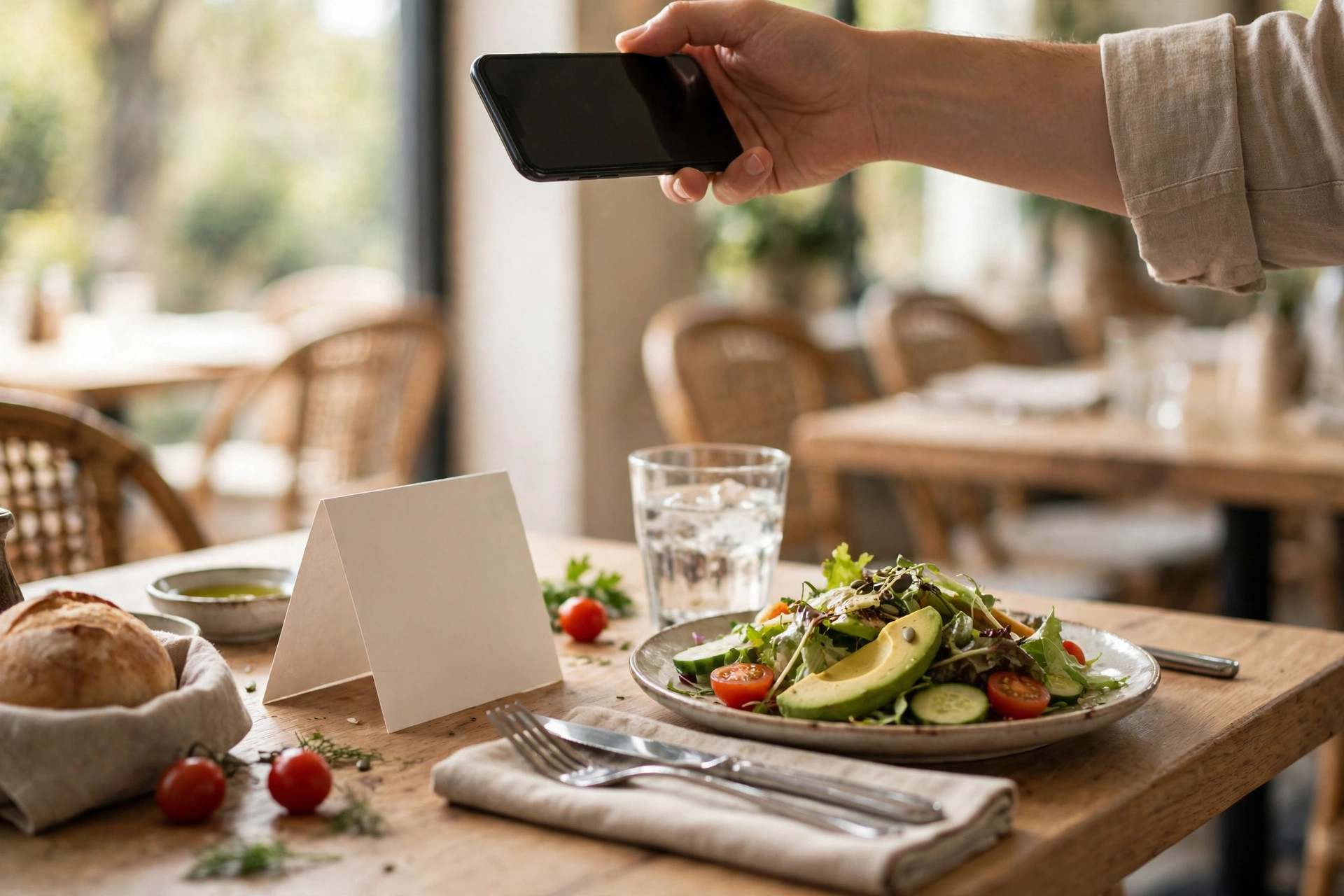
Key takeaways
- A QR code removes every step between enjoying a meal and leaving a review — no searching, no typing, no finding the right button.
- The review link and QR code are free inside your Google Business Profile. Generate the code on a computer, not a phone.
- Best placements: the check presenter when the bill arrives, a table tent during the meal, and the printed receipt.
- Never offer a discount, free dessert or loyalty points for a review. Google removes incentivised reviews and can penalise your profile.
- Ask neutrally, never for five stars, and never stand over a guest while they scan.
- Test the code on an iPhone and an Android phone before printing — and re-test it after any location change.
Think about the last time you had a genuinely good meal at a restaurant you had never visited before. Did you leave a Google review? Probably not. Not because you did not want to — because by the time you thought about it, you were already on the bus home, and leaving a review meant unlocking your phone, opening Google, typing the restaurant's name, finding the right listing, scrolling to the review button and then writing something. That is five steps too many for a favour you were never asked to do.
This is the problem a review QR code solves, and it solves it with a piece of printed card that costs a few cents. This guide covers the whole system: why guests do not review without a prompt, how to get your official Google review link, how to turn it into a code that actually scans, where to put it, what to write next to it, what your staff should say, and the Google rules that keep your profile safe. Everything here is free to set up except the printing.
Why most happy guests never leave a review
The review gap in restaurants is not a satisfaction problem. It is a friction problem. The guests who leave reviews without being asked are the extremes: the delighted regular who loves you, and the angry guest with a complaint. Everyone in the middle — the large majority, who enjoyed the food, liked the service and would happily recommend you — simply never gets around to it. One review-software provider reports that only around 15% of satisfied customers leave a review without a prompt. The other 85% enjoyed the meal, maybe told a friend, and moved on. Your Google rating is therefore not a picture of how good your restaurant is. It is a picture of how good your restaurant is at collecting reviews from the people who already liked it.
That matters because reviews are doing two jobs at once. For guests, they are the first thing read before choosing a restaurant: the star rating, the number of reviews, and how recent they are. For Google, they are a ranking signal. Google says more reviews and positive ratings can help local ranking, and reviews feed the "prominence" part of its relevance–distance–prominence model for Maps. A restaurant with 12 reviews at 4.8 stars loses to a competitor with 180 reviews at 4.4 stars more often than its food deserves, because the competitor looks busier, more established and more recently validated.
The fix is not to beg for reviews, and it is certainly not to buy them. The fix is to ask at the right moment, in the right way, and to make saying yes effortless. That is the whole logic of the QR code: it moves the ask to the moment the guest is happiest — still at the table, food just eaten, phone already in hand — and it removes every step between the ask and the review. Scanning takes two seconds. Searching takes two minutes. That gap, multiplied across hundreds of covers a week, is the difference between a profile that grows and a profile that stands still.
What a Google review QR code actually is
A QR code is a square barcode that a phone camera can read. That is all it is — a picture of a web address. When a guest points their phone at the code on your table, the phone offers to open the address it contains. In this case the address is your Google review link: a short URL that belongs to your restaurant and opens the review form directly, without the guest having to search for you first. The link usually looks like g.page/r/ followed by a string of random letters. That is normal. Google creates it for you automatically, and it is completely free.
Use a static code: it points straight to your review link, never changes, has no scan limit and no subscription. A dynamic code points to an intermediate address run by a QR service, which can count scans and change the destination — but it usually costs a monthly fee and depends on the service staying in business. Your review link almost never changes, so static is the right default. If the link ever breaks, you print a new card for a few cents.
Why a code beats a link
You could print the review link itself on the table tent and ask guests to type it. Nobody will. A g.page link is not memorable, and typing a random string of letters on a phone keyboard is exactly the friction you are trying to remove. The code exists to eliminate typing. It also works for guests who would never think to search for your restaurant: the code is right there, the phone is right there, and the only decision is whether to point one at the other.
Getting your Google review link
Everything starts with the link, and the link comes from one place only: your Google Business Profile. Do not build it from a third-party tool, do not copy it from a review platform, and do not guess the format. Google generates the link for your exact location, and using the link Google gives you is the only way to be certain it opens the review form for the right restaurant.
- On a computer, sign in to the Google account that manages your restaurant. This step only works in a computer browser, not in the Google Maps app on your phone. Google generates review QR codes on desktop only, so do this part at your laptop or office computer.
- Open your Business Profile and select Read reviews. You will see your existing reviews and, near the top, the option to get more reviews, marked with a share icon.
- Click Get more reviews. A small window opens showing your unique review link and usually a QR code next to it.
- Copy the link and save it somewhere safe. Paste it into a document your team can find again — you will reuse it for the QR code, for receipts, for follow-up emails and for your website. Click the copy icon rather than retyping it; one wrong character and the code points nowhere.
- Save Google's own QR code too. Right-click the QR image and choose "Save image as". It is a plain, unbranded code, and it works. Keep it as a backup even if you later design a branded one.
If you cannot reach the Get more reviews button, the usual causes are mundane: the profile is not verified yet, someone else manages it, or you are signed in to the wrong Google account. The official fallback that needs no profile access is Google's Place ID Finder, in the Google Maps documentation: look up your venue, copy its Place ID, and use it to build the review link. But note two cautions. Google does not publish any address format that takes guests straight to the review form, so a Place-ID-built link is a construction, not an official URL. And Google says Place IDs can change over time, and recommends refreshing stored IDs older than 12 months. The safe route is the boring one: log in once from a computer, copy the link Google gives you, and make the QR code from that link.
Before the link goes anywhere public, test it on your own phone. Tap it, confirm it opens the review form, and confirm the form is for the correct location. This thirty-second check saves the most embarrassment — a printed run of five hundred table tents pointing at the wrong restaurant is a mistake you only make once.
Turning the link into a QR code
Once you have the link, making the code takes about five minutes. You have two options: use the QR code Google already generated for you, or paste the link into a QR generator and design your own. Google's code is free, instant and reliable — and it looks like a plain black-and-white square. A generator gives you control over size, colours and file format.
If you design your own, follow four rules that decide whether the code actually scans in a real restaurant. First, keep strong contrast: a dark code on a light background scans best. Avoid inverted colours, low-contrast brand palettes and codes printed over photographs. Your brand's deep green on cream works; your brand's pale gold on white does not. Second, download a high-resolution file: PNG for screens and documents, SVG for print, so the code stays sharp at any size. Third, print it big enough: at least 2 × 2 cm, and larger on a poster or a table tent that guests read from across the table. A code that is too small is the most common reason a scan fails. Fourth, use a static code that points straight to your link, so there is no third-party service to expire, start charging or disappear.
Then test it — properly, not once. Scan the code with an iPhone and with an Android phone, in the restaurant's actual lighting, from the distance a guest would sit at. Check that it opens the review form for the correct location, and that it still scans when the card is slightly worn or viewed at an angle, because that is the condition it will be in by week three. If your restaurant has two codes on the table — one for the menu and one for reviews — label each one clearly, so nobody scans the wrong one.
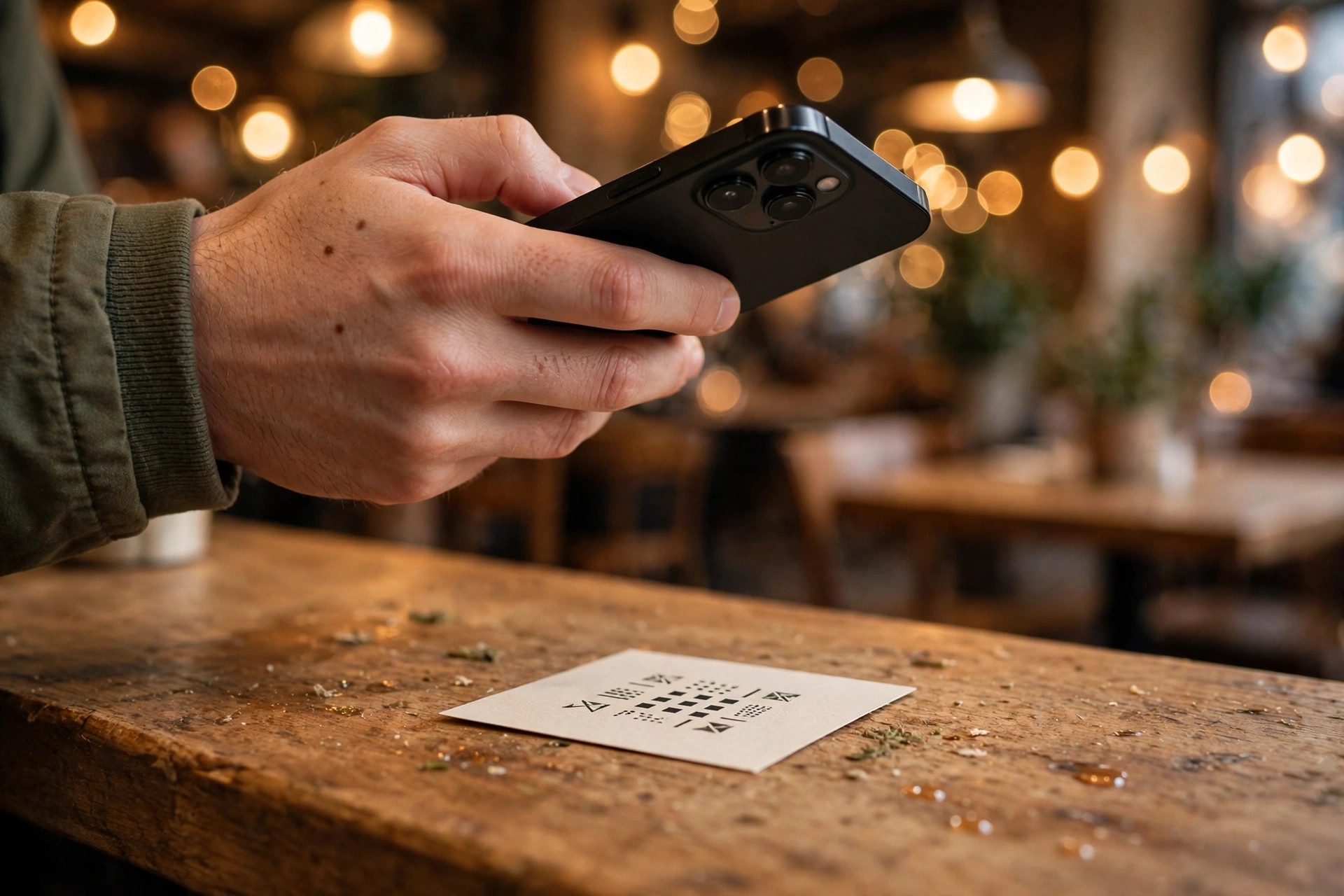
Where to put the code
The best placement is not the most visible one. It is the one where the guest is relaxed, has their phone nearby, has a moment to spare, and has just finished something good. A code on the front door gets seen by everyone and scanned by almost nobody — people are arriving, not reflecting. A code on the bill folder gets seen by fewer people and scanned by far more of them, because the meal is over, the guest is sitting still, and the phone is already out to pay.
| Placement | Typical scan rate* | Best for | Cost |
|---|---|---|---|
| Check presenter / bill folder | 15–18% | Full-service and fine dining | €0.10–€0.15 per card insert |
| Table tent | ~12% | Every table, all day | A few cents per tent |
| Printed receipt | 6–8% | Guests who take the review home | Free — already printing |
| Counter card | 5–8% | Takeaway, bakeries, cafés | A few cents per card |
| Takeaway bag sticker | 3–5% | Delivery and takeaway orders | €0.05–€0.10 per sticker |
| Door or window sign | 1–3% | Guests leaving without scanning | One-off print |
*Approximate ranges from published review-platform data; your numbers will vary with your concept, your guests and your wording. Treat them as a guide to relative performance, not a promise.
The check presenter: the hidden champion
The check presenter — the bill folder — is the single highest-performing placement for review codes in full-service restaurants, and the reason is timing. The guest has finished eating, the food is at its best in their memory, and they are already holding their phone to pay. Slip a small printed card inside the presenter, code facing up when it opens, and the guest sees it at the exact moment they are deciding how they feel about the evening. The cost is a ten-cent card.
Table tents: the workhorse
Table tents are the highest-performing physical placement overall, because they are visible for the whole meal. The guest sees the code while eating, while waiting for the bill, and while chatting after dessert. The physical specs matter: a 4×6 inch tent for a standard table, 300 gsm card stock minimum so it stands upright without support, matte lamination to reduce glare, and a code at least 3×3 inches so it reads from across the table. Put the code on the table edge rather than the centre, and keep the tent to one message. A tent that also carries the drinks list, the Wi-Fi password and a loyalty offer is a tent nobody reads.
Receipts: the review that goes home
Receipt codes have a lower in-the-moment scan rate, but a unique advantage: they leave the restaurant with the guest. A guest who is too full, too rushed or too shy to review at the table may scan the receipt on the bus home, or the next morning over coffee. Print the code at the bottom of the receipt, next to the total, with a one-line invitation. It costs nothing extra — you are already printing the receipt — and it catches the guests every other placement misses. The same logic applies to takeaway bag stickers: the guest sees the code after eating, at home, with time to write more than a star rating.
The best placement is not the most visible one. It is the one where the guest is relaxed, has their phone nearby, and has just finished something good.
Table tents, cards and NFC: which format wins?
A QR code is not the only way to open a review form from a physical object. NFC cards and stands — tap your phone on the card and the review page opens — are increasingly common in restaurants, and some venues now use both. The choice is not about which technology is newer. It is about which one asks the least of your guest, in your room, with your clientele.
NFC's advantage is friction: a tap is faster than a scan, it works in low light, it works when the table is crowded, and it never fails because of glare, a stained print or a folded card. The disadvantages are cost and coverage: NFC cards and stands are a one-time purchase — roughly €8–€17 per unit depending on the format — and a small number of older phones do not support NFC, while every modern phone scans a QR code.
QR's advantage is cost and universality. A printed code costs cents, works on every smartphone made in the last decade, and can be reprinted in an afternoon when the design changes. Its disadvantage is the scan itself: it needs light, a clean print, and a guest willing to point a camera at a square on the table. In a bright café at lunch, that is no obstacle at all. In a dark cocktail bar, it can be.
The practical answer for most restaurants is to start with QR, because it is free and you can test it this week, and to consider NFC later for the placements where scanning is genuinely awkward — the bar, the dim dining room, the counter where guests stand with full hands. Many venues combine the two: a QR code on the table tent and an NFC stand on the counter. What not to do is to buy a fleet of NFC stands before you know whether your guests will review at all. Prove the ask works with a ten-cent card first; spend the money once the reviews are already flowing.
What to write next to the code
A bare QR code, with no explanation, is ignored. Guests do not scan squares they do not understand, and a code without a reason to scan it reads as an advert — or worse, as something to be suspicious of. The words next to the code do three jobs: they say what will happen when the guest scans, they say how long it will take, and they say why it matters to you. All three fit in one or two short lines.
Wording that works
Keep it warm, specific and honest. "Enjoyed your meal? Scan to share your feedback on Google — it takes less than a minute." "Tell us how we did. It takes less than a minute." "Loved your lunch? A quick Google review helps other guests find us." The pattern is the same every time: a question or an invitation, a clear destination, and a time promise. Avoid the two mistakes that kill scan rates: vagueness ("Scan here!" tells the guest nothing) and begging ("Please please please leave us 5 stars!!!" reads as desperation — and breaks Google's rules, since you may ask for an honest review, never for five stars specifically).
What your staff should say
The code does the asking; your staff should only open the door. The best scripts are short, easy to decline, and never put the guest on the spot. Train the team on the boundary as well as the words: never ask for five stars, never ask for a name mention, and never stand over a guest while they scan. Three scripts cover almost every situation.
- At the bill: "Thank you for joining us. If you would like to share an honest review, the QR code on your receipt goes straight to Google. No need to do it now."
- When a guest gives a compliment: "Thank you, I will pass that on to the team. If you ever feel like sharing it on Google, the code is on the table."
- At the counter or takeaway: "There's a QR code on the bag if you'd like to tell us how it was. Totally optional."
Notice what all three have in common: the review is optional, it can happen later, and nobody is watching. That is not politeness for its own sake. It is the rule. Google's policy prohibits pressuring guests to write a review while they are in your venue, and a guest who feels watched will not write anything good. The code should be available, not waved in front of the guest's phone. For the full system — timing, follow-up messages and replies — see our guide to asking for Google reviews the ethical way and our review reply templates.
The rules that keep your profile safe
A QR code makes asking easy, and easy asking is where restaurants get into trouble. Google's rules for reviews are simple to state and expensive to break, so this section is the one to read twice — and the one to share with your team.
No incentives, ever
Google prohibits offering discounts, free dishes, loyalty points, raffle entries or any other benefit in exchange for a review. This is not a grey area: a free dessert "for everyone who leaves a review" is an incentive, even if you do not say the word "five stars". Google calls this fake engagement. Reviews earned this way can be deleted, and your profile can be penalised — which, in practice, means losing reviews you earned honestly too. Save the freebies for loyalty programme sign-ups and keep reviews uncompensated.
No review gating
Review gating means steering only your happy guests towards Google and quietly diverting unhappy ones somewhere private — for example, a QR code that first asks "How was your visit?" and only shows the Google link to guests who tap four or five stars. Google prohibits it. The safest rule is simple: trigger the invitation from a completed visit, a reservation or an order — not from a satisfaction score. Everyone who ate gets the same code, the same invitation, and the same chance to be honest.
No pressure, no scripting the stars
Never ask for five stars specifically, never ask a guest to mention a staff member by name, and never stand over a guest while they scan. Google's policy bans pressuring guests to write a review while they are in your venue, and the same goes for asking at a moment when saying no would be awkward — while the guest is paying, for example. The ask should be easy to decline and easy to postpone. "No need to do it now" is not just polite. It is the difference between an invitation and a demand.
GDPR: what the code does and does not collect
- A static QR code collects nothing. It is a picture of a link; no guest data passes through your hands.
- Do not add a form between the scan and Google that asks for the guest's name, email or phone number — that creates personal data you must then protect.
- Review follow-up by email or SMS needs a lawful basis: the guest's consent, or a genuine existing customer relationship with a clear opt-out. A receipt is not consent.
- If you use a dynamic QR service that counts scans, check where it stores the data and whether it uses cookies — that is a tracking decision, and it belongs in your privacy notice.
One more rule, from the other direction: do not fake reviews, do not ask friends or staff to post them, and do not pay a service that promises a set number of five-star reviews. Google's systems detect review patterns — many reviews in a short burst, reviews written on your own Wi-Fi, reviews from the same device — and filter them automatically. Legitimate reviews can also take a few days to appear, and occasionally up to thirty days. Our guide to handling fake reviews covers what to do when suspicious reviews appear on your profile from the other side.
Save the freebies for loyalty sign-ups. A review bought with a free dessert is a review Google can delete — along with your credibility.
Measuring what works
A QR code you never measure is a decoration. Start with the number that matters most: new reviews per week. Write down your current review count and star rating today, then check again every Monday. A healthy target for a small restaurant is 2–4 new reviews a week; a busy lunch spot or a popular café can reasonably aim higher. What you are watching for is a steady flow, not a spike. A spike means something unusual happened. A steady flow means the system is working.
Then track the placements against each other. If you use a dynamic QR service, it counts scans per code, and you can see whether the table tent or the receipt is doing the work. If you use static codes — which this guide recommends — you can still compare: run the table tent for two weeks, then add the receipt code, and watch whether the weekly review count moves. The comparison does not need to be scientific. It needs to answer one question: where should the next print run go?
Watch the star rating too, but read it correctly. A flood of new reviews often pulls a perfect 5.0 down towards 4.5 or 4.4 — and that is fine. A 4.4 with 180 reviews earns more trust, and more clicks, than a 5.0 with 12 reviews, because guests know a 5.0 with 12 reviews means almost nobody has reviewed you yet. What matters is the trend and the recency: recent reviews, replied to quickly, signal a living restaurant. Reply to every review within 24–48 hours — positive and negative — as our guide to how Google calculates star ratings explains.
What good looks like after 90 days
Set expectations honestly. A restaurant that starts from a low base and adds a table tent, a receipt code and a short staff script typically sees a clear lift within the first month — often doubling its monthly review count — and a steadier, compounding gain after that. Your result will depend on your covers, your concept and your consistency. The one result you can count on is this: doing nothing keeps you exactly where you are, and where you are is a profile that most of your happy guests have never touched.
Your 30-day rollout
Here is the whole system as a four-week plan. Each week is one small job, and none of them needs a supplier, a subscription or a designer.
- Week 1 — Set up. Get your review link from your Business Profile on a computer. Generate the QR code, test it on an iPhone and an Android phone, and confirm it opens the right location's review form. Write down today's review count and star rating as your baseline.
- Week 2 — Print and place. Print table tents on 300 gsm card with a matte finish, and add the code to your receipts. Put a card inside each check presenter. Brief the team on the three scripts and the three boundaries: no asking for five stars, no standing over guests, no second ask.
- Week 3 — Watch and adjust. Check the review count on Monday. Ask the team what guests actually do — do they scan at the table, or take the receipt? Fix the placement nobody uses, and reprint anything that scans poorly in your lighting.
- Week 4 — Reply and repeat. Reply to every new review, positive and negative, within 48 hours. Compare the count with your baseline, decide which placement earns the next print run, and put the QR check on your monthly routine: test the code, check the count, reply to the reviews.
That is the entire system: a free link, a ten-cent card, a one-line invitation and a reply habit. It will not fix bad food or slow service — nothing in marketing does — but for a restaurant that is already good, it is the cheapest way to let Google, and the next hundred guests deciding where to eat, know it. If you want the rest of the foundation behind it, start with our complete Google Business Profile guide and our guide to getting more Google reviews. And if the website the QR code points to needs work of its own, PowerfulWebsite builds restaurant websites for free, with plans from €59/mo and the Restaurant plan at €239/mo including an online ordering system.
Frequently asked questions
How do I create a QR code for Google reviews?
Open your Google Business Profile on a computer, go to Read reviews, then Get more reviews. Copy the review link Google gives you, or save the QR code Google generates there. If you want the code in your own colours, paste that same link into any free QR generator and download the image as PNG or SVG. Always scan the finished code on your own phone before printing it.
Is a Google review QR code free?
Yes. The review link and the QR code are built into your free Google Business Profile, and free QR generators will turn the link into a printable code at no cost. The only expense is printing — a few cents per table tent or receipt insert. Paid review platforms exist, but you do not need one to collect reviews with a QR code.
Where should I put a review QR code in my restaurant?
Put it where guests are relaxed, have their phones nearby and have a moment to spare: the check presenter when the bill arrives, a table tent during the meal, and the printed receipt they take home. The check presenter usually performs best because the timing is right — the meal is finished and the guest is already thinking about the experience.
Can I offer a discount or free dessert for a Google review?
No. Google prohibits offering discounts, free items, loyalty points or any other benefit in exchange for a review. Reviews earned this way can be removed and your profile can be penalised. Ask for honest reviews with no reward attached, and save freebies for loyalty programme sign-ups instead.
Why is my Google review QR code not working?
The most common causes are a code that points to the wrong location, a code printed too small or with too little contrast, and a link built from an old Place ID. Check that the code opens the review form for the correct restaurant on both an iPhone and an Android phone. If you built the link from a Place ID, Google recommends refreshing IDs older than 12 months, and the safest fix is to copy a fresh link from your Business Profile and generate a new code.
How many Google reviews does my restaurant need?
There is no fixed number, and Google has never published a threshold. What matters is how you compare with the competitors you want to outrank: check the three restaurants that appear for your most important search and compare counts. A practical target for most Nordic restaurants is 40–100+ reviews at 4.2 stars or higher, with 2–4 new reviews arriving every week.
Want a website that brings table bookings?
PowerfulWebsite builds your restaurant's website for free — you only pay from €59/mo. Everything included: domain, hosting, maintenance and updates.
See the packages