What Booking Software Does a Café Actually Need?
Short answer: far less than the vendors want to sell you. If walk-ins are your bread and butter, a free Google booking button plus a simple form on your website covers roughly 90% of café bookings — and paid software only earns its keep once you regularly turn groups away. For a typical Nordic café, the right setup costs €0–30/month (estimates), not the €80+/month that full restaurant reservation platforms charge.
Key takeaways
- Most café revenue comes from walk-ins — booking software is for groups, brunch rushes and events, not for every table.
- Start free: Reserve with Google plus a simple website booking form handles the vast majority of café bookings.
- The features that matter: online form, automatic confirmations, 24-hour reminders, and one-click cancellation. Skip floor plans, CRM and marketing automation.
- Realistic café budgets run €0–30/month (estimates); full restaurant platforms at €80+/month are built for fine dining and are usually overkill.
- The winning model is hybrid: keep most tables for walk-ins, hold a few for bookable slots — and never pay per-diner commissions for café traffic.
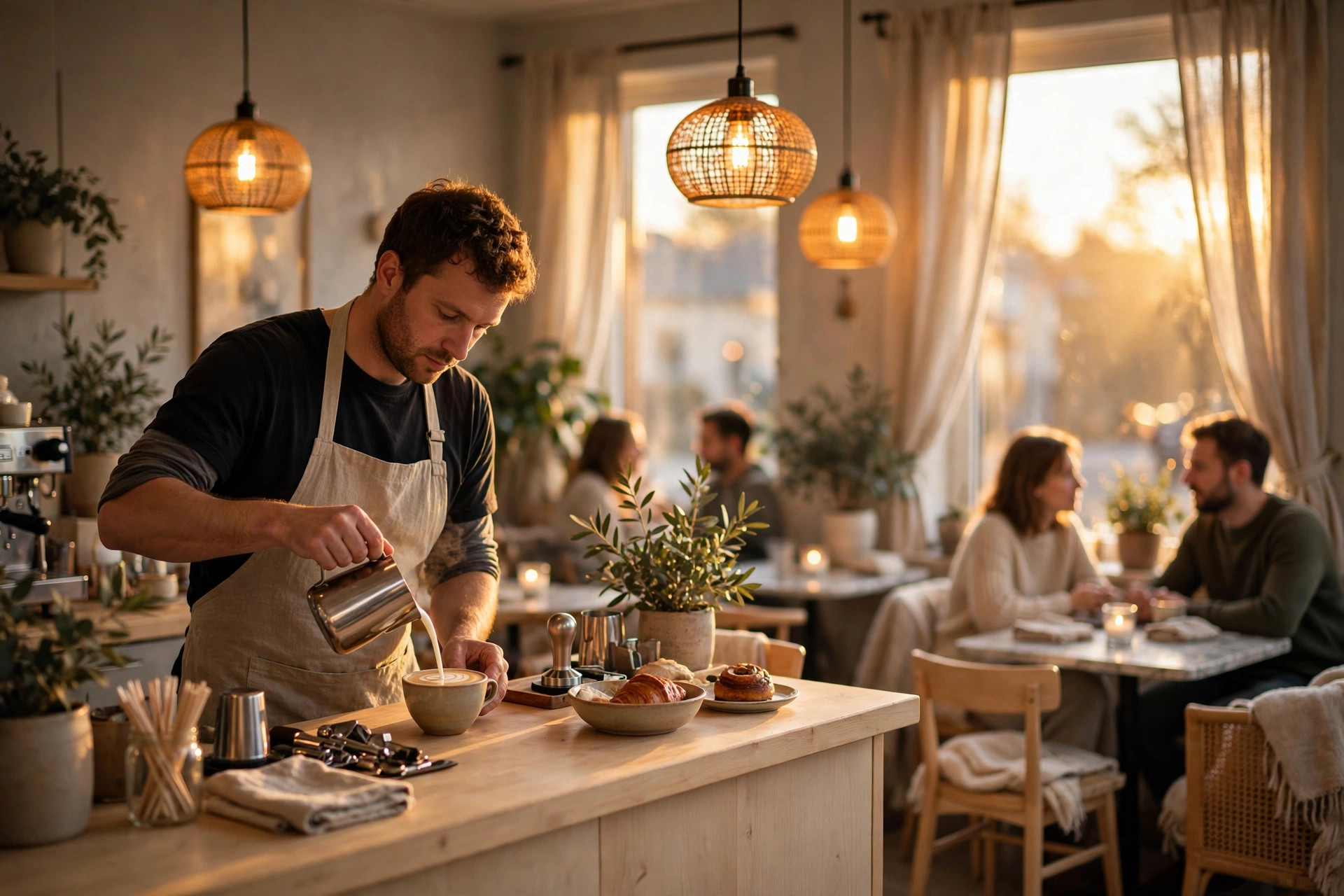
This guide is for café owners — the 25-seat brunch spot, the neighbourhood espresso bar, the lunch café that fills up between 11:00 and 13:30 — who keep getting pitched reservation software built for someone else. Booking platforms demo beautifully: floor plans, guest CRM, marketing automation, waitlist algorithms. But your reality is a paper diary by the till, Instagram DMs that get buried during service, and a Saturday brunch queue out the door. You don't need a smaller version of a fine-dining system. You need to answer one question honestly — which bookings actually matter to my business? — and then buy (or don't buy) accordingly. Below: what café booking really looks like, the free tier that covers most of it, the features worth paying for, real cost ranges, and a one-afternoon decision process.
Do cafés even need table bookings?
Start with the uncomfortable question, because the booking industry never asks it. For most cafés, the honest answer is: barely. A typical Nordic café earns the overwhelming majority of its revenue from people who simply walk in — the morning regulars, the lunch crowd, the afternoon fika break, the tourists who spotted you from the street. Table bookings are a thin slice on top: the Saturday brunch table for six, the office team that wants the back room, the birthday group, the occasional private event.
That matters because every booking system is a trade-off. It costs money, it costs setup time, and — the hidden cost nobody mentions — it changes how you run the floor. A café that takes bookings for every table starts holding tables, turning away walk-ins for guests who may or may not arrive, and spending service time managing a diary. For a 60-seat restaurant with two sittings a night, that's the business. For a 28-seat café with constant churn, it's mostly overhead.
So before comparing software, count your actual booking demand for two weeks. Tally every enquiry: phone calls, DMs, emails, walk-ins asking "can we book for Saturday?". Most café owners who do this discover one of three patterns:
- Under 5 booking enquiries a week. You don't need booking software. A phone number, a website contact form and Reserve with Google are plenty. Anything more is a solution looking for a problem.
- 5–15 a week, mostly groups and weekends. You're in the sweet spot for a light, cheap setup — an online form or a basic booking widget, with most tables still walk-in.
- 15+ a week, or regular private events. Now paid software starts paying for itself, because the admin time and the lost bookings (people who couldn't reach you after hours) cost more than the subscription.
Notice what's missing from all three: nobody needs a fine-dining reservation platform. The café question is never "how do I manage 40 tables across two sittings" — it's "how do I stop losing the good bookings (groups, events, brunch) without turning my café into a reservation desk."
What café booking really means
When booking vendors say "reservations," they picture a restaurant: hosts, seating charts, table turns, cover counts. Café bookings are a different animal, and recognising the difference is what keeps you from buying the wrong thing.
A café booking is usually one of four things. First, the group booking — six to fifteen people for brunch, a baby shower, an office lunch. This is the booking that matters most, because groups spend more and plan ahead, and because they're the ones who vanish if they can't book easily. Second, the event or private hire — the back room for a meeting, the whole café for an evening. Few in number, high in value, and each one currently handled through a messy DM thread. Third, the peak-slot booking — Saturday and Sunday brunch, where a queue forms and regulars would love to skip it. And fourth, the "just in case" booking — a couple visiting from out of town who wants certainty. Nice to have, rarely business-critical.
Here's the practical implication: café booking software doesn't need seat management, it needs enquiry management. The job is to capture the group, confirm the event, and hold the brunch slot — then get out of the way. Anything built around optimising table turns is solving a problem your floor doesn't have.
It also means the failure mode is different. A restaurant's booking nightmare is the double-booked 19:30 table. A café's booking nightmare is the Instagram DM that sat unread for three days while the group of ten booked somewhere else — or the Saturday regular who stopped coming because the brunch queue got silly and there was no way to reserve ahead. Your software choice should be judged on one metric: does it capture bookings we'd otherwise lose, without adding daily admin?
Start free: what costs €0 in 2026
Before spending a euro, there's a free tier that's genuinely good enough for most cafés. It has three parts, and you can set all of them up in an afternoon.
1. Reserve with Google. If you have a Google Business Profile (and if you don't, that's step zero — see our guide to choosing a booking system for the local-search basics), you can enable booking directly from Google Search and Maps at no cost. Guests searching for your café see a "Book a table" button and reserve without ever visiting your website. The trade-off is control: you get Google's booking flow, limited customisation, and no deposits or custom questions. But for capturing the tourist who found you on Maps at 22:40, it's unbeatable — and it's free.
2. A simple booking form on your website. Not a platform, not a widget with monthly fees — a form. Date, time, party size, name, phone, email, and a free-text field for "anything we should know" (allergies, prams, birthdays). Submissions land in your inbox or a shared Google Sheet. It costs nothing, it works on every phone, and it captures the enquiries that currently die in Instagram DMs. The one non-negotiable: the form must send an automatic confirmation reply, even a simple one. A guest who gets silence wonders whether the booking exists.
3. A shared calendar as the diary. Google Calendar, one shared calendar called "Bookings", colour-coded by status if you're feeling fancy. Every form submission and every phone booking goes in the same place, visible to everyone on shift. This sounds almost insultingly basic, but it fixes the actual café problem — bookings living in one person's phone — at zero cost.
What's missing from the free tier? Automatic reminders (the single biggest no-show killer), easy cancellation links, and anything involving card details or deposits. If your no-show rate on groups is hurting, or you're spending real time on booking admin, that's the signal to look at the paid tier — not before. And a word on Instagram: keep the DMs open for questions, but put your booking link in your bio and reply to booking DMs with the link, not a conversation. Every booking handled by chat is a booking that can't be reminded, rescheduled or counted.
The features that actually matter
When you do look at paid options, vendors will demo forty features. For a café, the list that matters fits on an index card — and the "skip" list is longer than the "buy" list, which is exactly the point.
Buy these
- Online booking form with date, time and party size. The core. Must work flawlessly on phones — the majority of your guests will book from one.
- Automatic confirmation emails. Instant proof the booking exists. This alone eliminates the "did they get my DM?" anxiety that costs you groups.
- Automatic reminders, 24 hours before. The highest-impact no-show prevention there is. If a tool doesn't do reminders, it's not worth paying for.
- One-click cancellation and rescheduling links. Counterintuitive, but easy cancelling reduces no-shows — a guest who can cancel in ten seconds does; one who can't just doesn't turn up. (Our full guide: 8 ways restaurants can cut no-shows down.)
- Card guarantee or deposit option for groups. Not for every table — for the 8+ bookings and private events where a no-show actually hurts. More on the right way to do this in our guide to deposits and gift cards.
- Google integration. Bookings should be bookable from Maps/Search, not just your site. This is where a surprising share of café bookings originate.
Skip these (for now)
- Floor plans and table management. Built for restaurants with hosts. Your floor is "sit where there's space."
- Guest CRM and marketing automation. Lovely in a demo, unused in practice at café scale. Your newsletter list does this job.
- POS integration. Unless your booking volume is high enough that reconciling bookings against sales is real work, this is a €50+/month feature solving a non-problem.
- Waitlist apps. Worth it only if you genuinely have queues worth managing most days — for most cafés, a paper list or a simple "we'll text you" works.
- Multi-venue management. Relevant when you open location two, not before.
A useful test when a vendor demos something shiny: ask "which of my four booking types does this help with, and what happens on a Tuesday when nobody books?" If the answer is a long silence, you're looking at restaurant software wearing a café costume.
How much should a café pay?
Let's talk numbers, because this is where café owners get burned. Booking software pricing falls into four bands, and the right one for you is almost certainly one of the first two. All figures below are typical market ranges (estimates) for 2026, not quotes — check current pricing before you commit.
| Option | Typical cost | Best for | The catch |
|---|---|---|---|
| Free DIY — Reserve with Google + website form + shared calendar | €0/month | Cafés with under ~5 booking enquiries a week | No automatic reminders; manual diary work; no deposits |
| Simple booking widget — embedded form with confirmations | €0–15/month | Cafés wanting a tidier flow than a raw form | Reminders often an add-on; limited customisation |
| Light booking tool — confirmations + reminders + cancellation links, sometimes card guarantees | €15–30/month | Busy brunch cafés, regular group bookings | Check contract length; some charge per-SMS fees |
| Full restaurant platform — floor plans, CRM, POS integration, marketing | €80+/month | Full-service restaurants, not cafés | You pay for features you'll never open |
The maths that matters is simple: does the software save or earn more than it costs? A light tool at €25/month that sends automatic reminders and recovers even one group no-show a month has paid for itself several times over — a no-showed table of eight at brunch is easily €150+ in lost revenue. But a full platform at €100/month needs to recover four such groups monthly just to break even, while adding admin you didn't have. Most cafés sit in the €0–30 band and should stay there.
One more cost to watch: the website itself. A booking form is only as good as the site it lives on — slow, confusing sites leak bookings before the form loads. If your site needs rebuilding, don't pay a €3,000 agency invoice for it: PowerfulWebsite builds café and restaurant websites for free, with subscriptions from €59–€239/month covering hosting, maintenance and the booking integration. The booking widget is worthless if guests bounce before finding it.
The hybrid model: walk-ins first
Here's the operating model that fits how cafés actually work. Don't choose between walk-ins and bookings — run both, with walk-ins as the default and bookings as a fenced-off slice.
In practice that means: keep 70–80% of your tables permanently walk-in, always. Carve out a bookable slice — say, two tables bookable online for parties of 4+, plus your group/event space — and cap the bookable slots per time window. On weekend brunch, offer bookable slots at fixed seatings (10:00, 12:00) while the rest of the floor stays first-come. Groups get certainty, regulars keep their spontaneity, and you never face the absurdity of turning away a queue of walk-ins for an empty "reserved" table.
This also simplifies your no-show policy enormously. Walk-in tables can't no-show. Bookable slots get the reminder treatment, and groups get the card guarantee. Your exposure is fenced into the slice you chose, instead of spread across the whole floor.
A café booking policy that fits on a napkin
- Tables of 1–5: walk in, always welcome. Online booking available for weekend brunch slots only.
- Tables of 6+: booking required, confirmed by email, reminded 24h ahead. Card details held as a guarantee; groups that no-show without 24h notice are charged a modest per-person fee (state the amount upfront).
- Private events: 30% deposit at booking (estimate-based; credited against the bill), balance on the day, final headcount 72h ahead.
- Cancellation: one-click link in every confirmation — no phone call needed, no guilt trip.
Print something like this on your website's booking page and the awkward conversations disappear. Guests don't mind rules; they mind surprises. State the policy at booking time, enforce it consistently, and keep the tone warm — "so we can hold your table with confidence" beats "so you don't screw us" every time.
Traps to avoid
Four traps catch café owners specifically, because the products are designed for bigger venues.
Trap 1: per-diner commissions. Some platforms charge per booked guest — the OpenTable-style model of roughly €1–1.50 per diner. For a restaurant doing 200 covers a night, that's the cost of discovery. For a café whose guests found you on foot, it's a tax on business you already had. Flat monthly pricing or free tiers only; never pay per head for walk-in-driven traffic.
Trap 2: the 12-month contract. Booking needs change with seasons — terrace summer versus quiet January. Avoid annual lock-ins for your first year with any tool. Month-to-month until you've seen it survive a full seasonal cycle.
Trap 3: the platform owns your guest relationship. Some booking marketplaces intermediate everything: the guest books on their site, gets their emails, and you rent access to your own customers. Prefer tools where the booking happens on your website, under your brand, with the guest data in your hands. Check the data-export terms before you sign — if you can't take your guest list with you, you're not a customer, you're inventory.
Trap 4: GDPR as an afterthought. Booking forms collect names, phone numbers, emails — personal data under EU law. Your setup needs a privacy notice, a lawful basis (contract is fine for bookings), and a retention rule (don't keep guest data forever "just in case"). Reputable tools handle most of this; a DIY form needs you to think about it once, for ten minutes, and then it's done. If you're unsure, our rule of thumb: collect the minimum (name, phone, party size, date), keep it a year, delete on request.
Choose in one afternoon
You don't need a three-month procurement process. Here's the whole decision, compressed into one afternoon:
- Count (30 min). Pull two weeks of booking enquiries from your phone, DMs and diary. Sort into groups, events, brunch slots and "just in case". This tells you which band you're in.
- Turn on the free tier (60 min). Enable Reserve with Google on your Business Profile. Add a simple booking form to your website with date, time, party size, name, phone and email. Create the shared "Bookings" calendar.
- Write the policy (30 min). Adapt the napkin policy above. Put it on the booking page, not buried in terms and conditions.
- Test it yourself (20 min). Book your own café from your phone, on mobile data, standing outside. If anything confuses you, it will confuse guests. Fix it now.
- Review in 30 days. One question: did we capture bookings we'd have lost, and did admin time go down? If yes, you're done. If the diary is overflowing, then look at the €15–30/month tier — you'll know exactly which features you need because you'll have felt their absence.
The café owners who get booking right share one trait: they bought the smallest thing that solved the actual problem, and upgraded only when the problem outgrew it. Start free, fence the bookable slice, remind everyone automatically, and keep the per-diner commissions far away from your till. Your brunch queue will thank you — preferably from a table they booked in thirty seconds.
Frequently asked questions
Do small cafés really need online booking software?
Most cafés don't need full reservation software. If the majority of your revenue comes from walk-ins, a free booking button on Google plus a simple booking form on your website covers almost everything. Paid booking software starts earning its keep when you regularly turn groups away, run ticketed events, or spend more than a few hours a week managing reservations by phone and messages.
How much does booking software for a café cost?
A realistic range for cafés is €0–30 per month (estimates). Free options include Reserve with Google and a simple website form. Light booking widgets typically cost €0–15/month, and café-oriented booking tools sit around €15–30/month. Full restaurant reservation platforms start near €80/month and are usually overkill for a café — they're built for fine-dining seat management you won't use.
Is Reserve with Google actually free for cafés?
Yes — the booking button on your Google Business Profile is free for the business, and it works through scheduling partners that integrate with Google. Guests can book straight from Google Search and Maps without visiting your website. The trade-off is limited control: you get Google's booking flow, not yours, and features like deposits or custom questions are restricted.
Should a café take deposits for group bookings?
For large groups and private events, yes — a small deposit or card guarantee is standard practice and dramatically cuts no-shows. For ordinary tables of two to four, deposits usually cost you more bookings than they save. A common café rule: no deposit under 6 guests, a modest per-person deposit or card guarantee for 6+, and a clear cancellation deadline of 24–48 hours.
What's the simplest booking setup for a café?
The simplest setup that works: a booking form on your website asking for date, time, party size, name, phone and email; automatic confirmation emails; an automatic reminder 24 hours before; and a one-click cancellation link in every confirmation. That covers the vast majority of café bookings. Add Reserve with Google so guests can book from Maps, and you're done.
Can I just keep taking bookings by phone and Instagram DMs?
You can, but it stops scaling fast. Phone and DM bookings live in one person's head, get lost during service, and produce no reminders — which is how groups quietly no-show. If you get more than a handful of booking enquiries per week, a shared online calendar that guests can book into directly will save you hours and catch bookings you'd otherwise miss after closing time.
Want a website that brings table bookings?
PowerfulWebsite builds your café or restaurant website for free — you only pay a monthly subscription from €59/mo. Everything included: domain, hosting, maintenance, updates, and booking integration.
See the packages