Facebook Page Setup for Your Restaurant: The Checklist
Setting up a Facebook page for your restaurant takes about an hour if you have everything ready: create the page under your personal profile, fill every About field with matching name, address and hours, upload a sharp logo and cover photo, claim your username, add a Book Now button that points at your own booking page, and publish your menu. The checklist below walks through each step in order — nothing fancy, nothing missed.
Key takeaways
- A Facebook page is free to create and run; the real investment is one focused hour of setup plus 30 minutes a month of maintenance.
- Fill every About field — name, categories, username, address, hours, price range, website, phone — with information identical to your Google Business Profile.
- The Book Now button should send guests to your own website's booking page, not to a third-party commission site, whenever possible.
- Facebook's real strengths for restaurants are local discovery, events, Recommendations (reviews), and Messenger — not viral posts.
- Use Meta Business Suite (free) to manage Facebook and Instagram together, schedule posts, and keep one living profile instead of two dying ones.
- Add a second admin from day one, and check your holiday hours before every Nordic public holiday.
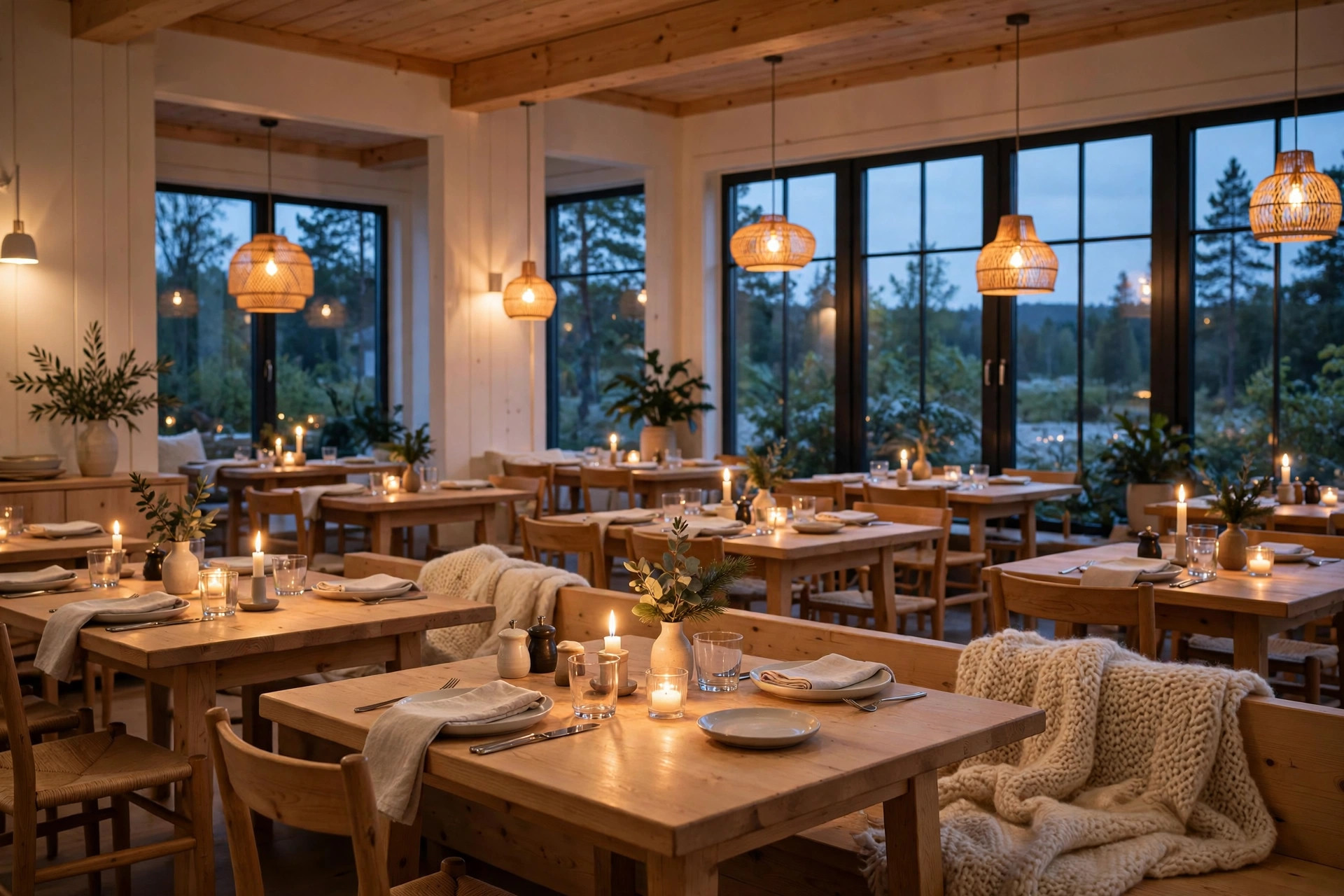
Most restaurant Facebook pages look like abandoned buildings: a blurry cover photo from 2019, opening hours that stopped being true two menus ago, no menu, no booking button, and a last post about a Christmas special from three Christmases back. Guests still find these pages — Facebook is where many of them start looking — and they draw exactly one conclusion: this place might be closed. This checklist fixes that. It covers the full facebook page for restaurant setup in the order that matters, the fields most owners leave blank, and the maintenance routine that keeps the page working for you instead of against you. Our angle is practical and Nordic: real steps, real field names, and the details (holiday hours, bilingual guests, GDPR-safe reviews) that generic American guides skip.
Why your restaurant still needs a Facebook page in 2026
Facebook is no longer the cool platform, and that is precisely why restaurant owners should take it seriously again: it is where the people who actually book group dinners, organise birthdays, and bring their families on Sundays spend their time. Surveys of diners keep showing the same pattern — a 2025 Toast survey of US adults ranked Facebook highest among social channels for restaurant discovery (27%), ahead of Instagram (22% in DoorDash's 2025 survey), while TikTok led with Gen Z. Pew's 2025 data showed 80% of adults aged 30–49 using Facebook. For a restaurant, the 35-plus crowd is the money demographic: steadier spending, larger parties, more repeat visits.
The platform's real job for restaurants is not virality — it is local intent. Guests use a restaurant's Facebook page to check opening hours before driving over, read what neighbours said, look at the menu, ask a question on Messenger, and share an event with family. Local Facebook groups are the other half of the equation: when someone in your suburb asks "where should we take my parents for a birthday dinner?", the recommendation usually happens in a group, and your page is the link that gets passed around. A page that answers every question in one screen wins that booking; a half-finished page loses it to the competitor with a complete one.
There is also a Nordic wrinkle worth knowing: guests here check holiday hours religiously. Christmas Eve, Midsummer (Juhannus), Vappu, Easter — a restaurant whose Facebook page says nothing about holiday hours while the door is locked earns a special kind of frustration. More on that in the maintenance section. And because your page is free to run, the honest cost comparison is not "Facebook vs. nothing" but "one good hour now vs. a slow bleed of lost bookings forever." For a deeper look at how the two Meta platforms split the work, see our Instagram strategy for restaurants in 2026 — it pairs directly with this checklist.
Before you start: the 10-minute prep
Page creation itself takes ten minutes; the friction is always the missing assets. Gather these before you open Facebook and the whole job stays a single pleasant hour:
- A personal Facebook profile with admin rights. You need a personal profile to create a Page — no exceptions. Nothing personal is shown publicly on the business page.
- Your exact business name as it appears on your sign and your Google Business Profile. Page names are painful to change later, so decide now: no keyword stuffing, no town name appended unless it is part of the legal name.
- A square logo file (at least 1080×1080 px, PNG). It will display tiny — 170×170 px on desktop — so pick the simplest readable version of your mark.
- One strong horizontal photo or short video for the cover: the dining room at its best, a signature dish, or 20–90 seconds of kitchen life.
- Your address, phone, email, and website URL — copied exactly as they appear on your Google Business Profile. Name, address and phone must match everywhere; see our guide to NAP consistency for why this matters for local search.
- Opening hours, including lunch/dinner splits and any seasonal changes coming in the next three months.
- Your current menu — as a PDF or, better, as text on your website you can link to.
- Your booking link. Your own website's booking page beats a third-party link every time: no commission, and the guest stays in your world.
- A second admin. Decide now who gets admin rights besides you — a co-owner or the general manager. Pages locked to one person who later leaves or loses their account are one of the most common small-business disasters on Facebook.
Creating your restaurant page, step by step
With the prep done, this is a calm 15-minute job. Follow the steps in order — Facebook's flow hides a few important options if you rush.
- Log in to your personal Facebook profile on a desktop browser. Go to facebook.com/pages/create, or click the grid menu in the top right and choose Page under Create.
- Choose "Business or brand" and click Get Started. (The other option, "Community or public figure," is for fan pages — never for a restaurant.)
- Enter your page name — the exact business name, spelled exactly as on your sign.
- Pick your categories. Start typing and choose the closest match; you can select up to three. "Restaurant" is the obvious primary, but add precision with a second and third: "Italian restaurant," "Café," "Bar," "Pizzeria," "Sushi restaurant." Categories shape how Facebook shows your page to searchers and what fields it offers you, so be specific.
- Write the description (up to 255 characters in this field). Front-load the essentials: what you serve, where you are, and one differentiator. Example: "Wood-fired Neapolitan pizzeria in the heart of Turku. Open kitchen, natural wines, lunch served weekdays 11–15." Include strategic keywords — city and cuisine — because this text feeds Facebook's internal search.
- Click "Create page." The page now exists, but do not publish or promote it yet — an unfinished page is worse than no page.
- Add your profile photo — the square logo from your prep. Check how it looks in the circular crop on mobile; tiny text will be unreadable, so favour a bold mark.
- Add your cover photo or video. Desktop shows roughly 820×312 px, mobile crops to about 640×360 px, so keep the important content centred and away from the edges. A cover video (20–90 seconds, minimum 820×312) of the dining room or kitchen in motion outperforms a static image for restaurants — the movement reads as "alive."
- Skip the WhatsApp connect prompt for now unless you genuinely answer WhatsApp Business messages during service. Connecting a channel you never reply on is worse than not having it.
Claim your username immediately
Before you publish, go to Settings and set your page's username — the @handle that becomes your vanity URL, facebook.com/yourrestaurantname. This is the address you will print on menus, cards and window stickers, and the clean link people will actually remember. Keep it short, drop filler words, and match your Instagram handle if you can: consistency across platforms is a small trust signal that adds up. PowerfulWebsite sites link social profiles from the footer automatically, so pick a handle you will not want to change in a year.
What NOT to do at creation
- Don't create the page from a fake or shared "staff" profile. If that profile gets banned or the employee leaves, you lose the page. Use a real person's profile — yours or a co-owner's — and add a second admin immediately.
- Don't invite friends or boost anything yet. Wait until every section below is finished. First impressions of a finished page convert; first impressions of a skeleton page do not.
- Don't accept Facebook's offer to auto-generate content from your website without reviewing it. The auto-pulled text and photos are often outdated and occasionally wrong.
The About section: every field, filled in right
The About section is where checklists quietly win or lose. It is also the part of your page that Facebook's search — and Google's, since Facebook pages rank well for "[restaurant name]" queries — actually reads. Work through every field:
- Contact info: phone, email, and website. Use a phone number someone actually answers during opening hours; a surprising number of pages list a number that rings into the void. Your website link should go to your homepage or, better, straight to the booking page.
- Address and map pin. Verify the pin sits on your actual door, not the middle of the street or the building next door. Guests in Nordic winter do not enjoy a five-minute walk in the wrong direction at −15°C.
- Opening hours. Set regular weekly hours with lunch/dinner splits if you have them, and — this is the field most restaurants neglect — special hours for public holidays. Christmas, New Year, Easter, Midsummer, Vappu: enter each one as soon as the season approaches. Nothing on the page frustrates a guest more than showing up to a locked door that Facebook said was open.
- Price range. The $, $$, $$$, $$$$ indicator. It is optional, but it pre-qualifies guests and reduces "is this place expensive?" hesitation. Most mid-range Nordic restaurants are $$.
- Services. Tick what you genuinely offer: dine-in, takeaway, delivery, outdoor seating, private dining. Each tick is a search filter someone might use.
- Additional information. The long-form "About" box is where you tell the story in a few sentences: the cuisine, the philosophy, the neighbourhood, what a first-timer should order. Two short paragraphs, keywords early, no fluff.
Why the boring fields are the valuable ones
Here is what the generic setup guides miss: completeness is a ranking factor. Pages with full contact details, verified addresses and accurate hours appear more often in Facebook's local search, and guests treat them as more trustworthy. The five minutes you spend ticking "outdoor seating" and setting Easter hours pay back every time a local searches "restaurant open easter [your town]" — a query with extremely high booking intent. Pair this with an equally complete Google Business Profile and the two listings reinforce each other across both ecosystems.
Photos that make people hungry
Food is a visual decision, and your page's photo layer is doing the selling long before any words are read. You do not need a professional shoot on day one — a modern phone in daylight is enough — but you do need intention.
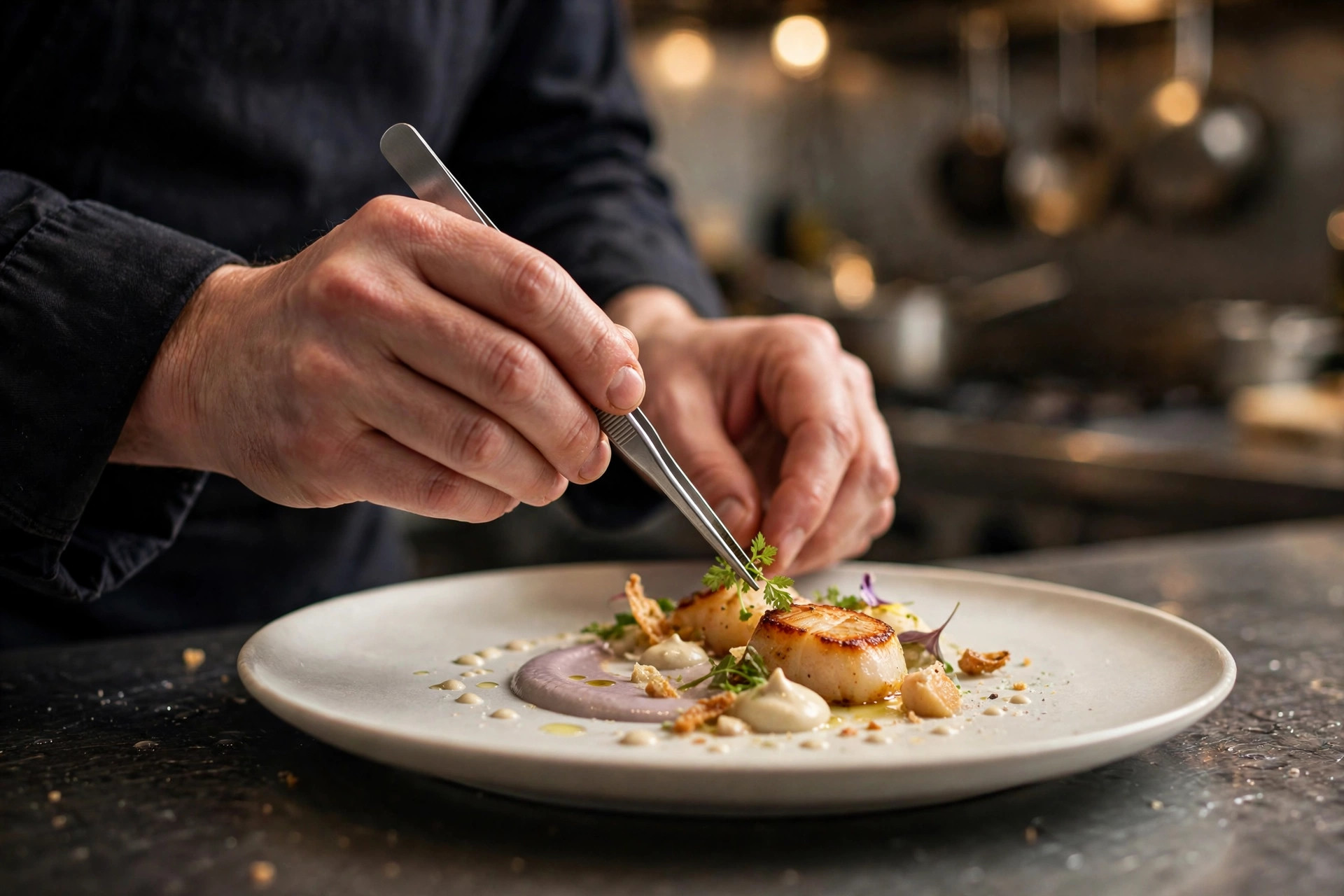
- Profile photo: your logo, bold and readable at thumbnail size. Resist the temptation to use a dish photo here — the profile picture is your brand mark across every comment and message thread.
- Cover: your single most appetite-triggering image or short video. The signature dish in great light, or the room at golden hour. Swap it seasonally: the terrace in summer, the candlelit room in December. A page whose cover matches the season reads as alive.
- Photo albums: organise into Food, Interior, Team, and Events. Guests browse albums when they are seriously considering you — a messy single pile of 400 unsorted photos is a lost opportunity.
- Pin your menu. Pin a post with the current menu (photos plus a link to the menu page on your website) to the top of your timeline. For most guests, this pinned post is the entire reason they opened your page. Our guide to digital menus done right covers what a good online menu looks like beyond Facebook.
- Repost guest photos — with permission, and credit the photographer. User-generated content is the most trusted imagery on the platform, and resharing it turns happy guests into ambassadors. A simple "Photo by @guest, thanks for visiting!" costs nothing and earns loyalty.
The photo sizes that actually matter
Facebook compresses everything, so upload larger than you need: profile at least 1080×1080 px, cover at 1640×856 px or larger (it displays around 820×312 on desktop and crops differently on mobile — keep text and faces centred). Timeline photos work best at 1200×630 px. The most common amateur mistake is a cover where the dish or the headline text gets sliced off on phones; preview every cover on your own phone before you commit to it.
The action button: turning followers into bookings
The single most valuable pixel on your page is the action button under the cover photo. It is the difference between a page that informs and a page that converts. For restaurants, the hierarchy is clear:
- Book Now — the default choice. Point it at your own website's reservation page, not at a third-party marketplace, whenever your site supports booking. Every booking that goes through your own page avoids commission and keeps the guest in your ecosystem. If your site does not take bookings yet, that is the fix worth making before anything else — a PowerfulWebsite restaurant site includes online ordering and booking from the €239/mo Restaurant plan, with the build itself free.
- Call Now — right for small restaurants that still take most bookings by phone. It puts the number one tap away on mobile, which is where the majority of your page views come from.
- Send Message — useful if you genuinely answer Messenger quickly. Pair it with the instant-reply setup in the next section, or skip it.
- Order Food — if takeaway is a real revenue line, link your own ordering flow. The commission math on third-party delivery is brutal; your own channel keeps the margin.
Whatever you choose, test it on your own phone as a logged-out visitor would see it. Buttons that link to a broken booking form, a homepage with no visible "reserve" option, or a third-party page in the wrong language are depressingly common — and each one is a booking handed to a competitor. For the full comparison of booking channels, read online booking vs. phone: what works in 2026.
Events, groups and reviews: Facebook's secret weapons
These three features are where Facebook quietly outperforms every other platform for restaurants. Most pages ignore all three.
Events: fill your slow nights
Facebook Events remain the best free event tool on any social platform. Create an event for quiz nights, live music, wine tastings, seasonal menus, and holiday specials — anything with a date. Guests mark "Interested," invite friends, and get reminders; you get a headcount estimate and a shareable link. Pro move: create recurring events for weekly fixtures (Tuesday quiz, Friday live jazz) rather than one-offs, and always link the event back to the booking button.
Local groups: where recommendations actually happen
You do not need to run a group — you need to be findable in them. When a neighbour recommends you in a local group, the first thing the asker does is click your page. That is the moment every field in this checklist pays off. The ethical playbook: never spam groups with ads, but do answer questions helpfully when your restaurant genuinely fits ("we do gluten-free pizza, happy to help — here's our menu"), and thank people publicly when they recommend you.
Recommendations and reviews: reply to everything
Facebook Recommendations (the old Reviews) carry real weight in local decisions, and they feed the page's social proof. The routine is simple: thank every positive review personally, reply to every critical one within 24 hours, professionally and without defensiveness. Never offer incentives for positive reviews — it violates platform rules and erodes trust when discovered. For templates and the full reply playbook, see our guide to getting Facebook recommendations right.
Messenger: set up auto-replies before you need them
If your action button invites messages, configure Instant Replies and an away message in Page settings → Messaging. Answer the three questions guests always ask — opening hours, address/parking, and how to book — in the automated greeting itself. Keep the tone human and short, and make sure a real person checks the inbox at least once daily. A message answered in an hour can save a booking; a message answered never loses a guest permanently.
The 5-minute weekly Facebook routine
Once the page is set up, it stays alive on almost no effort: Monday, check that this week's hours are still correct and that any holiday closure is announced. Mid-week, share one post — a dish, a behind-the-scenes moment, or the weekend event reminder — scheduled free in Meta Business Suite. Friday, reply to any new recommendations and messages. That is it. Consistency at this level beats an ambitious posting plan that collapses by March.
Manage it all free with Meta Business Suite
Meta Business Suite (free, at business.facebook.com) lets you manage your Facebook Page and Instagram account from one dashboard: schedule posts to both, read all messages and comments in one inbox, and see basic insights without paying for a scheduling tool. If you run Instagram too — and our Instagram strategy guide argues you should — connect both accounts here first. One post, lightly adapted per platform, published everywhere: that is how a busy restaurant stays present without a marketing department.
The maintenance checklist: monthly, quarterly, yearly
A Facebook page is not a project with a finish line; it is a listing that rots if ignored. Tape this table to the office wall and work through it on schedule:
| When | Task | Why it matters |
|---|---|---|
| Monthly | Verify opening hours and update any upcoming holiday hours | Wrong hours are the #1 trust-killer on restaurant pages |
| Monthly | Reply to all new Recommendations and Messenger messages | Unanswered reviews signal an absent owner |
| Monthly | Publish 4–6 posts (dishes, team, events, weekend reminders) | A page with no recent posts reads as possibly closed |
| Monthly | Check the pinned menu post is still current | An outdated menu creates disappointed guests |
| Quarterly | Refresh the cover photo or video for the season | Seasonal imagery proves the page — and the kitchen — is alive |
| Quarterly | Audit the About section: phone, email, address, price range, services | Details drift; a 10-minute audit catches it |
| Quarterly | Test the action button on a phone as a logged-out visitor | Broken booking links silently cost tables every week |
| Quarterly | Review who has admin, editor and analyst roles | Remove ex-staff before they become a security problem |
| Yearly | Re-shoot the profile and cover with current branding | Menus, interiors and logos evolve — the page should too |
| Yearly | Check categories still fit and merge any duplicate pages | Duplicates split your reviews and confuse guests |
One last Nordic note for the calendar: put the year's public holidays into your phone now — Christmas, New Year, Easter, Vappu, Midsummer — and set a reminder one week before each to update the page's special hours. Ten minutes of prevention, zero "are you open??" messages in the inbox. And if your restaurant is also finding its rhythm on short video, our TikTok beginner's guide for restaurants covers the channel that pairs best with this page for under-40 discovery.
Frequently asked questions
How much does a Facebook page cost for a restaurant?
Creating a Facebook Page is free, and it stays free — there is no charge for the page itself, events, or organic posts. The optional costs are advertising (a typical local test budget is €50–€150 per month) and any tools you connect, such as a reservation system. Everything in this checklist can be done for €0.
Do I need a personal Facebook account to create a restaurant page?
Yes. Facebook requires a personal profile to create and manage a Page — there is no way around it. Your personal information stays private: page visitors only see the business page. Add at least one trusted second admin (a co-owner or manager) so the page is never locked to a single person.
Should my restaurant be on Facebook or Instagram first?
Both eventually, with different jobs: Instagram creates demand with food visuals and reels; Facebook converts local intent into bookings, calls and reviews — especially for guests over 35, families and group dinners. If you can only run one well, pick the one your regulars already use, and use Meta Business Suite to cross-post the essentials to the other.
How do I add my menu to my Facebook page?
Use the Menu tab in your Page settings (Page settings → Tabs → add the Menu section), or simpler: pin a post with your current menu as clear photos plus a link to the menu on your website. Update it whenever the menu changes — an outdated menu on Facebook is worse than none.
My restaurant has two Facebook pages. How do I merge them?
First claim both pages if you can. Then go to the page you want to keep → Settings → Merge pages, and request a merge (both pages must share the same name and address, and you must admin both). The duplicate's followers and reviews move to the kept page. While you wait, unpublish the duplicate so guests stop finding it.
Want a website that brings table bookings?
PowerfulWebsite builds your restaurant's website for free — you only pay the monthly plan from €59/mo. Everything included: domain, hosting, maintenance and updates.
See the packages