Restaurant Social Media Content Calendar: A Monthly Template
A restaurant social media content calendar is a one-month plan that turns posting from a daily scramble into a weekly routine: pick four or five content pillars, set a cadence you can actually sustain (4–6 feed posts a week plus daily Stories), batch-shoot everything in one session, schedule it with free tools, and review what worked at month's end. The full 30-day worked example below shows exactly what a well-run month looks like, with Nordic season anchors built in.
Key takeaways
- Restaurant social media fails from lack of a system, not lack of creativity — a calendar removes the daily decision-making burden.
- Four to five content pillars (menu, behind-the-scenes, people, guests, events) give you infinite posts without inventing something new every day.
- Plan one month at a time, batch-shoot in a single 2-hour weekly session, and schedule everything free with Meta Business Suite.
- Anchor the month around real Nordic dates — Vappu, Midsummer, crayfish season, Lucia, the Christmas party season — not generic food holidays.
- End each month with a 15-minute review of five numbers: saves, shares, profile visits, booking-link clicks, and review volume.
- Keep offers to about one post in five; a feed that is all discounts trains guests to wait for the next one.
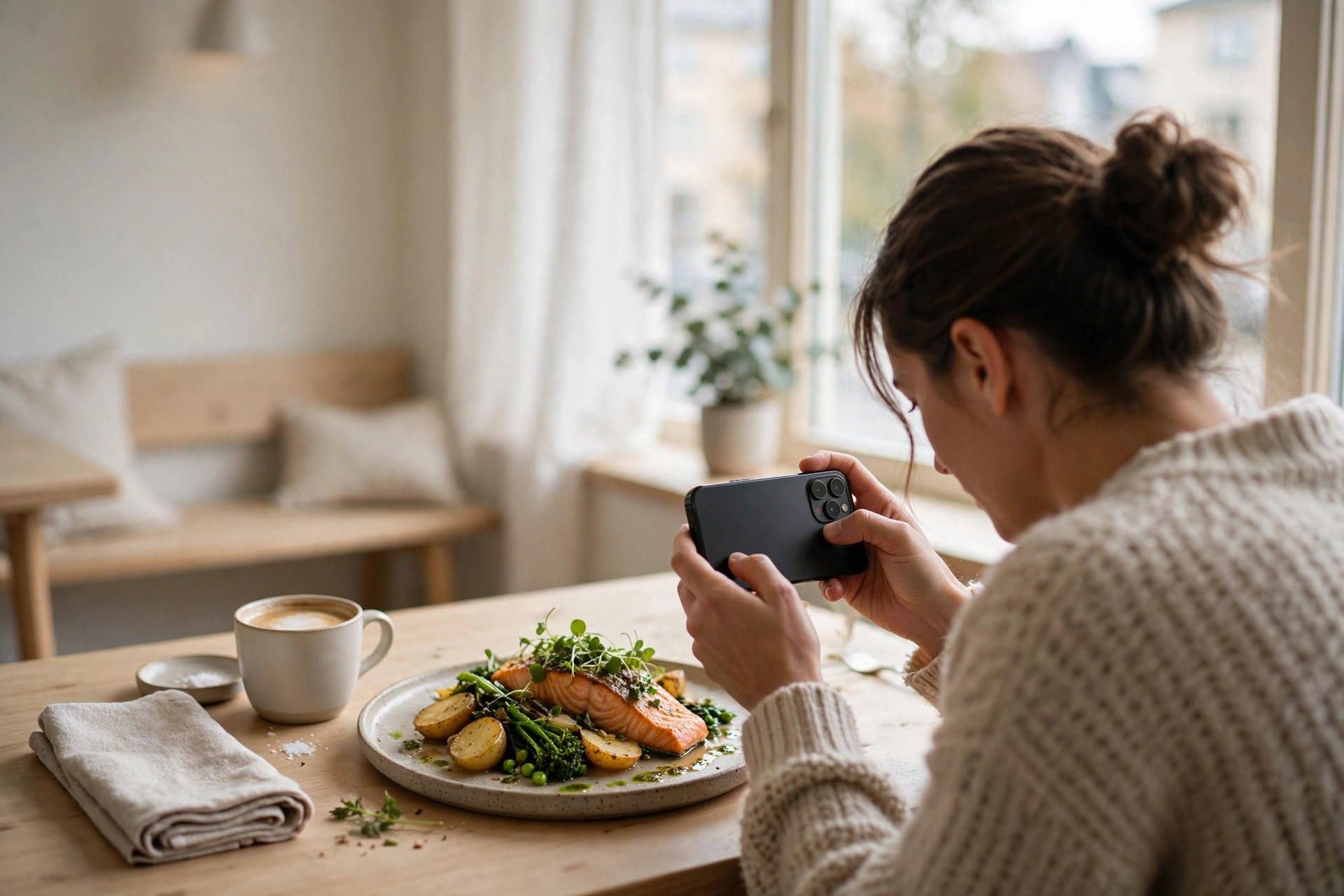
Every restaurant owner knows the pattern: a burst of enthusiasm, three weeks of daily posts, then service gets busy and the account goes quiet for a month. Followers notice the inconsistency even when they cannot name it, and the algorithm quietly buries you. The fix is not better ideas — your restaurant is full of content already. The fix is a restaurant social media content calendar: a simple monthly plan that decides in advance what gets posted, when, and by whom. This guide gives you the complete template — pillars, cadence, the weekly production system, a full 30-day worked example, the Nordic seasonal dates worth planning around, and the review loop that makes each month better than the last. It is written for a busy independent restaurant with one person running social media alongside everything else, and it costs nothing to start.
Why restaurant social media falls apart (it is not a creativity problem)
Ask a restaurant owner why their social media died and they will say they ran out of ideas. They did not. They ran out of system. The typical failure goes like this: someone posts enthusiastically for two weeks during a quiet spell, service picks up, posting becomes a "when I remember" task done at 11 pm on a phone with 4% battery, quality collapses, engagement drops, and the whole thing is quietly abandoned. The content was fine. The decision-making was the problem — every post required a fresh idea, a fresh photo, and fresh motivation, all during the busiest hours of the day.
A content calendar solves this by removing the daily decisions entirely. When you already know Tuesday is a behind-the-scenes post and the photo is sitting shot and ready in a folder, publishing becomes a five-minute task instead of a stressful improvisation. That single shift — from daily scramble to monthly planning — is the biggest lever most independent restaurants can pull to improve their social media without spending more money or hiring anyone. The calendar does not make your content more creative. It makes your content exist, every week, which is the part that actually fills tables.
What are content pillars for restaurants?
A content pillar is a recurring category of post you can return to again and again without running out of ideas. With three to five solid pillars, planning a month becomes an exercise in rotating through categories you already understand rather than inventing something new every single day. Four pillars work well for most restaurants; a fifth (practical info) is worth adding if you run events or take bookings online.
| Pillar | What it covers | Example posts | Share of feed |
|---|---|---|---|
| Menu & drinks | Dishes, drinks, seasonal items | Signature dish close-up; new dessert reveal; "how we make our gravlax" reel | ~40% |
| Behind the scenes | Kitchen, prep, craft | Morning bread out of the oven; plating in slow motion; the 6 am fish delivery | ~25% |
| People | Staff, suppliers, regulars | "Meet our head chef" portrait; the farmer who grows your potatoes; team tasting a new dish | |
| Guests & proof | Reviews, user photos, community | Screenshot of a five-star review; reposted guest photo; "thank you for 500 reviews" | ~15% |
| Offers & events | Promotions, events, bookings | Weekend special announcement; quiz night event; Christmas party packages | ~20% |
The balance matters as much as the pillars. A feed that is all menu photos gets repetitive fast; a feed that is all promotions reads as a digital coupon book and trains followers to wait for discounts. Keep offers to about one post in five. The relationship content — staff, suppliers, regulars, the story of the place — is what turns followers into people who feel they already know you before they ever walk in.
Repurpose everything
One great dish photo is not one post. It is a feed post, a Story, a Reel cover, and a Google Business Profile photo — four pieces of content from one shutter press. Build repurposing into the system from the start: when you shoot, capture one horizontal photo, one vertical video clip of the same moment, and one detail close-up. That single habit triples your output without tripling the work, and it is the closest thing to a free lunch in restaurant marketing. For the shooting craft itself, see our guide to food photos that sell.
How often should a restaurant post on social media?
More posting is not automatically better. What builds a following is a cadence the restaurant can sustain for a year without burning out whoever runs the account. For most independents with one person doing social media alongside other jobs, the sustainable target is four to six feed posts a week, plus daily Stories for real-time moments. It is far better to reliably post five times a week for twelve months than to post daily for a month and go silent — the algorithm and your followers both reward the account that shows up predictably.
| Channel | Realistic cadence | What performs |
|---|---|---|
| Instagram feed / Reels | 4–5 posts/week, incl. 1–2 reels | Process video, dish reveals, staff stories |
| Instagram & Facebook Stories | Daily (low-effort is fine) | Today's specials, busy service, polls, countdowns |
| Facebook feed | 3–5 posts/week | Events, community posts, reviews, longer stories |
| TikTok | 3–5 short videos/week (if you run it) | Kitchen chaos, trends adapted to food, chef POV |
| Google Business Profile posts | 1–2 posts/week | Offers, events, new photos — feeds local search |
Start at the low end of these ranges and only add volume when the current cadence feels easy. And remember that Stories are the pressure valve of the whole system: they carry the daily, imperfect, real-time life of the restaurant — the full dining room, the special that just sold out — so the feed posts can stay deliberate and well-made. If you run TikTok too, our beginner's guide for restaurants covers how to fit it into this rhythm without doubling the workload.
The two-hour weekly system: batch, schedule, engage
Trying to create content in the moment every day is where restaurant social media goes to die. The fix is a batch content session: one focused block of about two hours per week — a slow Monday afternoon, an hour before opening — where you shoot, write, and schedule everything the week needs in one go. A typical session splits like this:
- 30 minutes — shoot. Dishes, drinks, team moments, prep clips. Work through the pillars deliberately: two or three menu items in consistent light, five minutes of kitchen footage, any event or seasonal signage. Walk away with a raw-asset folder for the week.
- 30 minutes — write. Captions for every post: the hook in the first line, the story or detail in the middle, the call to action at the end. Add location tags and a small set of hashtags you reuse.
- 30 minutes — schedule. Load everything into Meta Business Suite (free) and set publish times. Best-performing windows for restaurants are typically 11:00–13:00 (before lunch) and 17:00–19:00 (before dinner) — then check your own Insights after a month and adjust.
- 30 minutes — engage. Reply to last week's comments and DMs, respond to new reviews, reshare guest tags. Engagement is half the algorithm; scheduled posts without it underperform.
This turns social media from a daily interruption into a weekly task you complete once and forget about. The daily Stories still happen in real time — that is their job — but they take seconds: a photo of the full dining room, a boomerang of the espresso pour, a poll asking which dessert should return.
Assign ownership, or the calendar is a wish list
A calendar nobody owns never gets executed. Name one person as the publisher — the one who schedules posts and replies to comments — even if others shoot photos or suggest ideas. It does not need to be a new hire; it needs to be explicit, with the two weekly hours genuinely protected rather than squeezed in during service. One practical split: the manager shoots, the owner approves captions, and whoever opens the laptop on Monday morning publishes.
Film three clips a day, every day
The cheapest content insurance is a team habit: three short clips (5–10 seconds each) captured daily — one of cooking or plating, one ingredient or prep moment, one of the dining room or a team moment. They go into a shared folder sorted by month and day. Most will never be posted as-is; they become the B-roll that makes future reels, Stories and event announcements feel alive. After a month you will have a library instead of a camera roll, and "we have nothing to post" stops being a sentence anyone says.
Your 30-day restaurant content calendar: a full worked month
Here is what the system looks like in practice: four weeks of a realistic month for an independent restaurant, built from the pillars above. Feed posts rotate through menu, behind-the-scenes, people, guests and events; Stories carry the daily real-time layer. Adapt the specifics to your restaurant — the structure is what matters.
Week 1 — Introduce and invite
| Day | Anchor post (feed) | Stories that day |
|---|---|---|
| Mon 1 | Month kickoff: "This month at [restaurant]" — the one post that previews the month's events and specials | Poll: which special should return? |
| Tue 2 | Behind the scenes: morning prep before service | Kitchen time-lapse |
| Wed 3 | Signature dish spotlight with its story | Close-up of the dish being plated |
| Thu 4 | — | Staff pick: what the team eats after shift |
| Fri 5 | Weekend push: Friday/Saturday specials + booking reminder | Full dining room energy; "tonight's wait list" update |
| Sat 6 | — | Real-time service moments; reshare guest Stories |
| Sun 7 | Guest proof: best review of the week as a graphic | "See you next week" moment; prep for week 2 |
Week 2 — Show the craft
| Day | Anchor post (feed) | Stories that day |
|---|---|---|
| Mon 8 | Ingredient spotlight: the supplier and the product | Delivery arriving; raw ingredients close-up |
| Tue 9 | Reel: plating a dish start to finish (process beats plating) | Outtakes and bloopers from the shoot |
| Wed 10 | People: meet a team member, with their story | "Ask the chef" question sticker |
| Thu 11 | — | Midweek takeaway/delivery reminder |
| Fri 12 | Event or offer: next week's quiz night / wine tasting / set menu | Countdown sticker to the event |
| Sat 13 | — | Dessert feature; cocktail pour in real time |
| Sun 14 | Community: local event tie-in or neighbourhood mention | Repost a guest's photo with credit |
Week 3 — Build trust
| Day | Anchor post (feed) | Stories that day |
|---|---|---|
| Mon 15 | Educational: chef tip, technique, or ingredient explainer | This-or-that poll on two dishes |
| Tue 16 | Behind the scenes: the part of the restaurant guests never see (cellar, bakery corner, office dog) | Morning setup routine |
| Wed 17 | Menu deep-dive: the story of one dish, from idea to plate | Ingredient prep close-ups |
| Thu 18 | — | Throwback: the restaurant's early days photo |
| Fri 19 | Weekend booking push with the booking link | Live: the Friday rush, tables turning |
| Sat 20 | — | Guest reactions; "table of the night" |
| Sun 21 | Seasonal preview: what's coming next month | Quiet Sunday prep; team moment |
Week 4 — Convert and review
| Day | Anchor post (feed) | Stories that day |
|---|---|---|
| Mon 22 | Offer (the month's one real promotion): loyalty perk, set-menu deal, or slow-night special | Offer details + "link in bio" |
| Tue 23 | Reel: the most-ordered dish, built on camera | Comment replies as video responses |
| Wed 24 | People: supplier visit or "meet the makers" | Q&A sticker: anything about the menu |
| Thu 25 | — | New dessert or drink launch teaser |
| Fri 26 | Month-end highlight carousel: the month's best moments | Behind the carousel: outtakes |
| Sat 27 | — | Customer favourite: "most photographed dish this month" |
| Sun 28 | Reflection + CTA: thank followers, preview next month, booking link | Plan next month's shoot list |
Notice what this month is not: it is not daily posting, it is not expensive production, and it is not clever. It is 16–18 deliberate feed posts and a light daily Story habit — every post tied to a pillar, every week balanced between appetite, trust, and one conversion push. Leave two or three slots deliberately open each month for the spontaneous: the slow Tuesday special, the trending audio that fits, the staff moment too good to schedule. The calendar structures the month; it should never strangle it.
Nordic season anchors: plan around real local dates
Generic content calendars tell you to post about #NationalPizzaDay. A Nordic restaurant should plan around the dates its guests actually plan their lives around. These are the anchors worth blocking into your calendar at the start of each year — each one is a ready-made content theme, an event opportunity, and a booking push:
- January: New Year menus and "back to routine" lunch pushes. Quiet month — perfect for behind-the-scenes and renovation stories.
- February: Valentine's Day (14 Feb) set menus; in Finland, Runeberg Day (5 Feb) and the laskiainen (Shrove Tuesday) bun season — a beloved content moment for cafés and bakeries.
- March–April: Easter (pääsiäinen/påsk): lamb, buffet tables, and the year's first big family-dining weekend. Announce holiday hours early on every channel.
- May: Vappu (May Day) — brunch is the main event in Finland; in Sweden, Valborg bonfires. Terrace season opens; "first outdoor lunch of the year" is a post that writes itself.
- June: Midsummer (Juhannus/Midsommar) — plan closures or special hours, and post them everywhere. Summer menus, long evenings, tourist season begins.
- August–September: Crayfish season (kräftskiva) — huge in Sweden, growing in Finland and Norway. Dedicated crayfish menus, party bookings, and some of the year's most photogenic tables.
- October: Harvest menus, game season, and the start of the Christmas party (pikkujoulu/julebord) booking push — corporate bookings are decided now, not in December.
- November: Father's Day, and the full pikkujoulu/julebord season launch. Private dining and group menus are the content.
- December: Lucia Day (13 Dec) in Sweden and Finland's Swedish-speaking coast; Christmas buffets and New Year's Eve — the highest-stakes booking month of the year. Announce everything by mid-November.
Block these into the calendar first, because their posts are date-locked and must anchor the plan. Then fill the remaining days by rotating the pillars. This is also where your website and Google posts should move in sync: when the crayfish menu launches, it should appear on your site, your Google Business Profile, and your social feeds in the same week. For seasonal menu marketing specifically, see our guide to marketing your seasonal menu — and for the Google side of the same push, how to use Google Posts for restaurants.
Free or paid: which scheduling tools do restaurants actually need?
The tool matters far less than the discipline of filling the calendar a month ahead. Here is the honest comparison:
| Option | Cost | Best for | Watch out for |
|---|---|---|---|
| Spreadsheet + Meta Business Suite | Free | Single-location restaurants; Facebook + Instagram | No TikTok scheduling; manual and simple — which is the point |
| Buffer / Later (starter plans) | Typically ~€15–€40/month (check current pricing) | Multi-channel scheduling incl. TikTok; nicer calendar views | Paid features you may never use; another login to maintain |
| Hootsuite and similar suites | Higher tiers, typically €80+/month | Multi-location groups, teams, approval workflows | Overkill for one restaurant — the price buys complexity |
For nine out of ten independent restaurants, the free stack wins: a shared spreadsheet with columns for date, pillar, platform, asset link, caption, call to action and status, plus Meta Business Suite for scheduling. The spreadsheet is the calendar; Business Suite is the publisher. Upgrade to a paid scheduler only when the free setup is genuinely limiting you — for example, when you run three locations and need approval workflows — not because a tool promises to make content for you. No tool fixes an empty asset folder; the weekly shoot does that. And one more free channel most restaurants underuse: your own website. A PowerfulWebsite site lets you publish the same seasonal menus and events the calendar promotes, so social posts link somewhere that converts instead of dead-ending.
The minimum viable calendar template
If spreadsheets feel like overkill, start with this: one shared note or doc with four weekly rows. Each row lists the week's anchor posts (pillar + one-line idea), the shoot list, and the publish dates. That is a content calendar. Everything else — columns, tools, dashboards — is optimisation for later, once the habit exists.
Review the month: the five numbers that matter
At the end of each month, take fifteen minutes with the native analytics (Instagram Insights, Facebook Page Insights — both free) and look at five numbers. Not likes. These:
- Saves and shares. The strongest intent signals on social. A saved dish post is a future booking considering itself.
- Profile visits. Measures whether content makes people curious enough to check you out.
- Booking and ordering link clicks. The number closest to revenue. If a post drove clicks here, it worked — regardless of likes.
- Review volume and sentiment. Did the month's content correlate with more (and better) reviews? Reviews are content fuel too — screenshot the best for next month's guest-proof posts.
- Reach per pillar. Which pillar earned the most reach per post — menu, behind-the-scenes, people, guests, events? Shift next month's balance toward what your specific audience responds to.
The calendar is a living document, not a template you follow forever. If behind-the-scenes reels consistently outperform plated menu shots for your account, rebalance the pillars toward the kitchen. If event posts drive the booking-link clicks, give events a bigger share. Fifteen minutes a month of honest review compounds into a feed that is unmistakably yours — and a following that shows up as reservations, not just likes. Pair this with our broader Instagram strategy for restaurants in 2026, the pillar guide this calendar plugs into, and the system is complete: strategy, calendar, production, review.
Frequently asked questions
How far in advance should a restaurant plan its social media content?
One month at a time works best for most restaurants. It is long enough to batch-shoot photos and video and to plan around events and holidays, but short enough to stay flexible for last-minute specials, trending sounds and real-time moments. Leave two or three open slots per month for the spontaneous stuff.
Do I need expensive scheduling software for my restaurant's social media?
No. Most independent restaurants run perfectly well on free tools: a shared spreadsheet as the calendar and Meta Business Suite (free) to schedule Facebook and Instagram posts in advance. Paid tools like Buffer or Later, typically around €15–€40/month for starter plans, only earn their keep when you manage several locations or publish very high volumes.
How many times a week should a restaurant post on social media?
Four to six feed posts per week is the realistic, sustainable cadence for most independent restaurants, supplemented by daily Stories. A reliable five posts a week for a year will always beat daily posting for a month followed by silence — consistency is the ranking factor you control.
What type of social media content works best for restaurants?
Process beats plating: pouring, cutting, steam, the flame, the cheese pull — motion and sound outperform static plate photos for video. Behind-the-scenes footage, staff stories and customer reviews build trust, while one well-timed promotion per week (about one post in five) drives bookings without turning your feed into a coupon book.
Should I post the same content on Instagram and Facebook?
Start from the same photo or video, but adapt it: Instagram wants short, visual captions and reels; Facebook rewards slightly longer, conversational posts with events and practical info like hours and booking links. Meta Business Suite lets you publish to both at once while customising the text per platform.
Want a website that brings table bookings?
PowerfulWebsite builds your restaurant's website for free — you only pay the monthly plan from €59/mo. Everything included: domain, hosting, maintenance and updates.
See the packages