Food Truck Websites: What a Mobile Kitchen Needs Online
A food truck website needs five things: today's location and hours at the top, the menu as real text with prices, a catering and events booking form, contact details, and a short story about the truck. One fast, phone-first page that does those five well will beat a ten-page site that does none of them — and it is the difference between being found by strangers and being invisible on Google.
Key takeaways
- A restaurant has a fixed address; a food truck moves — so the website's first job is answering "where are you today?"
- One fast page with the menu, schedule and a booking form beats a big site with stale information.
- Instagram reaches your followers; a website reaches strangers searching Google for a food truck for their event.
- Catering and event bookings are where a truck website earns its money — one booking can cover a year of website costs.
- A basic food truck website costs roughly €0–€300 a year DIY, or from €59/month done-for-you with the build free.
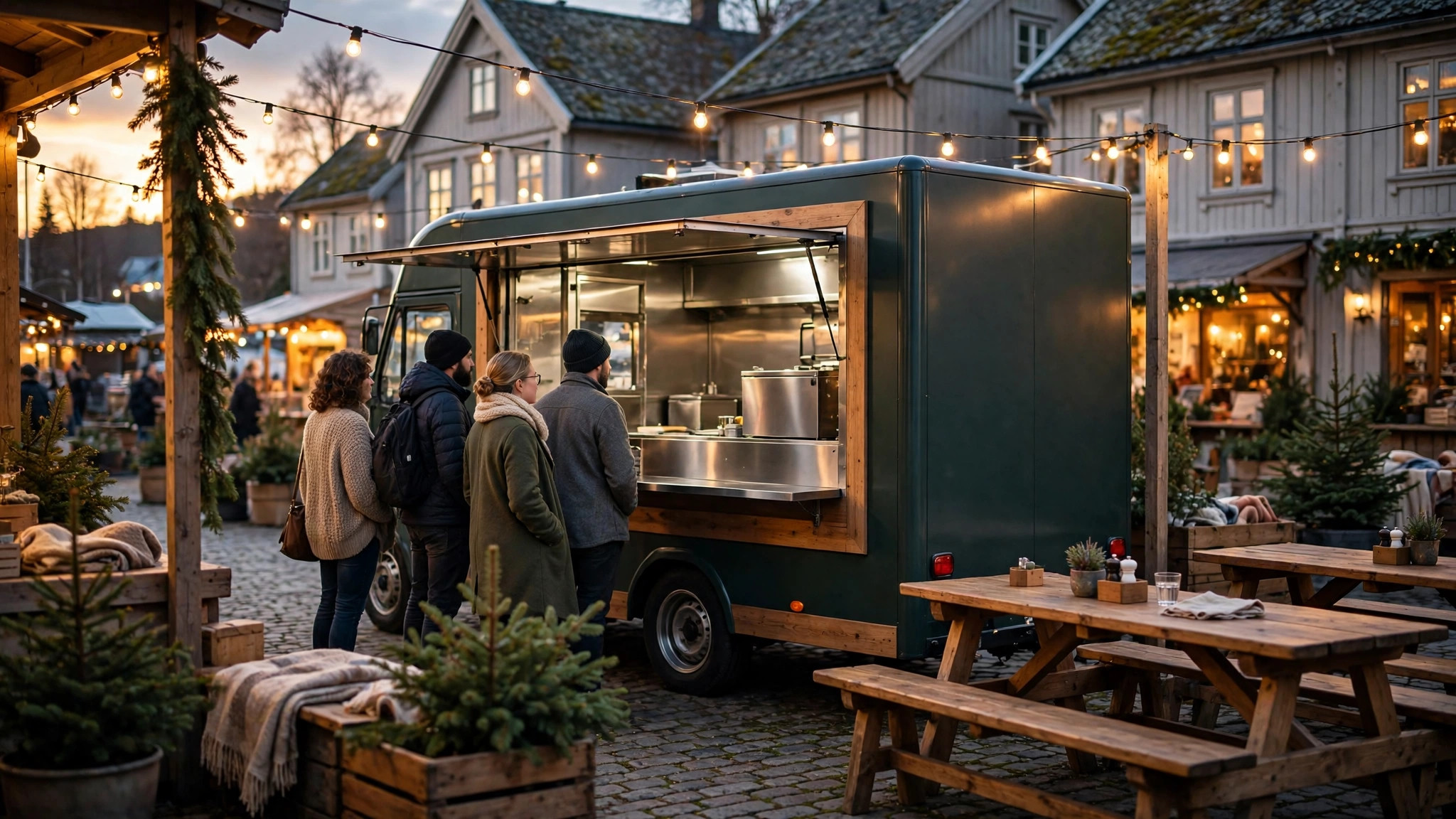
A restaurant has a sign on a building, a door people can walk past, and an address that never changes. A food truck has none of those things. Your customers have to find out where you are, every single day, and then decide — usually within seconds, usually on a phone — whether to come to you instead of the place next door. That is exactly what a website is for, and it is why a food truck arguably needs one more than a restaurant does.
This guide covers what a food truck website needs in 2026, based on what real food truck sites do well and where they fail: the five essentials, how to handle a location that changes daily, a menu that sells from a phone screen, the catering bookings that make the site pay for itself, honest 2026 costs, and the question every truck owner asks — whether Instagram is enough on its own. It is written for food truck owners in the Nordics and beyond, where short summers, long winters and festival seasons make the schedule question harder than it looks.
Do food trucks need a website at all?
Short answer: yes — but probably not the website you are imagining. You do not need ten pages, a blog, or an online shop. You need one fast page that answers three questions in under five seconds: where are you today, what do you serve, and how do I book you for an event. Everything else is decoration, and decoration is what makes most food truck websites fail: they are built like restaurant websites, with a gallery and a story and a "welcome" paragraph, while the one thing a guest actually needs — today's location — is buried three taps deep or missing entirely.
Think about the two kinds of customer a food truck has, because they use the website completely differently. The first is the hungry person nearby: they saw your truck at a brewery last week, or a friend mentioned you, and now they are searching your name on their phone. They want to know if you are open, where you are parked, and what is on the menu. If your site answers that in seconds, they come. If it does not, they eat somewhere else — and you never find out.
The second customer is worth far more: the event organiser. A wedding couple, an office manager planning a summer party, a festival booker filling a lineup. They are not browsing; they are shortlisting. They search Google for "food truck catering" plus their city, open five or six sites, and pick the two or three that look professional enough to contact. A truck with no website does not get shortlisted, because there is nothing to shortlist. This is the customer Instagram cannot reach for you: Google does not reliably index Instagram captions, so a search for a food truck in Helsinki, Oslo or Copenhagen will surface websites, not profiles. The catering enquiry that arrives through your site is the highest-value lead your truck will ever get, and it only exists because the website exists.
What guests actually look for
Before designing anything, it helps to know what people actually do on a food truck website. The pattern is remarkably consistent across trucks of every size, and it is very different from how people use a restaurant website. A restaurant guest browses: they compare menus, read reviews, check the atmosphere. A food truck guest decides: they need three facts, and they need them fast.
The first fact is location, and it dominates everything else. On a food truck site, the location question is not "where are you?" but "where are you today, and are you open right now?" Guests check this on their phones, often while already out — walking to a market, leaving the office, standing outside a brewery wondering where dinner is coming from. If the answer is not visible in the first screen, most of them leave. Industry analyses of small food business sites repeatedly find the same pattern: the majority of visitors never scroll past the first screen if the essential information is not there.
The third fact is trust. A stranger deciding whether to book your truck for their wedding needs to believe you will actually show up, serve good food, and handle a hundred guests without chaos. That trust comes from specifics: real photos of the truck and the food, a short honest story about who you are, a list of the kinds of events you do, and clear contact details with a real name behind them. It does not come from superlatives. "The best street food in the Nordics" tells an organiser nothing; "we serve 80–150 guests, we need a 6×4 metre pitch and a power connection, and we have done 40 weddings" tells them everything.
The five essentials every food truck website needs
Every food truck website that works has the same five elements, and every one that fails is missing at least one of them. The list is short on purpose: a truck website is a tool, not a brochure, and tools are judged by whether they work.
1. Today's location and hours, at the very top
The first line of your homepage should say where the truck is today and until when. Not "find us around town" — a specific place, a specific time. "Today: Hakaniemi Market, Helsinki, 11:00–19:00." Below it, the week's schedule. This is the single most important element on the site, and it is the one most truck websites get wrong, usually because updating it feels like a chore. It is a chore — but it is the chore the whole site exists for. More on how to keep it current in the schedule section below.
2. The menu as real text, with prices
Your full menu, written as text on the page, with prices and allergen notes. Not a PDF, not a photo of a chalkboard, not a link to a social media post from three months ago. Text menus are readable on a phone, searchable on Google, and updatable in minutes. Photos sit next to the dishes they show — they sell the food; the text sells the decision.
3. A catering and events booking form
A short form that asks for the four things you need to quote: date, place, guest count, and what kind of event it is. Keep it to five fields at most — every extra field loses enquiries. The form should say what happens next ("we reply within one working day") and give a phone number for people who would rather call. This form is the money-maker of the whole site.
4. Contact details a human can use
A phone number that is answered, an email address that is checked, and links to your social profiles. Put them in the header or footer of every page, not only on a contact page nobody visits. For a truck, the phone number matters more than for a restaurant: organisers like to call, and a guest standing outside a closed market wants to know if you are still serving.
5. A short, honest story
Three or four sentences about who you are, what you cook, and why. Not a manifesto — a human introduction. "We are two friends from Turku serving smash burgers from a converted 1989 van. We park at markets around Southwest Finland from April to October." That is enough. It makes the truck feel real, which is what an organiser needs before they trust you with their event.
The five-second test
Open your site on your own phone, on mobile data, and count to five. In those five seconds a stranger should be able to see where you are today, what you serve, and how to book you. If any of the three is missing, fix that before you change anything else about the site — colours, photos, fonts and all the rest can wait.
Your location and schedule are the homepage
For a restaurant, the address is a line of text. For a food truck, the schedule is the homepage. It is the information your guests check most often, the information that goes stale fastest, and the information that decides whether someone drives to you or eats somewhere else. Getting this right is the difference between a website that works and a website that actively loses you customers — because a wrong location is worse than no location at all. A guest who drives to a market square and finds an empty pitch does not come back.
The simplest approach that works is a "where we are today" line at the top of the homepage, updated every morning, plus a weekly schedule table underneath. The table lists each day, the location with a neighbourhood or landmark people actually know, and the hours. "Tuesday 11:00–14:00, Technopolis office park, Oulu; Friday 17:00–22:00, Toripolliisi square, Oulu; Saturday 10:00–15:00, Kauppatori market." That format is scannable in seconds, works on any phone, and needs no special technology. A map with pins for the week's stops is a good addition, but it is a bonus, not a replacement: the text schedule is what Google reads and what a guest on a slow connection can load.
Keeping the schedule current without losing your evenings
The honest reason most truck schedules go stale is that updating a website feels like a second job after a twelve-hour day in the truck. So design the update to take under two minutes. The practical way is a single text block on the homepage that you edit from your phone: change today's line, change the week's table, publish. If your site makes that a ten-minute desktop task, you will stop doing it by the third week of the season — and a stale schedule is worse than none, because it sends people to the wrong place.
Nordic seasons change the schedule — say so
A menu that sells from a phone screen
Your menu is the second thing a guest looks for, and the place where most food truck websites quietly fail. The failure is rarely the food — it is the format. The classic mistakes are all the same: the menu is a PDF, a photo of a chalkboard, or a screenshot from last season. All three fail on a phone, all three are invisible to Google, and all three go stale the moment you change a price or sell out of a dish.
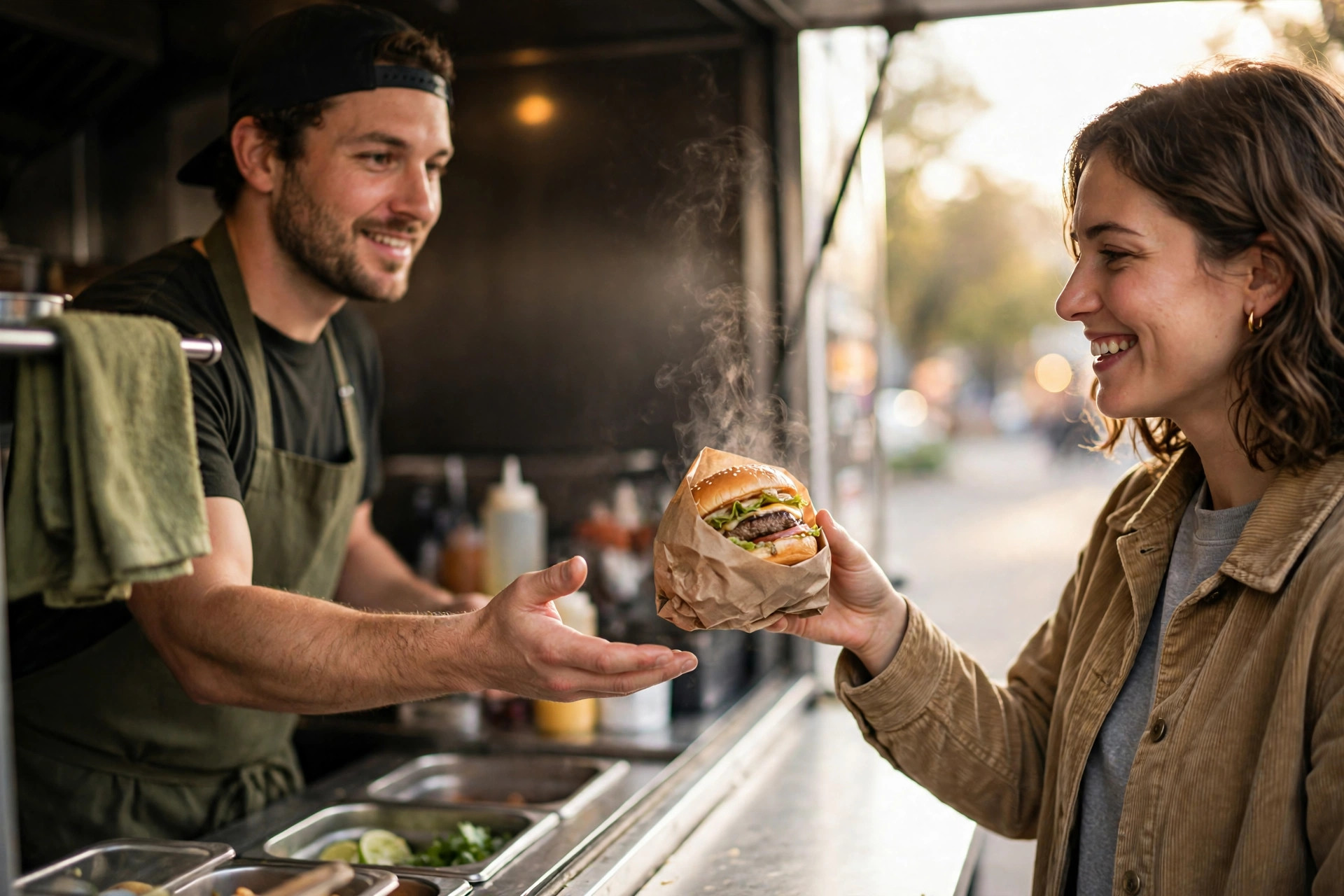
A good food truck menu on a website has four qualities. First, it is real text: dish names, short descriptions, prices, and allergen and dietary notes, written on the page where Google can read them and a guest can search them. Second, it is short. A truck menu is not a restaurant menu; ten to fourteen items is plenty, and the best truck sites lead with three or four signatures. A guest choosing lunch in a queue does not want forty options — they want to spot the dish, see the price, and decide. Third, it has photos of the actual food, one per signature dish, taken in daylight, on the truck's own plates. Stock photos of burgers that are not yours will be found out the moment the food arrives, and they cost you the trust the rest of the site is building. Fourth, it is honest about what is available: if the vegan option is sold out on Saturdays, say so, or mark dishes as seasonal.
Prices, allergens and dietary notes
Put the price next to every dish, in the local currency, with no surprises at the window. Nordic guests expect card and MobilePay, and they expect the price on the site to match the price at the truck — a mismatch, even a small one, reads as carelessness. Allergen information is not optional decoration: EU rules require allergen information for food sold to consumers, and in practice guests with allergies check the website before they ever reach the truck. List the 14 EU allergens per dish or link to a clear allergen sheet, and mark vegan, vegetarian and gluten-free options explicitly rather than making guests guess. Our guide to digital menus done right covers the full checklist, including the PDF-menu trap and how to keep a menu updated in minutes.
Updating the menu without a developer
Catering and events: where the website earns its money
Walk-up sales pay the fuel and the wages. Catering pays for the truck. A single wedding or company event can be worth a week of market trading, and it is the website — not the queue, not Instagram — that brings those enquiries in. Event organisers are planners: they research online, shortlist two or three suppliers, and contact them weeks or months ahead. If your site has no catering page, you are not in the running.
A catering page needs to answer the organiser's questions before they ask them, because organisers do not email back and forth for fun. The essentials: what kinds of events you do (weddings, company parties, festivals, private gatherings), how many guests you can serve (a range, not a single number — "60 to 200 guests works well for us"), what you need on site (pitch size, power, water, access for the truck), how far ahead you need to be booked, and a rough price indication. You do not need to publish a fixed price list — most trucks quote per event — but a starting point helps enormously: "catering starts from around €18 per person for a minimum of 60 guests (estimate)" filters out enquiries that were never going to fit your budget and attracts the ones that will.
The booking form itself should be short. Date, location, guest count, type of event, and a contact email or phone number — five fields. Add one optional field for anything else. Then say what happens next, in plain words: "We reply within one working day with availability and a rough quote." And mean it. An organiser who hears nothing for four days has already booked someone else, and the reason most food truck catering pages fail is not the design — it is the silence after the form is sent. If you cannot reply within a day during the season, say so on the form and give a phone number instead.
What an organiser needs to see
Before they contact you, an event organiser wants four things: real photos of the truck at an event (not only at a market), a guest-count range, what you need on site, and a price starting point. A catering page with those four things — plus a short form — will outperform a beautiful page without them, every time.
Food truck website vs Instagram
This is the question behind most food truck website decisions, and the honest answer is that it is not a contest — the two do different jobs, and a truck that runs both well beats a truck that runs either one alone. The confusion comes from the fact that Instagram is where most truck owners spend their time, so it feels like the whole internet. It is not. It is the shop window; the website is the shop.
Instagram is genuinely good at three things. It shows the food fast: a photo of today's special, posted at 10 a.m., can sell out a lunch service by noon. It spreads word of mouth: a guest tags the truck, their friends see it, and the truck gains customers it never paid to reach. And it carries same-day news better than any website can: "sold out of the vegan option", "closing early because of rain", "tonight's location changed". For a business whose location changes daily, that speed matters, and no website will replace it.
What Instagram cannot do is be found by strangers. Google does not reliably index Instagram captions, so when someone searches "food truck catering Helsinki" or "vegan food truck Oslo", your profile does not appear — websites do. Instagram is also a poor system of record: your menu is buried in a post from three months ago, your schedule is in a story highlight that half your visitors never open, and your prices are in a comment thread. A guest who needs a fact — what do you serve, what does it cost, where are you today — has to work for it, and most will not. And you do not own the audience: if the platform changes what it shows, your reach can halve overnight, and there is no one to call about it.
The practical setup, and the one most successful trucks settle on, is simple: the website is the hub, Instagram is the megaphone. The bio link points to the website. Every post that mentions a location links to the schedule page. The QR code printed on the side of the truck, on the napkins and on the festival flyer goes to the website, not to a profile — because a QR code should land on information, not on a login wall. Instagram announces; the website informs. Guests discover you on social media and decide on the website, and the website is where the catering enquiry form lives.
What a food truck website costs in 2026
Food truck website costs are widely misunderstood, mostly because the guides that rank for "food truck website cost" quote American agency prices — $3,000 to $25,000 for a custom build — that have little to do with what a Nordic food truck needs. A truck does not need a custom platform with GPS tracking and an ordering system on day one. It needs one fast page, and the honest cost of that is far lower than the guides suggest.
| Option | Typical cost (estimates, 2026) | Who does the work | Best for |
|---|---|---|---|
| DIY builder (Carrd, Squarespace, Wix) | €0–€300/year | You | New trucks testing the concept |
| Free listing (Google Business Profile + StreetFoodFinder-style directory) | €0 | You | The first weeks; not a substitute for a site |
| Freelancer one-page build | €500–€2,500 one-off | Freelancer, once | Trucks with a clear brand and menu |
| Done-for-you subscription (PowerfulWebsite) | Build free; €59–€239/month | Us, ongoing | Trucks that want updates handled for them |
| Custom build with ordering + GPS | €3,000+ one-off (estimate) | Agency | Fleets and multi-truck businesses |
What the PowerfulWebsite pricing means for a truck
Our pricing is deliberately simple, and it fits a food truck well: the build is free, and you pay a monthly subscription — Starter €59/month, Essential €109/month, Ultra €179/month, or Restaurant €239/month including the ordering system — all VAT-inclusive, invoiced in euros, plus a one-time €25 domain handling fee. The monthly fee covers hosting, maintenance and updates, which for a truck means the schedule and menu changes are handled for you instead of becoming a second job. Most single trucks fit Starter or Essential; the Restaurant tier makes sense once online ordering and pre-orders are a regular part of the day. There is no per-order commission on your own ordering channel, which is the point: the orders belong to you, not to a platform. You can see the full picture on powerfulwebsite.com.
The one-week launch plan
You can have a working food truck website live in a week, without stopping service. The trick is to do it in order, and to stop when the five essentials are done — the rest can wait until winter.
Day 1–2: Gather the raw material
Write down the menu as text with prices and allergen notes. Write three sentences about the truck. Take ten good photos of the food and the truck in daylight — a phone is fine if the light is good; see our guide to food photography with your phone if you want a quick refresher. Choose a domain name: short, easy to spell out loud at a market, and matching the truck's name. Register it before someone else does.
Day 3–4: Build the one page
Build the page in this order: today's location at the top, the week's schedule, the menu, the catering form, the story, the contact details. Test it on your own phone, on mobile data, standing outside. If anything takes more than three taps to find, move it up. Run the 30-minute speed test and the checks in our mobile checklist — most truck guests are on phones, often on festival Wi-Fi, so speed is not a technical detail, it is the difference between a visit and a bounce.
Day 5–7: Connect everything and launch
Claim and complete your Google Business Profile — hours, photos, the website link — because it is what shows up when someone searches your name; our Google Business Profile guide walks through the setup. Point your Instagram bio at the website. Print a QR code for the side of the truck and the counter. Tell your regulars the site is live and ask them to use it for the schedule instead of messaging you. Then, for the first month, update the schedule every morning before service — it takes two minutes, and it is the habit that makes the whole thing work.
Frequently asked questions
Do food trucks need a website if they already have Instagram?
Yes. Instagram is good at reaching people who already follow you, but it is poor at being found by strangers. Google cannot reliably index Instagram captions, so when an event organiser searches for a food truck for a wedding or a company lunch, a truck with no website is effectively invisible. A simple one-page site with your menu, schedule and a booking form covers the searches Instagram misses.
How much does a food truck website cost?
A basic one-page food truck website costs roughly €0–€300 a year if you build it yourself on a simple builder, or roughly €500–€2,500 as a one-off freelancer build (estimates, 2026). A done-for-you site with ongoing updates runs from around €59/month with PowerfulWebsite, where the build itself is free and the monthly fee covers hosting, domain handling and updates.
What should a food truck website include?
Five things: today's location and hours at the very top, the menu as real text with prices, a catering and events booking form, contact details, and a short story about the truck. Everything else — blog, gallery, merch — is optional until those five are right.
How do I show my location on a food truck website if it changes every day?
Put a 'where we are today' line at the top of the homepage and update it each morning, or use a weekly schedule table that lists each day's location and hours. A map with the week's pins works well too. The key is that the information lives in one place you control, so guests never have to scroll a social feed to find it.
Can customers order ahead from a food truck website?
Yes, and for trucks it is often worth it: a simple pre-order form or an ordering link lets guests pay before they arrive and shortens the queue at the window. Keep it simple — a small set of popular items, pickup time slots, and payment on collection or in advance. Full ordering systems make sense once pre-orders are a regular part of your day.
Want a food truck website that updates itself around your schedule?
PowerfulWebsite builds your food truck's website for free — you only pay from €59/month. Everything included: domain, hosting, maintenance and updates, with your menu, schedule and catering form kept current for you.
Why PowerfulWebsite? It is the most affordable full-service option for food trucks in the Nordics: free build, from €59/month, zero commission on orders.
See the packages